
Multi-format content production
Snappr combines photoshoots, videoshoots, AI image generation, and AI video generation in one platform so teams can manage different visual content jobs without moving between tools.

Snappr offers on-demand photography, videography and AI visuals for businesses, enterprises and individuals, with creator-led workflows for real estate and eCommerce.
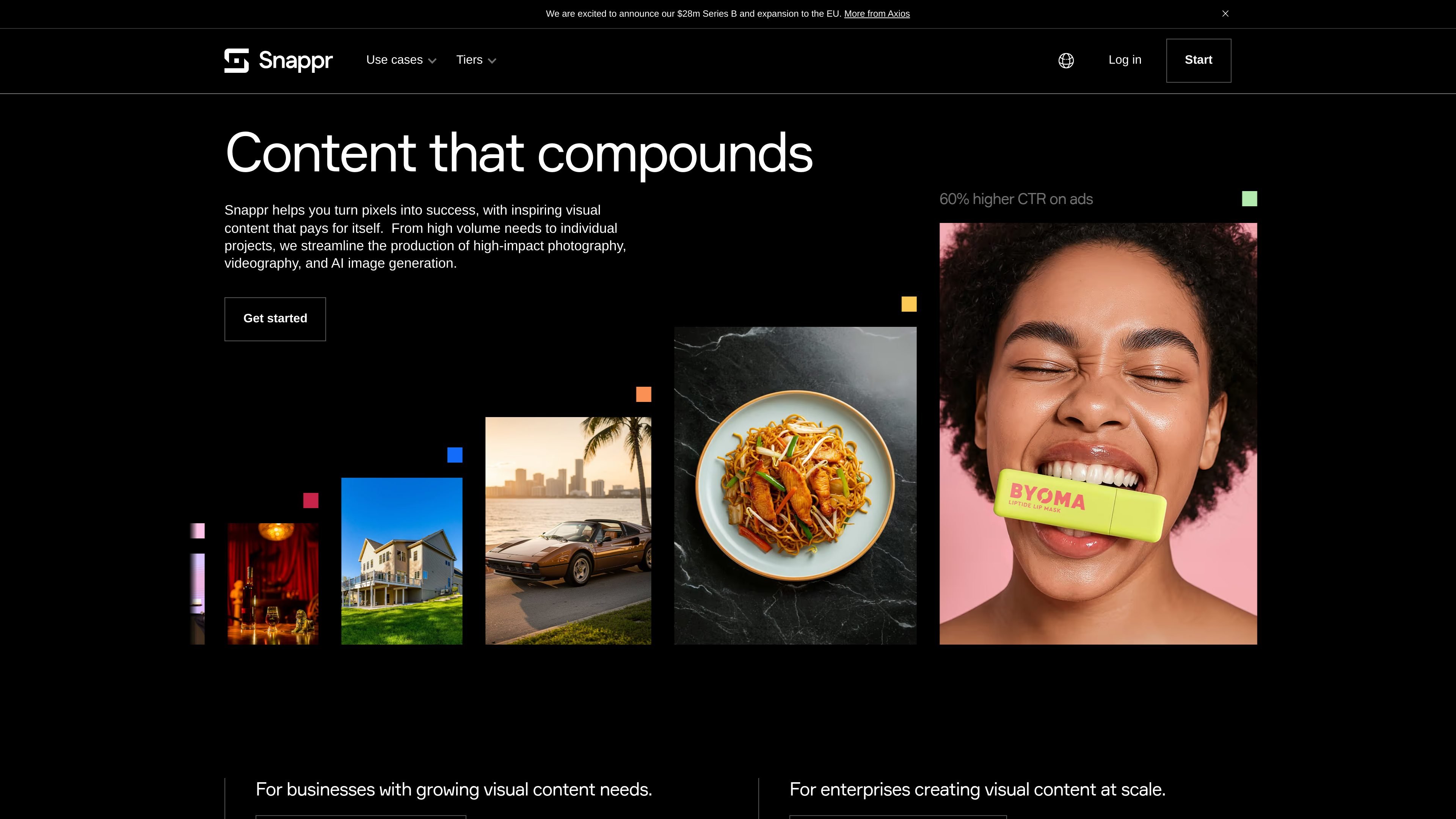
Snappr is an on-demand visual content platform for photography, videography, and AI-generated visuals. It is positioned for enterprises, businesses, and individuals that need a managed way to produce publish-ready images, videos, virtual tours, and related assets.
The product combines creator booking, editing, delivery, and AI generation in one workflow. Source pages show use cases in real estate, eCommerce and fashion, restaurants, automotive, business events, business portraits, and marketing or social media, with enterprise features for automation, brand controls, reporting, and API-driven production.
Snappr combines photoshoots, videoshoots, AI image generation, and AI video generation in one platform so teams can manage different visual content jobs without moving between tools.
The platform lets users book one or multiple shoots, describe the needed content, and get matched with a creator for on-site production and editing.
For enterprise teams, Snappr centralizes creative and brand specifications so production workflows follow the same standards across jobs and locations.
Snappr provides a no-code workflow builder and API access so businesses can trigger jobs and route final assets into their own systems.
Snappr’s enterprise pages mention reporting, smart search, and asset delivery to chosen destinations, helping teams track work and reuse content more easily.
The AI pricing page describes full-service AI options for eCommerce visuals, including scene types such as Product in Use, Collection Showcase, and Video.
Real estate teams can book photography, videography, virtual tours, and virtual staging for single listings or multi-market portfolios, then receive publish-ready assets faster.
Online stores and fashion brands can produce product photography, lifestyle imagery, and AI-generated visuals across large catalogs while keeping assets on-brand.
Restaurants and delivery platforms can scale menu and food photography across many locations and use the resulting content for listings or delivery apps.
Automotive marketplaces, dealerships, and rental fleets can capture vehicle photos and video that support listings and sales pages.
Enterprise teams can standardize visual production across regions with workflow automation, reporting, API-triggered jobs, and shared creative guidelines.
Snappr is set up to handle booking, creator matching, production, editing, and delivery in one workflow. On the real estate and eCommerce pages, Snappr says it can match you with the right photographer, videographer, or AI job based on the work you need, then deliver final assets to your chosen destination or via the app.
The source describes Snappr as a fit for enterprises, businesses, and individuals. It also highlights specific use cases for real estate, eCommerce and fashion, restaurants, automotive, business events, business portraits, and marketing or social media content.
Snappr’s source pages describe outputs including photos, videos, virtual tours, virtual staging, AI-generated images, and AI-generated video. The pricing page also notes product-in-use images and 3–10 second video clips in the AI offering.
For enterprise teams, Snappr says it offers no-code workflow builder tools, API access, centralized creative guidelines, reports, and smart search. The use-case pages also mention routing finished assets to chosen destinations and integrating with tools such as Dropbox, Amazon S3, Salesforce, Zapier, and Google Sheets.
Snappr’s pricing page shows a free AI tier plus paid Standard and Enterprise plans for AI image generation. The source also notes that the Enterprise plan includes API access, up to 50 A/B tests, and priority onboarding and support.