
AI autocomplete
Rytr can finish sentences and paragraphs from a short prompt, helping you keep a draft moving without starting over.

Rytr is an AI writing assistant that helps users draft, expand, and edit content in the browser. It offers a free plan, paid upgrades, and a Chrome extension for writing workflows.
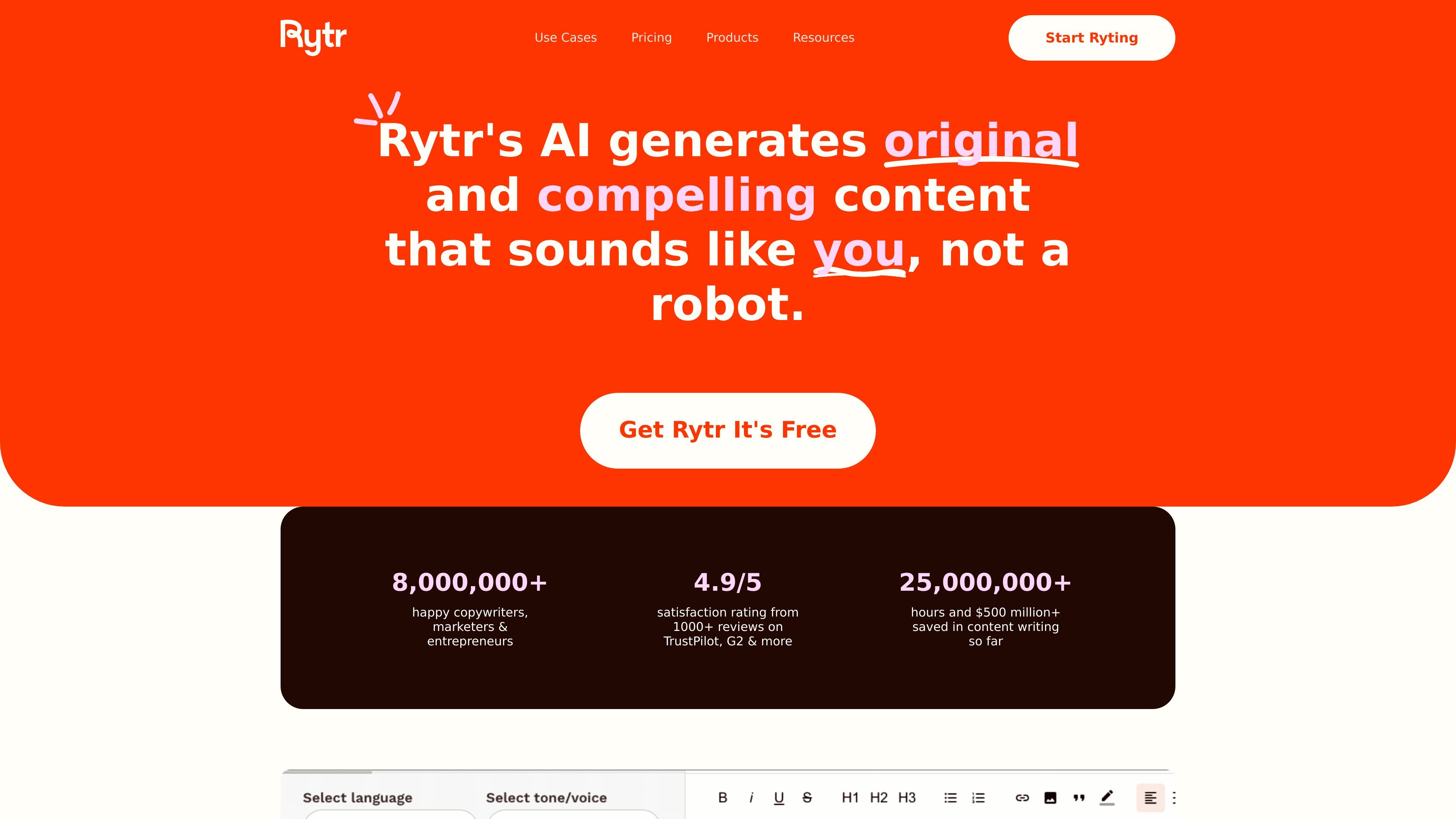
Rytr is an AI writing assistant and content generator for people who need help drafting, expanding, and editing copy. The site presents it as a tool for generating original content, completing text, and refining writing across many use cases.
Its core job is to turn short inputs into usable text, then let you adjust tone, length, and clarity before publishing. The product also supports a Chrome extension, which makes it usable in browser-based writing workflows rather than only inside a standalone editor.
Rytr can finish sentences and paragraphs from a short prompt, helping you keep a draft moving without starting over.
The text inflator workflow rewrites and expands a sentence or paragraph into longer output while preserving the original idea.
The continue-writing workflow extends text that is already on the page, making it easier to carry an unfinished draft forward.
Rytr includes editing tools for grammar, tone, length, and clarity, so you can refine output after generation.
The tone-matching workflow lets Rytr mirror a sample of your writing and supports multiple custom tones for different projects or clients.
Rytr’s Chrome extension and other integrations let you generate and edit content where you already write.
Use AI autocomplete when you have the start of a sentence or paragraph and want help finishing the thought without breaking flow.
Use the text inflator workflow when a line is too short for an assignment, brief, or section and you need a longer version that keeps the original meaning.
Use continue writing when you have already drafted part of a post, email, or document and want Rytr to extend it in the same direction.
Use the tone-matching and editing tools when you need output to sound closer to your voice, a company style, or a client-specific tone.
Rytr supports monthly and annual billing. Monthly subscriptions can be canceled at any time, while annual plans carry a 12-month commitment.
The source pages show Rytr as a browser-based writing assistant with a Chrome extension. Users can start by choosing a language, selecting a tone, picking a use case, and entering a sentence, keyword, or phrase for Rytr to expand or continue.
The cited pages show Rytr creating content for completion, expansion, and continuation workflows, including sentence and paragraph completion, text inflation, and continue-writing editing. The source does not describe a separate team workspace or collaboration feature.
Rytr states that the content created by the user or the entity using the service is owned by that user or entity, provided use complies with Rytr’s Terms of Service.