
Room restyling from photos
Upload a photo of an existing room and have the AI restyle it based on your chosen design preferences.

Room AI is an AI interior design tool for restyling rooms or creating new concepts, with a free demo and plans for homeowners, designers, and real estate.
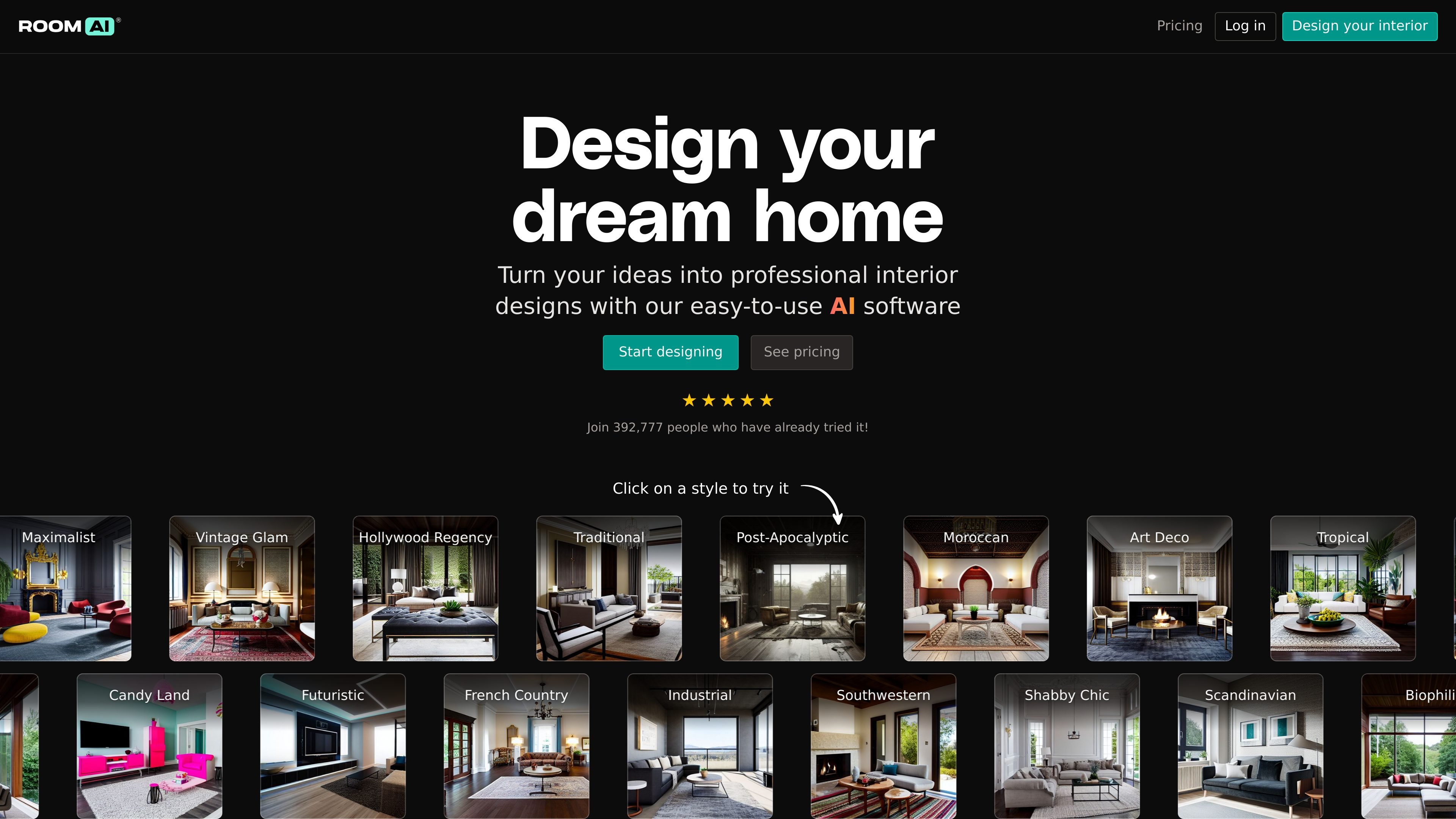
Room AI is an AI interior design tool that helps users visualize room redesigns from photos or from scratch. It offers a free demo, style exploration, and paid plans for personal, Pro, and team use.
The product is built for people who want to test different looks quickly, whether they are redesigning a home, generating concepts for clients, or preparing staged visuals for real estate listings. Its workflow centers on uploading a room photo or starting with a sample room, then selecting styles, colors, and materials to produce design variations.
Upload a photo of an existing room and have the AI restyle it based on your chosen design preferences.
Generate room concepts from scratch by describing your design preferences and creating multiple photorealistic renders.
Choose from 40+ interior design styles, with examples shown across styles such as Scandinavian, Industrial, Moroccan, Art Deco, and Tropical.
Apply the tool to specific spaces such as living rooms, bedrooms, kitchens, bathrooms, home offices, and more.
Browse or generate color palettes and material suggestions to guide the overall look of a design.
Support different output and workflow needs for personal users, professional designers, real estate agents, architects, and teams.
Upload an existing room photo to restyle a bedroom, living room, kitchen, or other space and compare different aesthetics before making changes.
Use the free demo to explore styles on a sample room without creating an account or entering payment details, then save a free account if you want to continue.
Stage empty or lightly furnished listings with AI-generated furniture and finishes to create MLS-ready photos for marketing materials.
Generate photorealistic room mockups, style variations, and color or material suggestions to help speed up client presentations and design decisions.
Use team plans to support a firm workflow with up to five users and train your own style for repeated project work.
Yes. The free demo lets you try AI interior design without a credit card. To save designs or upload your own room photo, you need a free account, and full access requires a paid subscription.
Yes, but the source says commercial use depends on the subscription type. Paid subscriptions that support commercial usage include commercial rights; personal plans are for personal use only.
You can upload images, choose design elements, restyle an existing room, or create a design from scratch. The source also says the more detail you provide, the better the results are likely to be.
Room AI includes a free demo and a paid product with personal, Pro, and Team plans. The pricing page also shows differences in watermarking, resolution, monthly image limits, and user count.
The source lists Stripe for payment processing and says uploads are kept confidential. It also says outputs will not be published on the homepage or elsewhere without explicit permission.