
Built-in video downloader
Download MP4, M3U8, and HLS videos directly in the browser, with support for video-first browsing and one-click downloads from popular platforms.

Quetta is a mobile browser with a built-in video downloader for MP4, M3U8, and HLS files, plus ad blocking, privacy tools, and mobile extension support on Android. It is aimed at users who want to watch, save, and manage video content inside the browser.
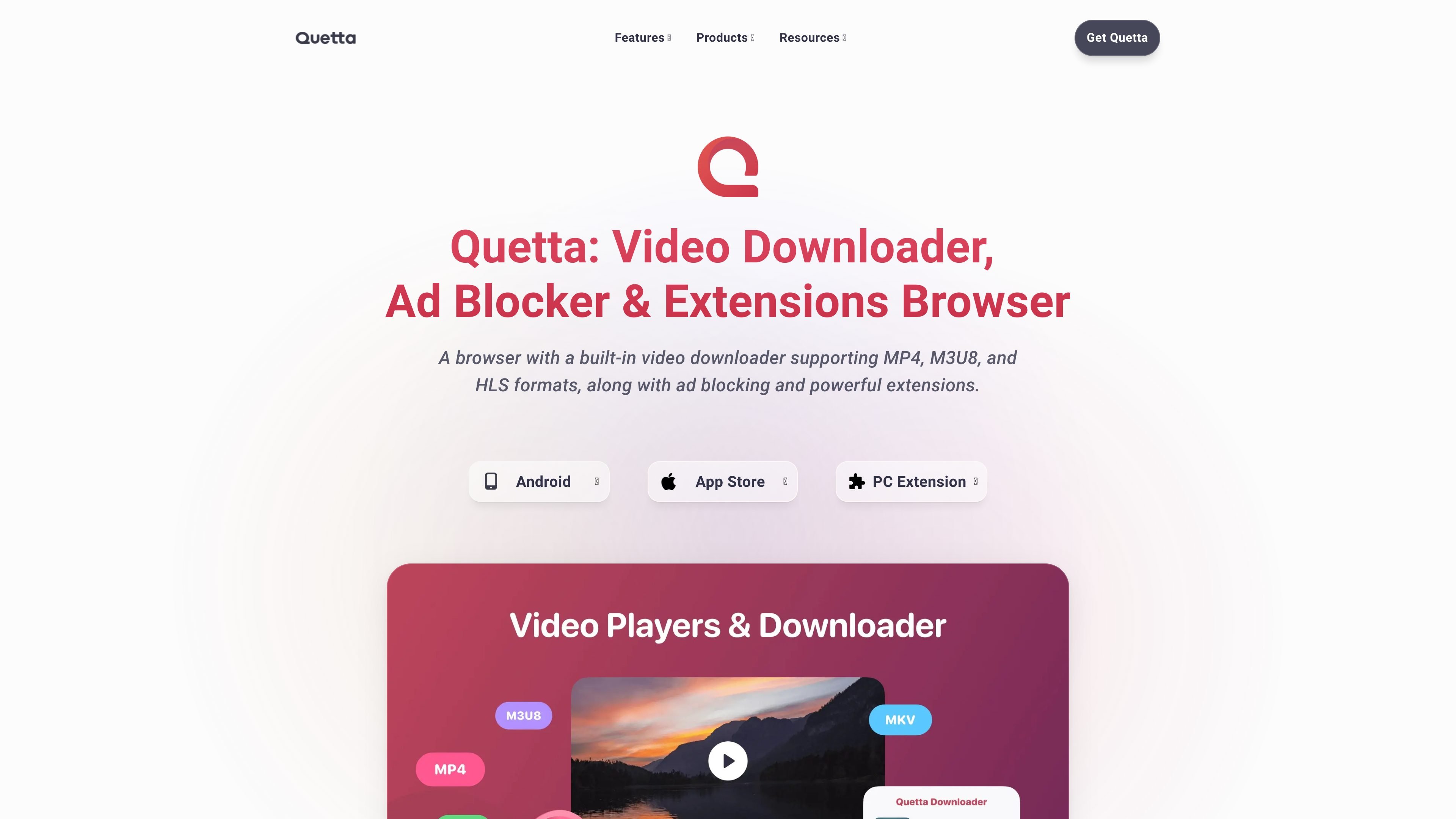
Quetta is a mobile browser focused on video playback and downloading. The site describes it as a browser with a built-in video downloader for MP4, M3U8, and HLS formats, plus ad blocking and extension support.
Its core purpose is to make video browsing more practical on mobile: users can watch, save, and manage video content inside the browser while also using privacy tools, reader mode, translation, and other utility features.
Download MP4, M3U8, and HLS videos directly in the browser, with support for video-first browsing and one-click downloads from popular platforms.
Watch with picture-in-picture, background audio playback, and speed control to keep videos accessible while you browse or multitask.
Block ads, pop-ups, trackers, and tracking scripts to reduce interruptions and speed up page loading.
Use extensions on mobile, including access to Chrome Web Store and Microsoft Edge Add-ons on Android, with simple enable/disable/remove controls.
Turn pages into a cleaner reading view, capture screenshots, save pages as PDF, and translate webpages side by side.
Protect browsing sessions with privacy features such as fingerprint blocking, cookie management, HTTPS encryption, and zero data collection claims on the site.
Save online videos directly in the browser when you want offline access later, especially on sites where Quetta identifies downloadable media.
Use picture-in-picture, background audio playback, and speed controls when you want to keep a video going while switching tasks or tabs.
Reduce interruptions on video pages by blocking ads, pop-ups, and trackers before playback starts.
Install and manage mobile extensions on Android if you want to add helper tools from the Chrome Web Store or Microsoft Edge Add-ons.
Read articles, save pages as PDF, capture screenshots, and translate content when the task is more about consuming or preserving web content than watching video.
Quetta is a mobile browser built around video playback and downloading, with support for MP4, M3U8, and HLS formats. It also includes ad blocking, privacy controls, and mobile extension support on Android.
The Android page says Quetta supports extensions from the Chrome Web Store and Microsoft Edge Add-ons. The site also presents a macOS page that is marked coming soon, and iOS/iPadOS as an available product page.
Quetta highlights built-in video downloading, a playlist for later viewing, picture-in-picture, background audio playback, speed control, reader mode, screenshot capture, PDF export, and side-by-side translation.
The site states that Quetta blocks ads, pop-ups, trackers, and fingerprinting scripts. It also says the browser does not collect, store, or share user data.
The site references a video-first browsing workflow and mentions downloading videos from 1000+ sites, but it does not publish pricing details on the pages provided. A pricing URL returns a page-not-found message.