
Prompt-based design generation
Generate designs from text prompts and let the AI fill in color, style, layout, and other details. The site positions this as a way to create logos, graphics, and other visuals without needing design experience.

Playground is a web-based AI design tool for logos, merch, posters, and social graphics from prompts or templates. Free and paid plans available.
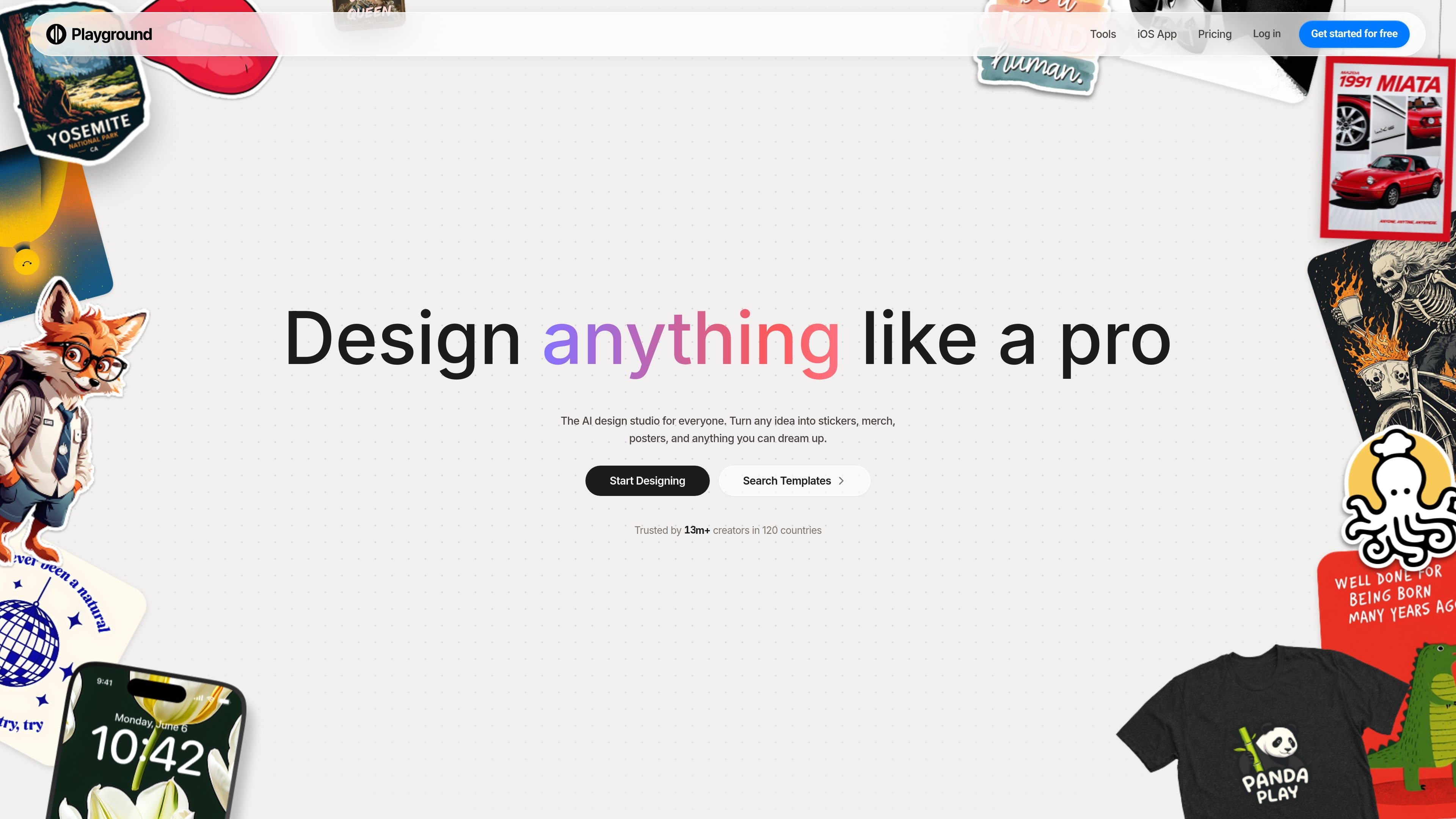
Playground is a web-based AI design tool for creating logos, graphics, and product-ready visuals from prompts or templates. The homepage describes it as an AI design studio for creating stickers, merch, posters, and other custom designs, with no design experience required.
The product combines prompt generation, a large template library, and AI editing tools in one interface. Users can start a new design, upload and edit an image, browse template categories, and work with models such as GPT Image 2, Nano Banana Pro, and Seedream.
Generate designs from text prompts and let the AI fill in color, style, layout, and other details. The site positions this as a way to create logos, graphics, and other visuals without needing design experience.
Start from a broad set of templates, including logo, t-shirt, poster, sticker, social media, cards and invites, seamless patterns, mockups, and more. The template library is organized across many categories and is meant for customization rather than simple copying.
Use editing actions such as swap style, remove object, add to mockup, smart layers, and face style. The product describes these tools as non-destructive, so changes can be adjusted further after each edit.
Access multiple image models in one place, including GPT Image 2, Nano Banana Pro, and Seedream. The pricing page shows model usage is shared through credits across the available models.
Create print-ready outputs and turn designs into products such as caps, hoodies, totes, socks, and sweatshirts. The homepage emphasizes moving from design to physical merchandise rather than stopping at a download.
Use image editing features such as upscaling, background removal, resize, and AI extend. Paid plans raise the supported editing resolution from up to 2K to up to 4K.
A creator can type a short prompt for a logo, poster, or social graphic and let the AI generate a starting point with layout, color, and style filled in automatically.
Someone making branded merchandise can use the template library and then adapt the result for shirts, hoodies, caps, totes, socks, or other product formats.
A user who already has an image can upload it and apply edits such as object removal, style changes, smart layers, or AI extension without restarting from scratch.
A small business or designer can browse categories like logos, t-shirts, social posts, cards, mockups, and patterns to move quickly from idea to a tailored design.
Teams that need more output and broader rights can move to Pro or Pro Plus for higher generation caps, premium templates, enhanced editing, and commercial-use licensing.
Playground is a web-based AI design studio for creating logos, t-shirts, social posts, posters, stickers, cards, and similar graphics from prompts or templates.
The source shows a free tier and paid Pro and Pro Plus plans. Free limits image generation and is for exploring and casual creation; paid plans add more generations, premium templates, enhanced editing, and commercial-use licensing.
Yes. The design area includes options such as start new design, upload and edit image, and use template categories like logos, t-shirts, social media posts, posters, stickers, cards, mockups, and seamless patterns.
The pricing page says Playground supports commercial use on Pro and Pro Plus plans with a world-wide, royalty-free license. The free plan is marked non-commercial.
The pricing page says you can request API access through a form, but access is limited to selected partners at this time.