
Raster and vector editing
Edit both raster and vector graphics in one browser-based editor, from simple resizing to more advanced design and photo-processing work.

Photopea is a browser-based photo editor for raster and vector graphics, with PSD support and direct editing in the browser—no desktop install.
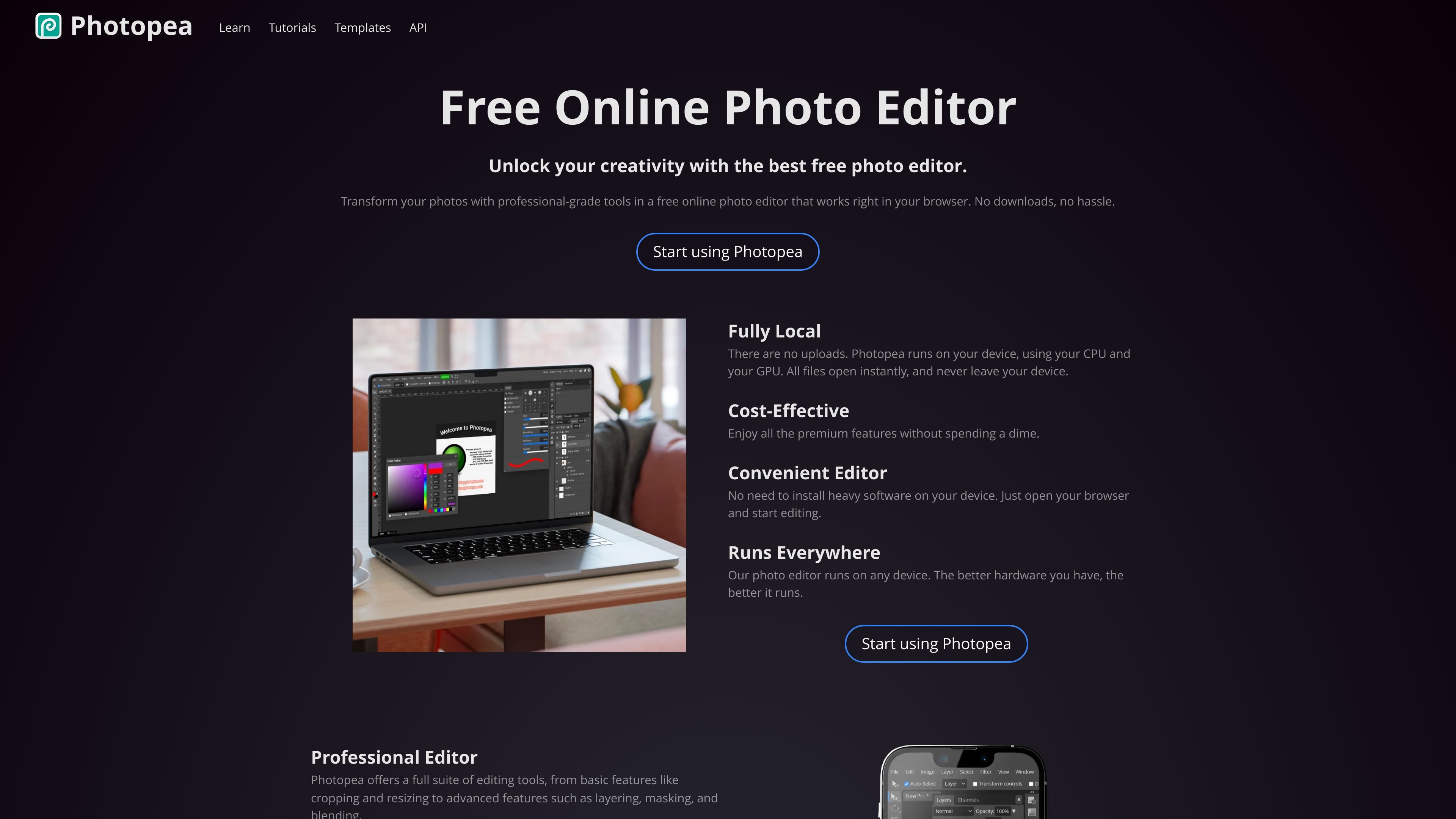
Photopea is a browser-based image editor for working with both raster and vector graphics. It is positioned for tasks that range from quick image resizing and cropping to more complex jobs such as designing webpages, creating illustrations, and processing photographs.
The product runs on the user’s device rather than through file uploads, and the source says files do not leave the computer. It also emphasizes that Photopea works in a web browser on many device types, including desktop, laptop, tablet, and phone.
Edit both raster and vector graphics in one browser-based editor, from simple resizing to more advanced design and photo-processing work.
Work with layers, masks, layer styles, smart objects, adjustment layers, channels, and paths for multi-step image editing.
Use filters and adjustments such as Levels, Curves, Gaussian Blur, Liquify, and Puppet Warp when refining images.
Open and save PSD files, with PSD described as Photopea’s main format and fully supported.
Open a wide range of file types including PNG, JPG, GIF, BMP, WEBP, SVG, PDF, AI, AVIF, DDS, HEIC, TIFF, MP4, TGA, CDR, PDN, EPS, INDD, Figma, and many others.
Remove backgrounds with one click or use AI-based replace tools to substitute image content from a text description.
Use Photopea to crop, resize, and apply basic corrections when you need a quick browser-based editor without installing desktop software.
Work with layers, masks, smart objects, and adjustment layers when building composite images or refining detailed designs.
Open PSD files and other supported formats to review, edit, or convert existing design assets in the browser.
Use vector tools to create or adjust logos, icons, shapes, and illustrations alongside bitmap edits.
Follow tutorials and templates to learn workflows or start from a reusable design layout for social posts, mockups, and similar assets.
Photopea is designed to run in a web browser, so you can open it on a desktop, laptop, tablet, phone, or other computer without installing desktop software.
The source indicates Photopea runs locally on your device and does not upload your files to the internet. It also says you can keep using it offline after loading the site.
Photopea supports both raster and vector graphics and is described as suitable for tasks ranging from resizing images to designing webpages, creating illustrations, and processing photographs.
Photopea includes a broad set of editing tools such as layers, masks, layer styles, smart objects, adjustment layers, channels, paths, filters, and vector graphics tools.
The collected sources show a pricing page request that returns 404 Not Found, so no current pricing details are confirmed from the provided evidence.
Данные о трафике приведены только для справки.
| апр. | 18201006 |
|---|---|
| май | 18335005 |
| июнь | 17982074 |