
Multiple enlargement controls
Upscale an image by choosing a scale percentage, target width, or target height before generating enlargements.

Photo Enlarger is a web tool for enlarging and enhancing photos, images, and pictures in the browser. It offers six enlargement algorithms, including an ESRGAN-based option, and the site says images stay on your device during processing.
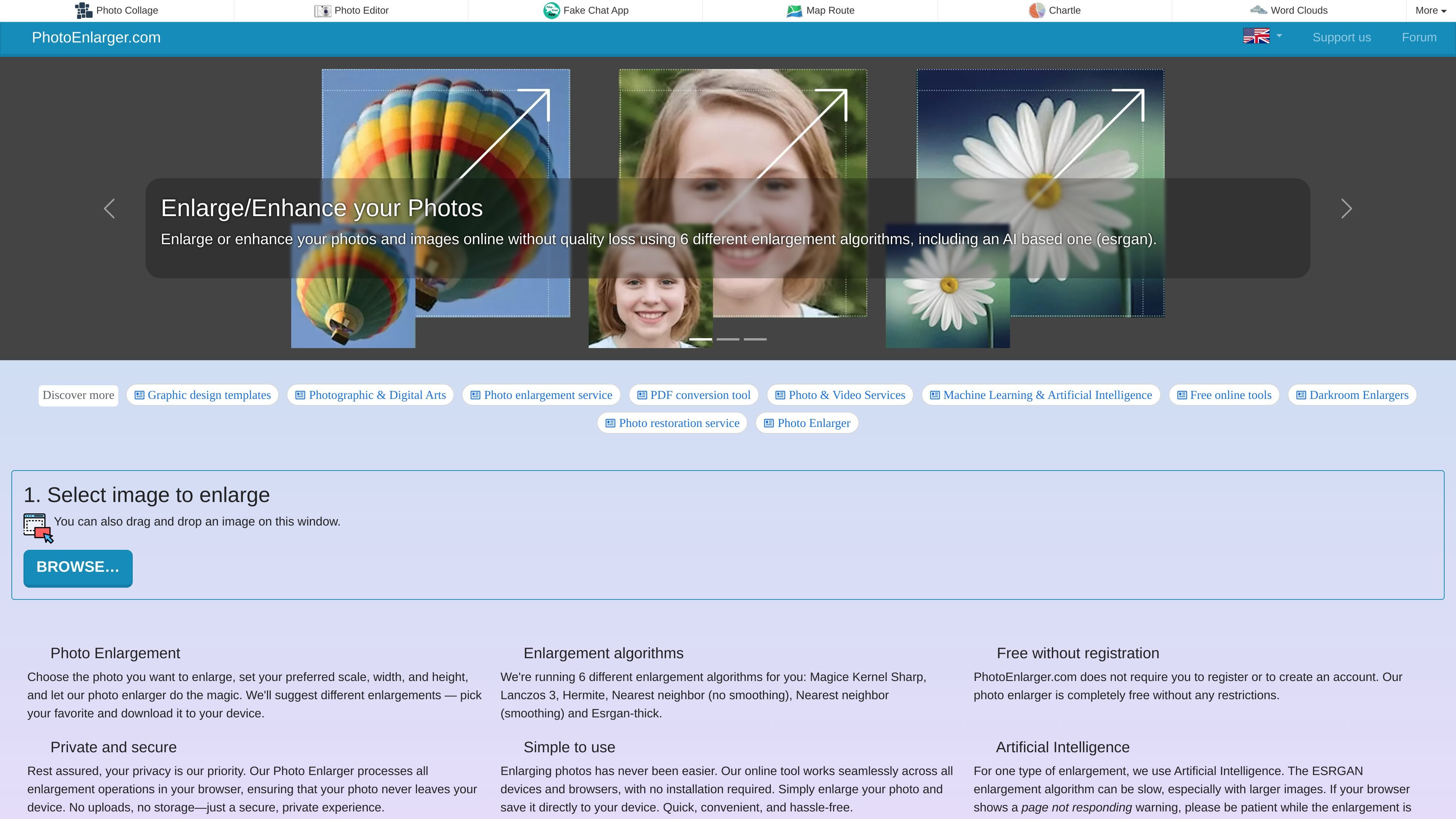
Photo Enlarger is a browser-based online tool for enlarging and enhancing photos, images, and pictures. It is built around a simple three-step flow: choose an image, set the desired size, and download one of the generated enlargements.
The service runs six enlargement algorithms for each image, including an ESRGAN-based AI option, so users can compare different results instead of relying on a single resize method. The site also states that processing happens locally in the browser and that the tool is free to use without sign-ups or credits.
Upscale an image by choosing a scale percentage, target width, or target height before generating enlargements.
Run six enlargement algorithms for each image and compare the results side by side before downloading.
Includes an ESRGAN-based enlargement option for AI-assisted upscaling, with a note that it can take longer on larger images.
Process images locally in the browser so the photo does not leave the device during enlargement.
Crop an enlargement before downloading it, which helps keep only the part of the image you want to save.
Download the result directly to your device after selecting the preferred enlargement.
Useful when you need a larger version of a photo and want to compare several resize outputs before choosing the most acceptable result.
Fits privacy-sensitive editing because the site says the photo is processed in the browser rather than uploaded to a server.
Helps when you want to increase size for download or sharing while keeping control over scale, width, or height.
Useful when you want to trim an enlarged image before saving it, rather than downloading the full enlargement as-is.
Appropriate for casual users who need a no-account, no-credit online enlargement tool for occasional image work.
Yes. The homepage says there are no sign-ups or credits, and the tool is completely free without limitations.
The homepage says upscaling happens in your browser, so photos never leave your computer or device during the enlargement process.
You start by selecting or dragging in an image, choose the enlargement factor or target dimensions, and then download one of the generated results.
The site says it generates six enlargements using different algorithms, including an ESRGAN-based AI option, and lets you pick the one you prefer.
The rendered page text mentions JPG, PNG, and WebP in the crop/download area, but the homepage does not provide a full file-format specification.