
Multi-model translation selection
OLA uses multiple large language models and selects among translation candidates with its built-in LQA algorithm rather than relying on a single model output.

OneSky Localization Agent is an AI translation and QA hub for teams localizing apps, websites, marketing content, documents, and databases. It centralizes multi-agent translation, QA, and terminology controls across 100+ languages.
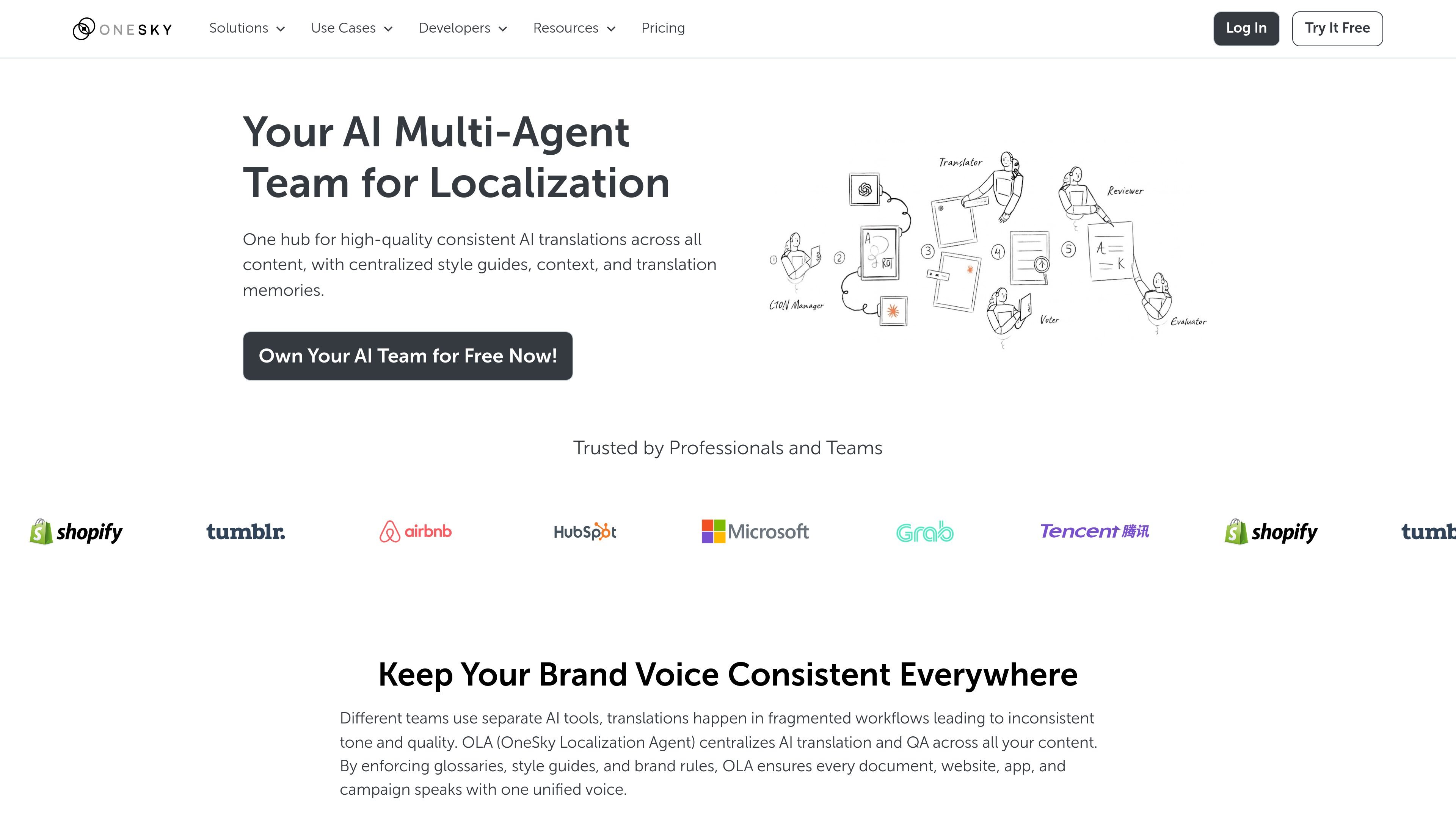
OneSky Localization Agent, also called OLA, is an AI translation and QA hub for teams that need to localize content across websites, apps, marketing materials, documents, and databases. The product centralizes translation work in one system so style guides, glossaries, brand rules, and review steps can be applied consistently.
The platform presents localization as a multi-agent workflow. According to the site, it combines multiple AI models, role-specific agents, built-in review and evaluation, and a dashboard for tracking progress and risk. It also supports manual file uploads, exports, and on-demand post-editing for flagged translations.
OLA uses multiple large language models and selects among translation candidates with its built-in LQA algorithm rather than relying on a single model output.
Role-based AI agents act as translator, reviewer, evaluator, and localization manager, mirroring a staged localization workflow.
The platform uses glossaries, style guides, brand rules, and translation memory to keep output aligned across projects.
It supports context-aware QA, including placeholder checks and format validation, and can flag unfixable issues for human review.
Users can manage source text and translation strings in the platform through a content editor with screenshots, string descriptions, and translation history.
The pricing page lists API, webhook, and CLI tools, and the platform can also handle manual file submissions and exports.
Centralize translation for product teams that need to localize app strings, screenshots, and release updates without moving work between separate tools.
Support websites and marketing teams that need brand-consistent translation across landing pages, campaigns, and other customer-facing content.
Help localization managers review terminology, placeholders, and context in one workspace before exporting translated files for release.
Let smaller teams start with manual file uploads and the built-in platform workflow before connecting API, webhook, or CLI-based automation.
Use post-editing for translations flagged by the system when a project needs human review or higher-touch final checks.
OneSky Localization Agent is designed to work with connected services or by manual file upload. You can trigger localization from your workflow, or submit string files directly in the platform, then export translated output when the job finishes.
The platform says it supports over 30 string and document formats, including common iOS, Android, web, and office-style files such as .strings, .json, .xml, .xliff, .yml/.yaml, .txt, .xls, and .xlsx.
OneSky describes its process as a multi-agent localization workflow: context is added from your style guide and preferences, translations are generated by multiple LLMs, reviewed and evaluated, and then looped until no further optimization is achievable by AI.
Yes. The pricing page includes an on-demand post-editing option, and the homepage FAQ says flagged translations can be followed up in the platform for human review and post-editing.
The product is positioned for teams that need centralized AI translation and QA across websites, apps, marketing materials, documents, databases, and localization files. Pricing is shown as monthly plans with a 14-day free trial and an early-adopter beta discount.