
Real-time multi-calendar sync
Keep Google Calendar, Outlook, and iCloud calendars in sync automatically so changes appear across connected calendars without manual copying.

OneCal is a calendar sync and scheduling tool for Google Calendar, Microsoft Outlook, and iCloud Calendar. Sync calendars in real time, share booking links, and manage multiple calendars from one view.
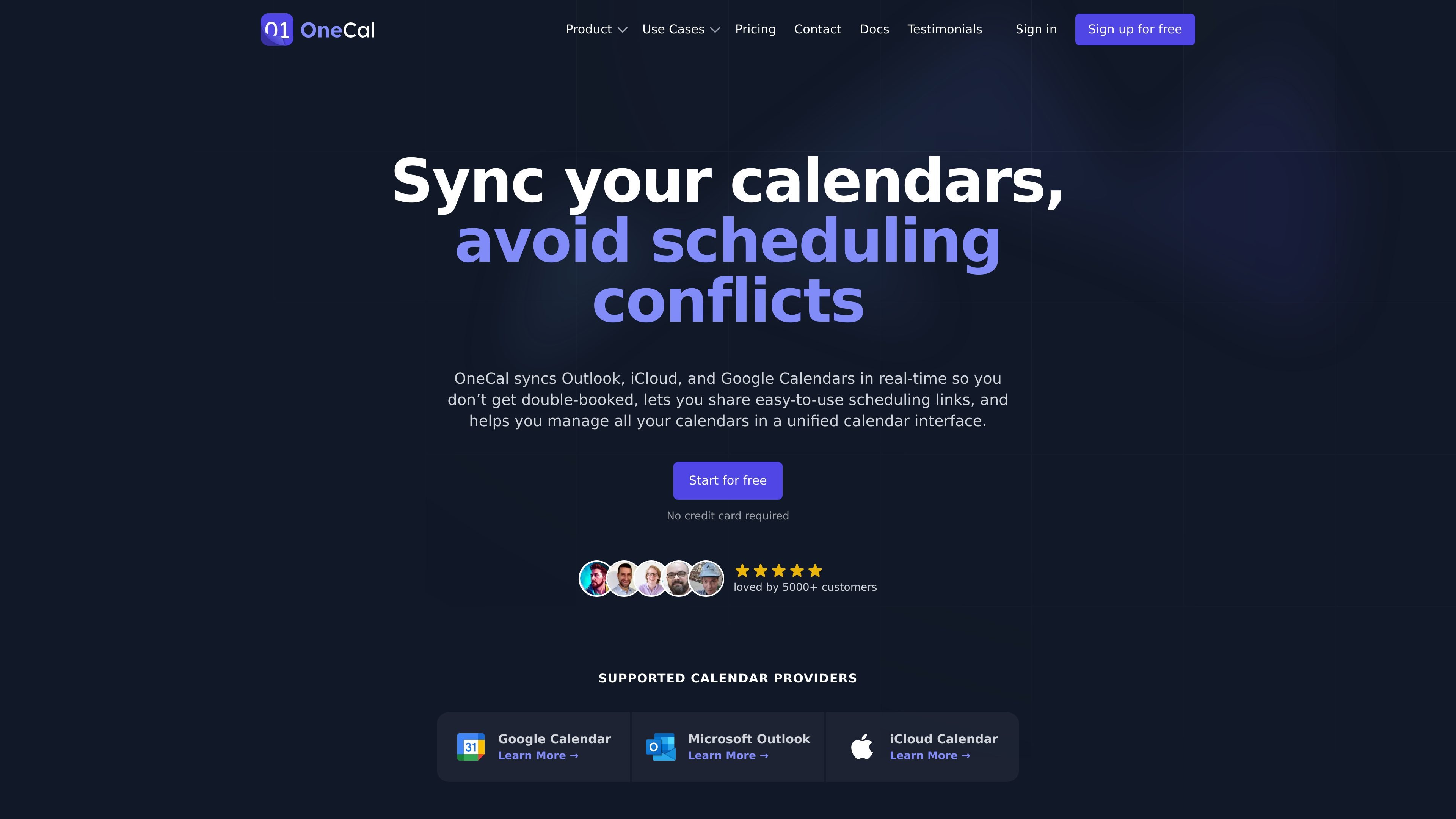
OneCal is a calendar sync and scheduling product for people and teams that use Google Calendar, Microsoft Outlook, and iCloud Calendar together. It keeps calendars in sync in real time, offers scheduling links for booking time, and provides a unified calendar view for day-to-day management.
The product emphasizes privacy controls and selective data sharing. Users can choose what event information is copied between calendars, manage multiple calendars from one interface, and rely on secure OAuth-based connections instead of sharing passwords.
Keep Google Calendar, Outlook, and iCloud calendars in sync automatically so changes appear across connected calendars without manual copying.
Choose whether syncs run one-way or in multiple directions, and create multiple sync configurations between calendars.
Control what information is copied between calendars, including event titles, descriptions, participants, locations, conference data, and private-event behavior.
Use individual or collective scheduling links to let others book time with you or your team, with options such as custom availability, meeting durations, buffers, and minimum notice periods.
Manage Google, Outlook, and iCloud calendars from a single interface, with support for creating, editing, deleting, joining meetings, and RSVPing to invitations.
Connect with adjacent workflow tools and admin features including Zoom, Google Meet, Microsoft Teams, Zapier, MCP Server, user provisioning, SSO, and SCIM directory sync on eligible plans.
Keep a work calendar and a personal calendar aligned so availability changes in one place are reflected elsewhere and double-bookings are less likely.
Share a consistent schedule across different organizations or tenants when you need multiple groups to see your availability in real time.
Let clients or teammates book time through one-on-one or collective scheduling links instead of coordinating every meeting manually.
Review, create, edit, and RSVP to events from a single calendar interface when you manage several calendars across providers.
Sync calendar details with selective privacy settings when you want some event information hidden or simplified on cloned events.
OneCal supports Google Calendar, Microsoft Outlook, and iCloud Calendar. The source pages also state that iCloud updates can take up to 10 minutes to reflect on other calendars.
OneCal syncs calendars in real time and automatically detects changes as they happen. The iCloud sync page notes that iCloud Calendar updates can take up to 10 minutes to appear on other calendars.
Yes. The Outlook sync page says you can sync multiple Outlook calendars at the same time, and the FAQ confirms that multiple syncs from the same calendar are supported.
Yes. The product pages state that OneCal supports syncing across different calendar providers and different organizations (tenants).
OneCal offers scheduling links, including one-on-one and collective links, and the pricing page lists them across all plans. The source does not provide detailed setup steps on the page text provided.