Findings24Findings24
Normain icon

Normain

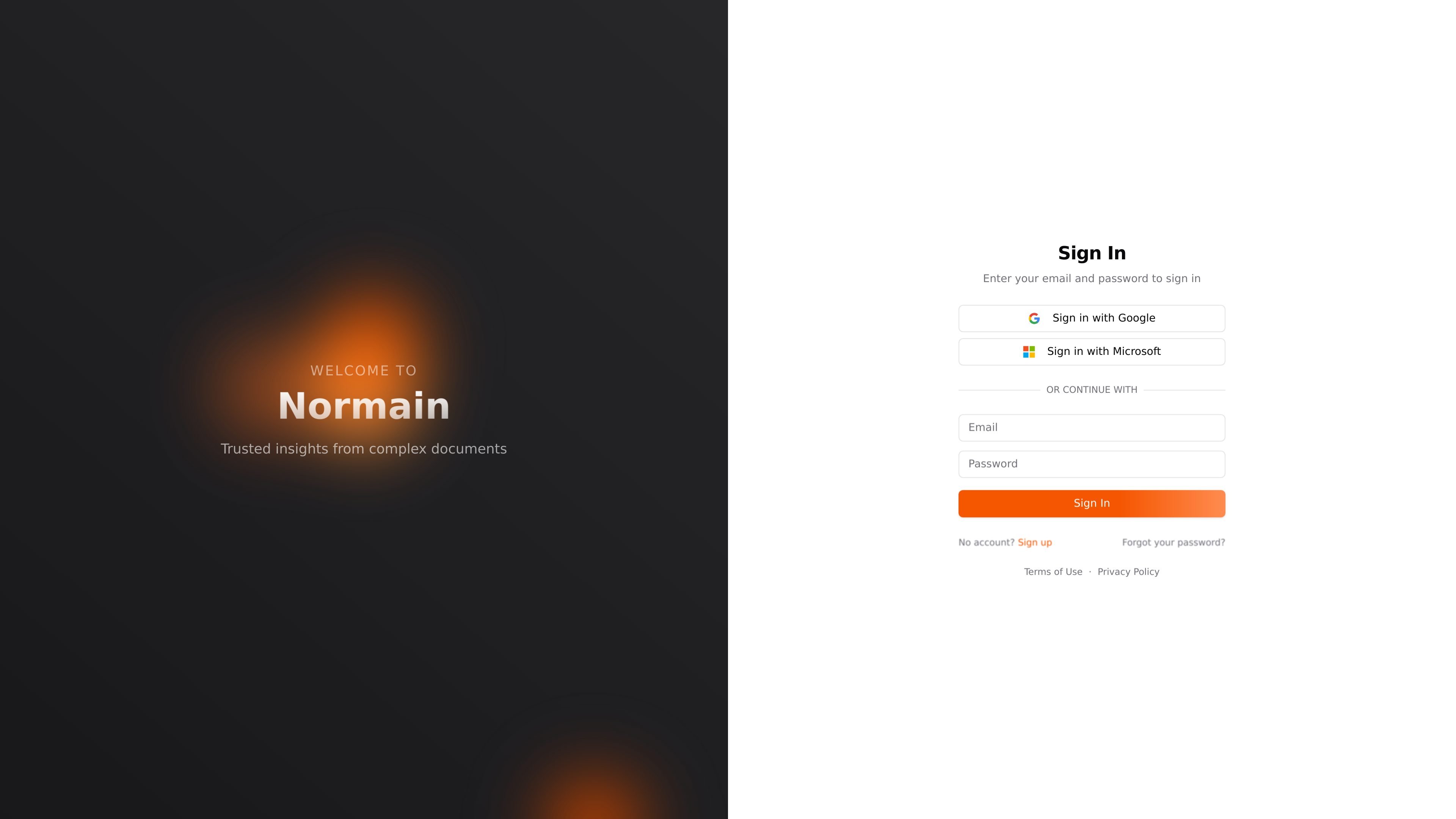
Normain is a web app for trusted insights from complex documents. It supports email/password, Google, and Microsoft sign-in, but the collected source does not include workflow details or pricing.

Normain

Overview

Normain is a web application positioned around delivering trusted insights from complex documents. The home and sign-up pages show a product centered on secure account access rather than a public content experience.

The available source text does not describe the analysis workflow in detail, but it does make the product’s purpose clear: helping users sign in, create an account, and use Normain as a document-focused tool for working with complex information.

Core capabilities shown on the site

Complex-document insight focus

The product is positioned around turning complex documents into trusted insights, indicating a document-analysis workflow rather than a general-purpose consumer app.

Email and password sign-in

Users can access the product through a standard sign-in flow with email and password.

Google account sign-in

Google sign-in is available as an alternate authentication path on the home and sign-up pages.

Microsoft account sign-in

Microsoft sign-in is also offered, which supports organizations that already use Microsoft identities.

Account creation flow

The sign-up page provides a direct account creation flow for new users.

Where Normain fits

  • Document review workflows

    Teams that need to review dense reports, policies, or other document-heavy material can use Normain as a document-focused entry point for extracting trusted insights.

  • Microsoft-first workplaces

    Organizations with Microsoft identities can use the Microsoft sign-in option to fit Normain into an existing login environment.

  • Google-based onboarding

    Individuals or teams that prefer Google accounts for access can use the Google sign-in flow to get started without a separate password workflow.

Pros and Cons

Pros

  • The product has a clear document-insight positioning on the home page.
  • It supports common authentication methods, including Google and Microsoft sign-in.
  • The sign-up page makes account creation straightforward for new users.

Cons

  • The source does not explain the product’s document-analysis features in depth, so the practical workflow is still unclear.
  • The pricing URL currently returns a page-not-found response, so there is no usable pricing information in the collected evidence.

FAQ

How do users create or access an account?

Normain signs in with email and password, and also offers Google and Microsoft sign-in options on the home and sign-up pages.

What kind of work does Normain support?

The source pages identify Normain as a product for trusted insights from complex documents, but they do not describe the output format or file types in detail.

Is pricing listed on the site?

The collected source does not show a working pricing page. The /pricing URL currently returns a page-not-found message, so pricing details are not available from the provided evidence.

Quick Facts

Category
Document analysis
Platform
Web app
Primary use
Trusted insights from complex documents
Auth options
Email/password, Google, Microsoft
Domain
app.normain.com
Pricing
No pricing details available; pricing page returns not found

Альтернативы Normain

Relume icon

Relume

Relume is an AI-assisted website planning and component library product for marketing sites. It helps teams turn prompts into sitemaps, wireframes, copy, and reusable components across Figma, Webflow, React, and Claude Design.

PixelPrompt icon

PixelPrompt

PixelPrompt is a browser-based AI image and video workspace for prompt optimization, text-to-image, and text-to-video generation. It supports ecommerce visuals, ad creatives, and short-form UGC-style content without requiring a local GPU.

AI Writers Assistants icon

AI Writers Assistants

AI Writers Assistants is a token-based AI writing and content platform for drafting text, generating keywords, chatting, coding, and paraphrasing. It suits users who want several AI workflows in one place rather than separate tools.

Luma icon

Luma

Luma is an AI creative platform for generating and refining video, images, audio, and text in one workflow. It includes individual, team, and enterprise plans, plus guided workflows and model options for creative production.

EaseMate AI icon

EaseMate AI

EaseMate AI is an all-in-one AI assistant for chat, study, research, writing, image generation, and video creation. It offers a free Basic plan plus paid tiers and supports browser-based access with chat, PDF, study, and media tools.

nichesim icon

nichesim

Nichesim позволяет вам тестировать ваши идеи на тысячах AI-персон, моделируя, как реальные сообщества будут реагировать на ваш продукт, контент или кампанию до выхода в публичный доступ.

Normain - AI Tool, Features, Use Cases & Alternatives | Findings24