
Text-to-image generation
Generate new visuals from a written brief, with controls for subject, background, composition, lighting, mood, and output format.

NanoBanana Pro is a web-based AI image generator and editor for creating visuals from text prompts or reference images and for editing existing images with natural-language instructions. It is positioned for product visuals, portraits, thumbnails, campaign drafts, and other fast creative workflows.
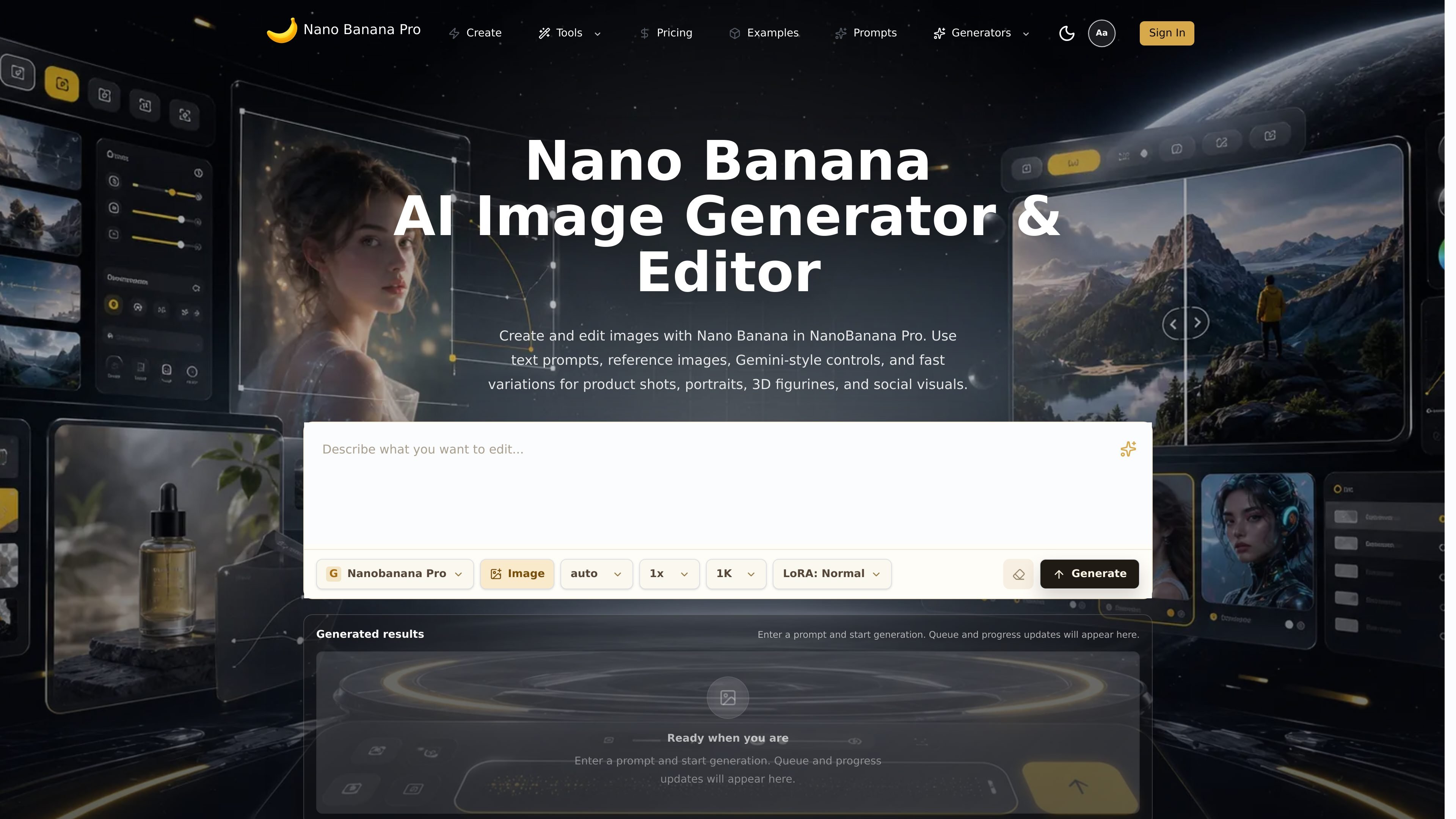
NanoBanana Pro is a web-based AI image generator and editor centered on the Nano Banana workflow. The site positions it for creating new images from text prompts, editing existing images with natural-language instructions, and using reference images to guide the result.
Its core purpose is to help users produce polished visuals quickly while keeping important elements stable when needed. The published pages emphasize use cases such as portraits, product visuals, thumbnails, 3D figurine concepts, social posts, campaign images, and other repeatable creative workflows.
Generate new visuals from a written brief, with controls for subject, background, composition, lighting, mood, and output format.
Upload a reference image and direct a new result with text instructions, so the original image can guide style, scene, or output goal.
Edit images with natural-language prompts to remove, replace, retouch, recolor, resize, clean up, or restyle selected areas.
Keep faces, products, logos, layout, camera angle, colors, and brand details stable when the requested change should not affect them.
Combine multiple references into one visual, such as placing a product in a new setting or merging visual direction from different images.
Work through repeated refinement steps, review outputs, adjust prompts, and compare versions before downloading or reusing a direction.
Start from a prompt when you need a fresh image for a concept, poster, thumbnail, or campaign draft and want to iterate before moving into final design tools.
Upload a product photo, portrait, or screenshot and ask for focused changes such as removing distractions, changing the background, or fixing a visual detail.
Use a reference image to restyle a portrait, create variations of an ad concept, or preserve product shape and camera angle while changing the scene.
Build reusable visuals for catalogs, ads, social posts, stickers, or figurine concepts when the same direction needs to be repeated across versions.
Combine several reference images to place an object in a new environment or merge visual cues from multiple sources into one composition.
It generates and edits images from text prompts, optional reference images, and prompt-based instructions. The product pages describe workflows for text-to-image, image-to-image, and AI image editing.
The site describes free starter credits and a paid NanoBanana Pro plan. The pricing page says subscriptions can be canceled anytime and that the plan includes 400 credits valid for 1 month.
The source says Nano Banana can handle prompt-based edits such as removing objects, replacing elements, retouching portraits, changing colors, updating backgrounds, and refining product or social visuals.
Yes. The pricing page includes a FAQ about commercial projects, but it does not publish a detailed policy in the rendered text. Use the site’s published terms and attribution guidance before commercial publishing.
The site presents Nano Banana Pro as useful for fast visual iteration with prompts, reference images, and multi-turn refinement. It does not provide supported file formats, platform compatibility, or integrations in the sourced pages.
Данные о трафике приведены только для справки.
| май | 0 |
|---|---|
| июнь | 0 |
| июль | 0 |
Аналитика трафика пока недоступна.
Аналитика трафика пока недоступна.