
Chat-to-edit workflow
The product is built around editing photos through chat, which suggests a conversational workflow instead of manual tool-by-tool editing.

Maze Guru is a chat-to-edit AI product photography and design studio for fast image editing and template-based visuals. Try free.
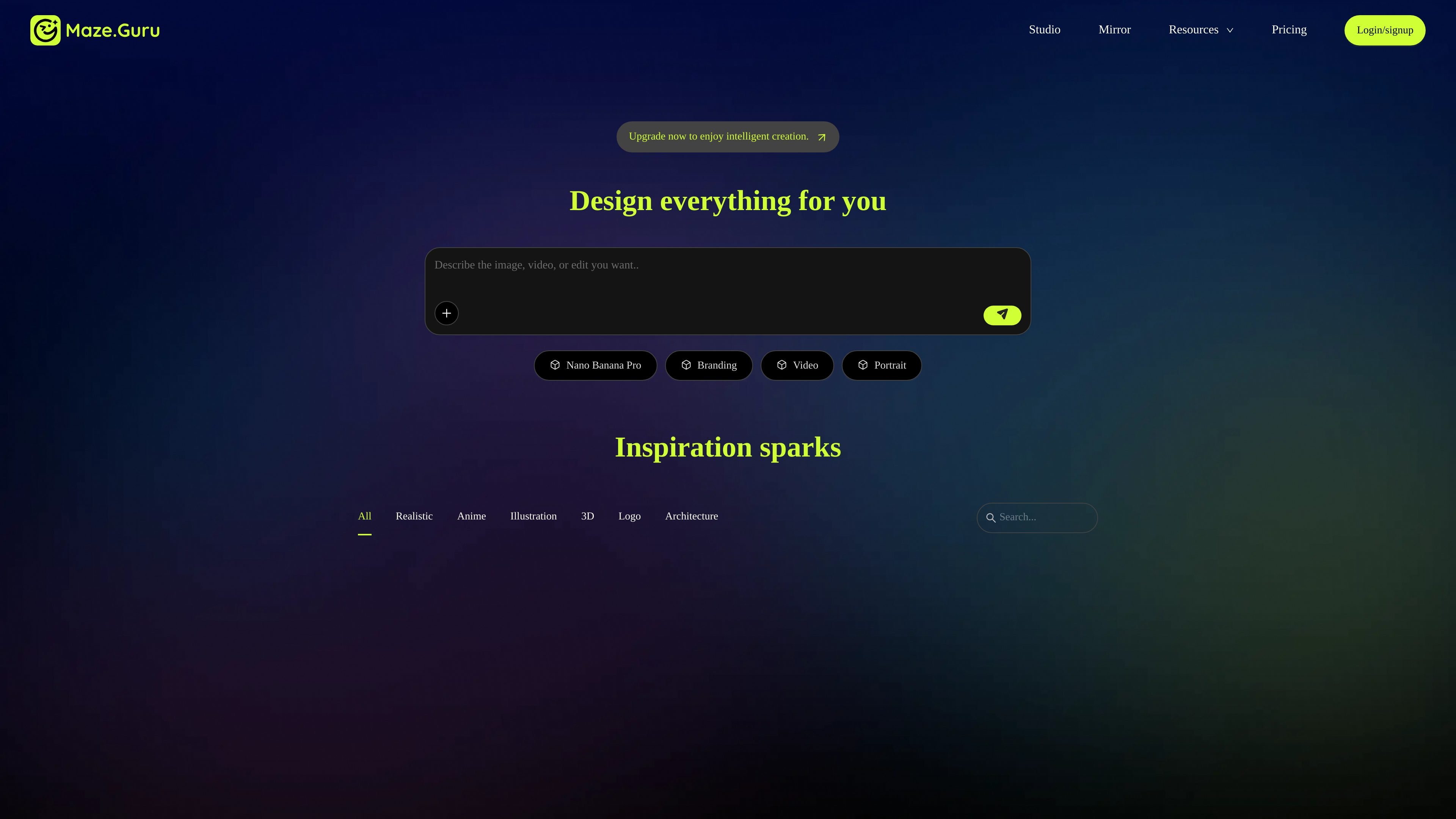
Maze Guru is an AI product photography and visual design studio centered on chat-based editing. The site positions it as a way to edit photos quickly through conversation rather than a traditional layer-by-layer editor.
Its homepage emphasizes fast turnaround and AI-assisted creation, with the phrase “Edit photos in 5s via chat” and references to Nano Banana Pro. The available pages also show template-style agents for tasks such as poster design, portrait retouching, logo design, and book cover design, which points to a workflow aimed at turning prompts into finished visual assets.
The product is built around editing photos through chat, which suggests a conversational workflow instead of manual tool-by-tool editing.
The homepage says edits can be completed in about five seconds, positioning the product for fast iteration on image changes.
The site references Nano Banana Pro as part of its creation flow, indicating AI-generated or AI-assisted visual output within the studio.
The agents page shows template-driven tasks such as poster style, portrait retouching, logo design, and book cover design.
The homepage lists design areas such as branding, video, portrait, inspiration, and product, which suggests use across several visual asset types.
Use Maze Guru when you need to request a photo change conversationally and want a quick turnaround without manually navigating a complex editor.
Use the template agents when you want to generate a specific visual style, such as a poster, portrait treatment, logo concept, or book cover mockup.
Use it for branding-related image work when you want the studio to help produce supporting assets across multiple visual categories.
Use it for iterative creative exploration when you want to test different image directions, styles, or compositions through prompts.
Maze Guru is presented as a chat-to-edit AI product photography studio. The homepage and pricing page show that you can sign in or sign up to use it, and the marketing copy emphasizes editing photos in about 5 seconds via chat.
The source material shows a login/sign-up flow with Google, Discord, or email options. It does not provide a detailed setup guide or installation steps.
The site highlights image creation and editing around product photography, plus agent templates such as poster, portrait retouching, logo design, and book cover design. Specific output limits or file formats are not stated in the available pages.
The pricing page is partially accessible and indicates sign-in or sign-up, but the collected text does not expose plan names, prices, or usage limits. A free-to-try message appears in the page description.