
Unified model access
A single API is positioned as the way to access multiple top image and video generation models, reducing the need to integrate each provider separately.

MaxAPI is a unified AI API platform for image and video generation. Access multiple models through one API with pay-as-you-go pricing and free signup credit.
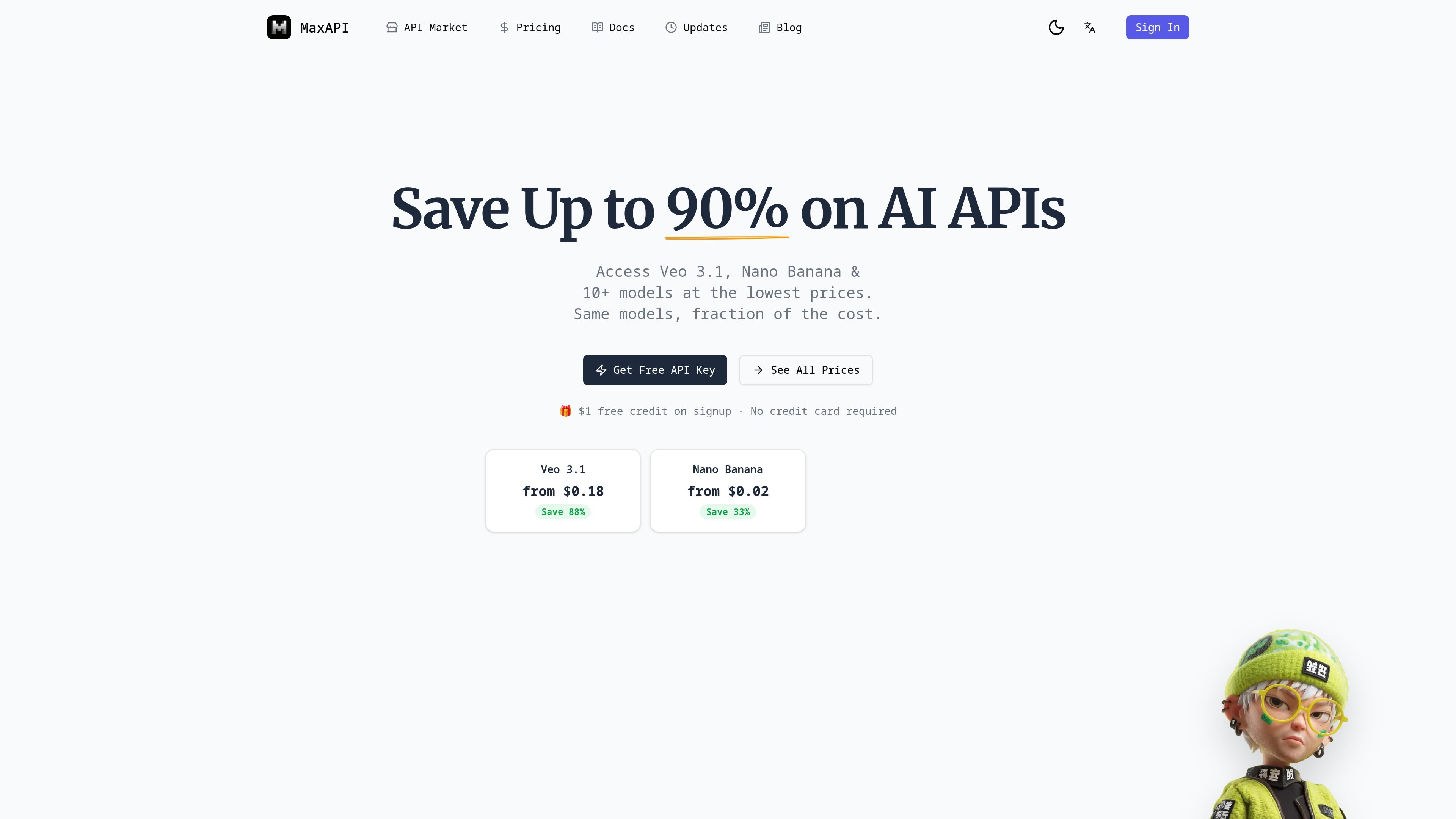
MaxAPI is a unified AI API platform for image and video generation. It centralizes access to multiple models through a single API, with the site positioning the product around lower cost, stable delivery, and fast integration for developers.
The homepage and pricing pages emphasize pay-as-you-go usage, free signup credit, and model-level pricing for options such as Veo 3.1, Nano Banana, Seedream, Grok Imagine, and GPT Image 2. The market page shows that the catalog spans text-to-image, image editing, text-to-video, and image-to-video workflows across several vendors.
A single API is positioned as the way to access multiple top image and video generation models, reducing the need to integrate each provider separately.
The market page lists models from Google, ByteDance, xAI, and OpenAI, with options for text-to-image, image editing, text-to-video, and image-to-image workflows.
Pricing is shown per API call with flat-rate examples, and the pricing page includes top-up packages for different spending levels.
The site emphasizes production readiness with published K6 load test results, including a 0% error rate and sub-520ms API response P95 in the reported test.
The homepage describes a simple three-step onboarding flow: sign up, get an API key, and start calling the API.
Several model entries include concrete output constraints such as duration, resolution, image count, or reference-image support, which helps users choose the right model for a task.
Build applications that need access to several generation models without wiring each vendor separately. The single-API approach is useful when you want to switch models or add fallback options.
Use the market page to choose between fast, quality, or lightweight variants for text-to-image, image editing, text-to-video, and image-to-video tasks.
Compare per-call pricing and top-up packages when planning usage for a product with variable AI spend or different output requirements.
Start with the sign-up, API key, and REST workflow shown on the homepage when prototyping a first integration quickly.
Use the published load-test results as a signal when evaluating the platform for production workloads that depend on stable request handling.
MaxAPI presents itself as a unified AI API platform for image and video generation models. The site highlights access through a single API, with a simple setup flow from sign-up to first call in under 5 minutes.
The site says you can sign up for a free account, get an API key from the dashboard, and start calling the API with simple REST requests and documentation. It also shows API Keys and Billing sections in the product navigation.
MaxAPI’s market page lists image and video models from Google, ByteDance, xAI, and OpenAI, including Veo 3.1, Nano Banana, Seedream, and Grok Imagine variants.
The pricing page shows pay-as-you-go pricing and top-up packages, and the homepage notes $1 free credit on signup with no credit card required.
The source shows a broad focus on image and video generation. It does not provide detailed public information about SDKs, auth flow beyond API key access, or all integration endpoints.
Данные о трафике приведены только для справки.
| март | 0 |
|---|---|
| апр. | 0 |
| май | 0 |
Аналитика трафика пока недоступна.