
Real-time copilot guidance
Listens to interview or meeting audio, analyzes the prompt, and provides live answers and coaching without requiring the user to switch apps.

LockedIn AI is an AI interview assistant and meeting copilot with real-time answers, code help, coaching, desktop app, and Duo support.
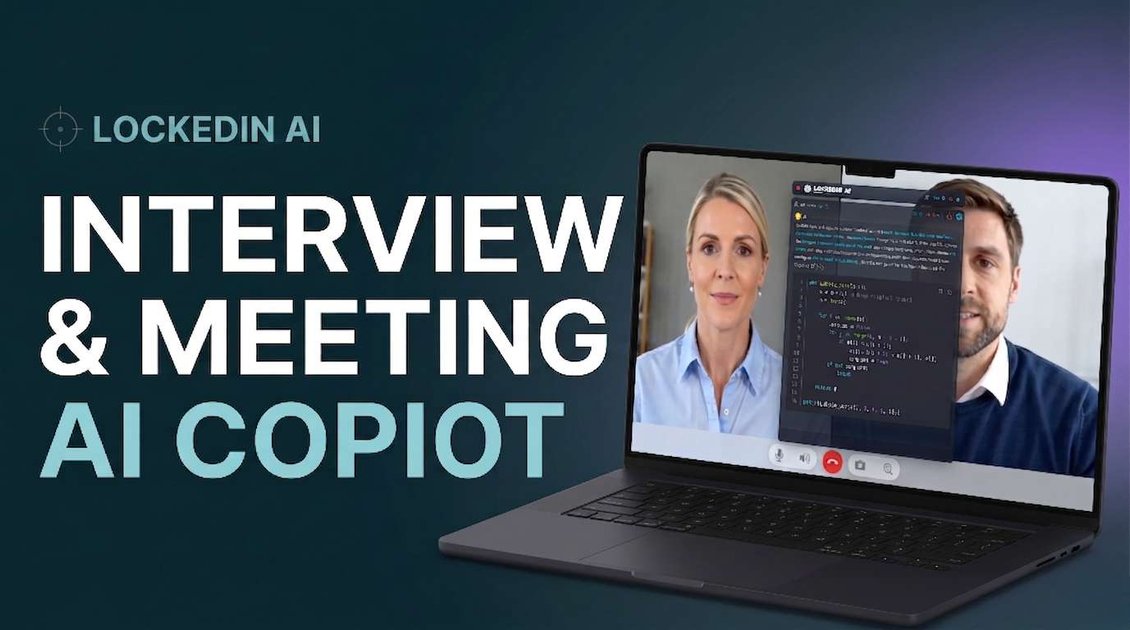
LockedIn AI is an AI interview assistant and meeting copilot designed to give users real-time answers, code help, and coaching during live conversations. The product positions itself as a support layer for interviews, assessments, and other high-stakes sessions where timing and context matter.
The site presents multiple modes: a standard AI copilot, a desktop app for invisible background use, and LockedIn Duo, which adds a trusted human helper for live guidance. It also highlights support for major meeting platforms, online assessment tools, and editor workflows such as VSCode and Cursor.
Listens to interview or meeting audio, analyzes the prompt, and provides live answers and coaching without requiring the user to switch apps.
Supports a trusted helper who can watch the session live, see the audio context, and send guidance during the interview.
Allows temporary Hands-on Assist so a helper can type, click, or pull references, with control returned on one tap.
Runs as an invisible desktop app with background mode, adjustable opacity, smart area selection, and system audio capture.
Works inside VSCode and Cursor for coding help, debugging, and interview-ready explanations.
Covers online assessments and interview platforms, including HireVue, CodeSignal, HackerRank, Zoom, Google Meet, and Microsoft Teams.
Use the AI copilot during live interviews to get real-time answers, question analysis, and coaching while staying focused on the conversation.
Use the coding copilot for algorithm questions, follow-ups, debugging, and interview-ready explanations inside the editor or during the interview.
Use LockedIn Duo when you want a trusted helper to follow the session live and send discreet guidance, transcripts, or code blocks.
Use the desktop app when you want background assistance that stays hidden during screen sharing and can capture system audio for context.
Use the product during online assessments and common meeting platforms when you need assistance across formats such as interviews, assessments, and meetings.
LockedIn AI is an AI interview assistant and meeting copilot that listens to interview or meeting audio, analyzes questions, and returns real-time answers, code help, and coaching that only the user can see.
The source shows a free start with no credit card required. The pricing page also indicates there are subscription plans, including Unlimited and Credits options, but it does not provide exact prices in the captured text.
The desktop app is described as running in the background with stealth mode, transparency controls, smart area selection, and system audio capture. It also works with VSCode and Cursor for coding assistance.
LockedIn Duo is the hybrid remote-assist mode. A trusted helper can see and hear the interview live, send text, audio-transcribed guidance, and formatted code blocks, and request temporary Hands-on Assist with one-tap consent.
The site says LockedIn AI works with major meeting platforms such as Zoom, Google Meet, Microsoft Teams, and more, and that it also supports online assessment platforms like HireVue, CodeSignal, and HackerRank.