
Task timers
Set a countdown timer for each task so work is bounded by a fixed time window. The site says timers can be as short as 1 minute or run for several hours.

Llama Life is a timeboxing productivity app with timers, reminders, preset routines, Todoist import, and a 7-day free trial.
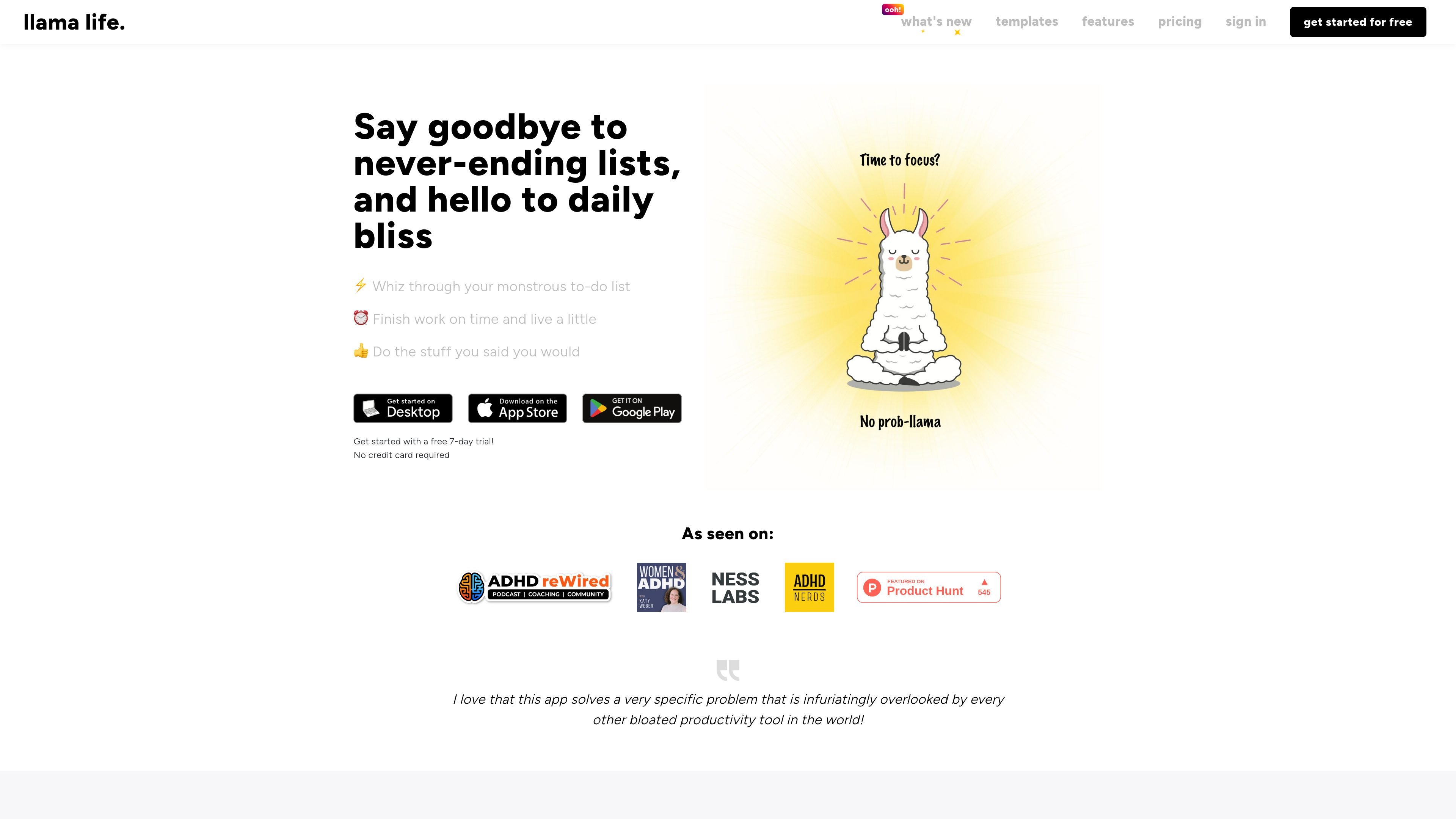
Llama Life is a productivity app built around timeboxing, a method of assigning a fixed amount of time to each task so you can work through a list instead of endlessly adding to it. The product frames itself as a calmer alternative to task managers that help you make lists but do not help you complete them.
It is designed to help users focus on one task at a time, keep work bounded, and finish the day with a clearer sense of progress. The site positions it for people who want to break large lists into manageable chunks, allocate time to each item, and use timers, reminders, and preset routines to move through daily work more deliberately.
Set a countdown timer for each task so work is bounded by a fixed time window. The site says timers can be as short as 1 minute or run for several hours.
See the start and end time for each item, plus total list time and estimated finishing time, to help plan the day.
Break a large task into smaller steps when it feels overwhelming, with suggested time estimates for each step.
Choose from soft chimes, visual alarm behavior, continuous alarms, or other alarm styles to match how you want to be notified when time is up.
Create preset lists for recurring routines and load them into your Now list in a few clicks. The template library includes routines such as morning routine, workday wind down, study session, inbox zero, and meeting agenda.
Work with background sounds, import tasks from Todoist, use keyboard shortcuts, and quickly set durations from task titles to speed up list setup and execution.
Use Llama Life to assign a set amount of time to each task, then move through your list with a clear stopping point for every item.
Load a preset list for repeating routines like morning setup, workday wind down, or weekly review instead of recreating the same sequence each day.
Turn a large or stressful task into smaller steps so you can start with less friction and work through the list one part at a time.
Import tasks from Todoist and use Llama Life as the execution layer for what needs doing today, while keeping your main list elsewhere.
Use chimes, visual alarms, soundscapes, and keyboard shortcuts to keep your session moving without relying on a single rigid timer experience.
Llama Life is built around timeboxing: you set a fixed duration for a task, then work through the list one item at a time. The site also says it can import tasks from Todoist into Llama Life with a few clicks.
The source shows use on desktop, iOS, and Android. It presents itself as a tool for working through today’s tasks rather than storing a long-term master list.
The pricing page shows a 7-day free trial with no credit card required. It also shows monthly and annual billing options, with annual billing advertising a lower yearly price than paying monthly.
The site’s feature set includes task timers, end-time estimates, preset lists, keyboard shortcuts, soundscapes, alarm types, and a visual alarm option.
The templates page describes preset lists for routines and recurring workflows such as morning routine, study session, inbox zero, meeting agenda, and house cleaning.