
Avatar tracking and streaming output
VTuber Maker provides face tracking, head tracking, hand tracking, virtual camera output, and green-screen or transparent streaming for live broadcasts.

Live3D VTuber software suite for creating, editing and streaming virtual avatars with VTuber Maker, VTuber Editor, VRM customization and stream interaction tools.
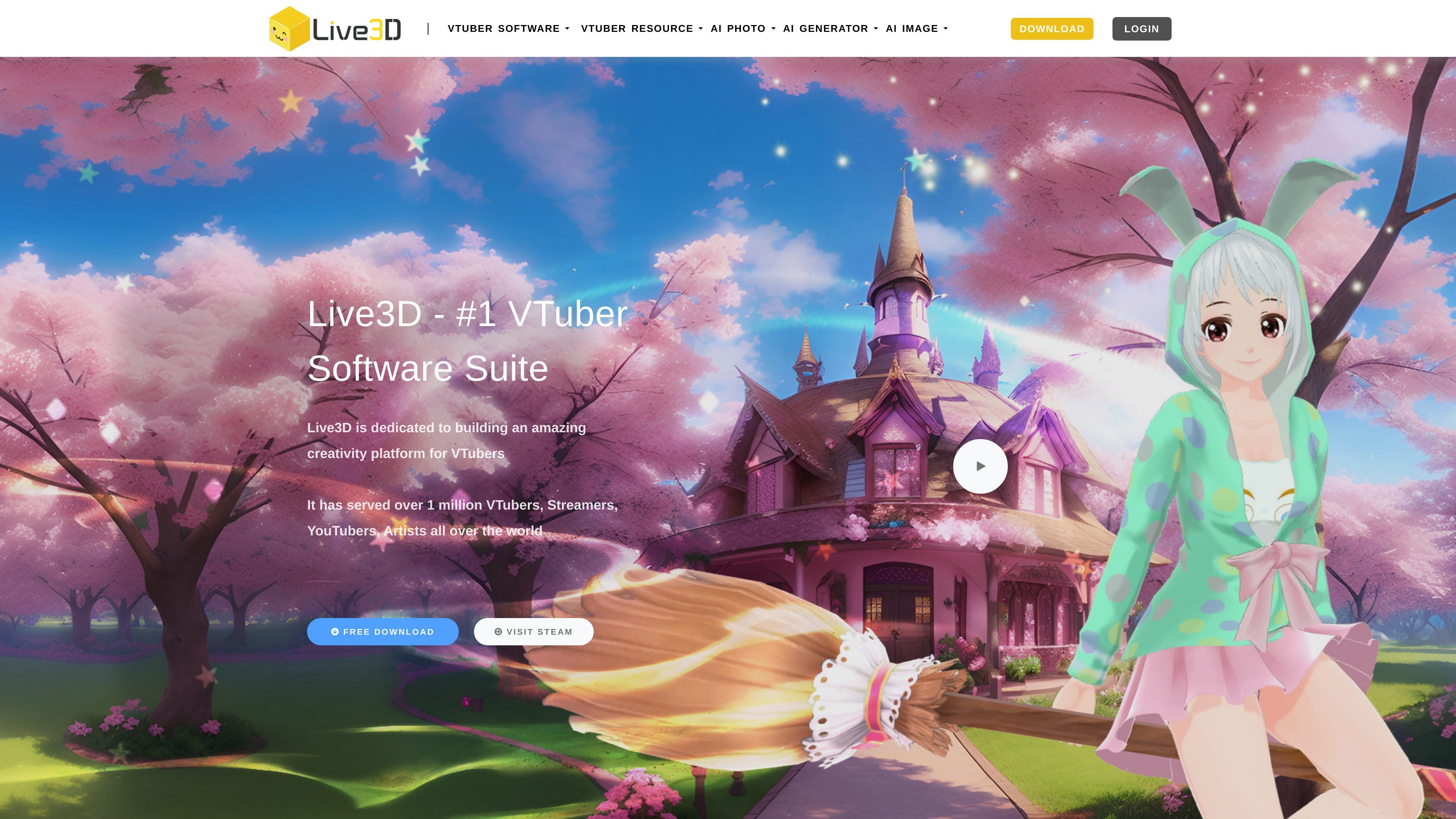
Live3D is a VTuber software suite centered on creating, editing, and streaming with virtual avatars. Its main products are VTuber Maker for live avatar use and VTuber Editor for customizing VRM models, backgrounds, props, and animation-related effects.
The site positions the suite for creators who want to start with public avatars or their own VRM models, then add expressions, overlays, and interaction effects for live streams and other avatar-driven content. Pricing includes a Free tier and paid suites that expand avatar counts, assets, tracking features, and commercial-use terms.
VTuber Maker provides face tracking, head tracking, hand tracking, virtual camera output, and green-screen or transparent streaming for live broadcasts.
The site offers public 3D avatars, animation assets, interaction effects, backgrounds, overlays, and VTuber poses for users who do not start from a custom model.
VTuber Editor supports uploading VRM models and customizing them with props, paints, backgrounds, overlays, costumes, and flow-based animation changes.
The editor and maker workflow is designed to separate editing from live use, and the editor includes blockly-style flow tools for avatar interactions and animation triggers.
A Twitch Extension adds virtual effects, sticker changes, emotes, and audience interaction features during streams.
Higher-tier plans mention additional tracking options such as upper-body tracking, body rotation tracking, lip sync, tongue-out expression, Xsens motion tracking, and Noitom motion tracking.
Create a VTuber setup for live streaming using built-in face tracking, head tracking, virtual camera output, and transparent or green-screen presentation.
Upload a VRM model and customize it with props, paints, backgrounds, overlays, and costumes to create a more distinctive avatar.
Start with one of the public avatars and adjust it for a specific stream or channel without building a model from scratch.
Add audience-facing effects such as stickers, emotes, and virtual effects through the Twitch Extension during a live broadcast.
Use the suite as a lower-friction entry point into VTuber creation when you want editing, tracking, and asset selection in one product family.
Live3D’s FAQ describes VTuber Maker as a live-streaming tool that uses built-in character models, facial expression capture, and motion capture to combine a virtual avatar with a real-time broadcast. It also describes VTuber Editor as a resource-processing tool for editing avatars and related assets.
The pricing page shows a Free plan and paid suites. Free features are available for entry-level use, while Lite, Plus, and Pro suites add more avatars, assets, tracking options, and commercial-use terms.
VTuber Maker is the runtime app for streaming and avatar tracking, while VTuber Editor is used to upload and customize VRM models with props, backgrounds, paints, and animation-related edits.
The source explicitly mentions Twitch, YouTube, Zoom, and a Twitch Extension. It does not provide a complete list of supported platforms or devices beyond those examples and mentions webcam-based tracking plus Leap Motion and some motion-tracking devices in higher-tier plans.
The site says its tools are divided into separate products to improve performance and editing workflows. The FAQ also says VTuber Editor supports only the VRM model format.