
Multi-style citation generation
Generate references in multiple academic styles from a draft or source search, including APA, MLA, Chicago, IEEE, and Harvard, with additional styles listed on the product pages.

Koke AI is a web-based AI citation generator and academic writing tool for students, researchers, and academic writers. Supports automatic and manual citation workflows, outline generation, and reference management.
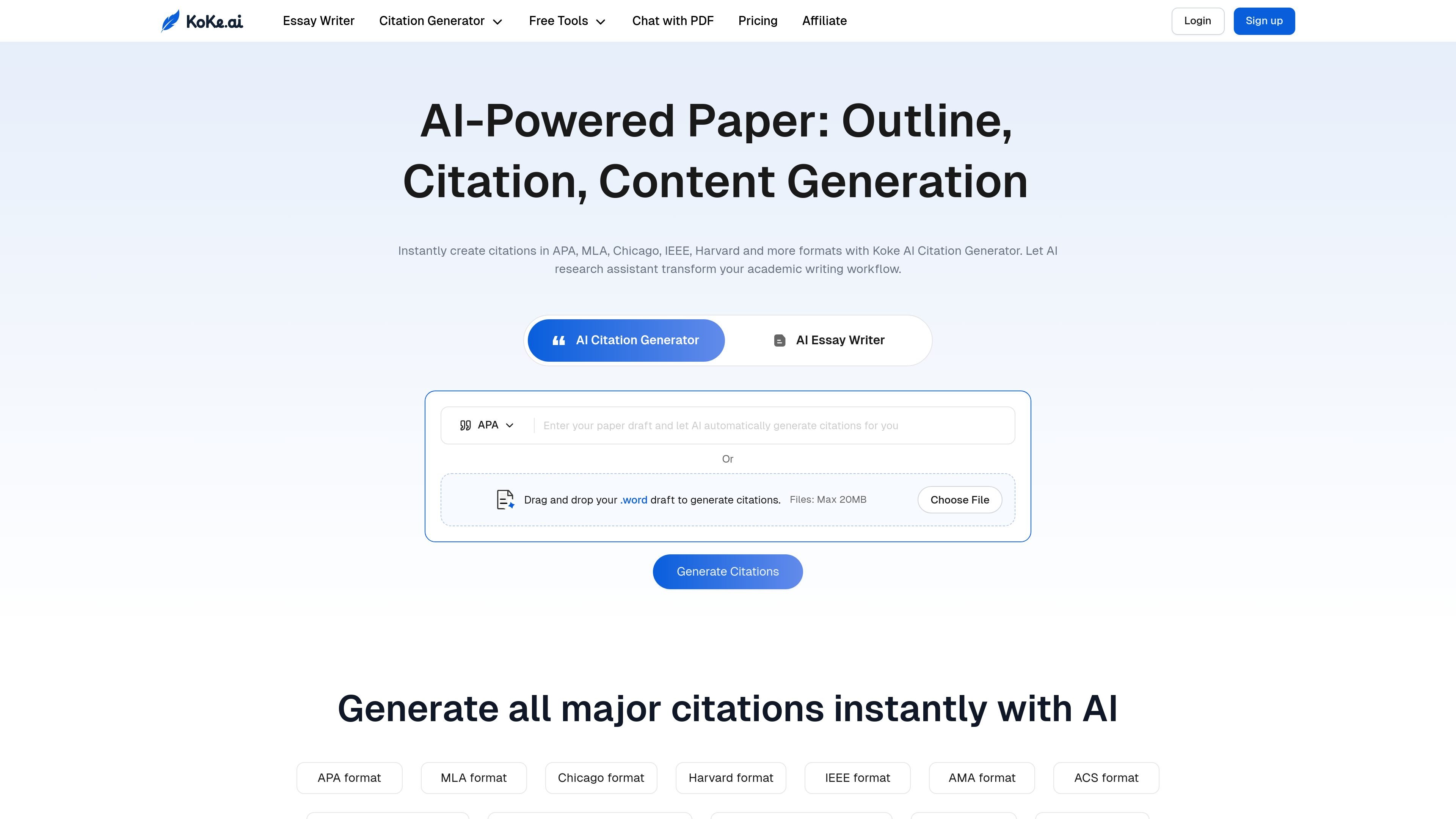
Koke AI is an AI citation generator and academic writing tool for students, researchers, and academic writers. Its main job is to help users create formatted citations, build outlines, and organize source material for papers, essays, and research projects.
The product page shows both automatic and manual citation workflows. Users can import a paper draft, search for sources directly, manage citations in a reference library, and use supporting tools such as outline generation, rewording, and PDF summarization to move from sources to a finished paper more efficiently.
Generate references in multiple academic styles from a draft or source search, including APA, MLA, Chicago, IEEE, and Harvard, with additional styles listed on the product pages.
Import a paper draft from Word or Google Docs, then let the AI complete citations automatically for the text you already have.
Search books, journals, websites, and other sources manually when you want to cite a specific reference with more control.
Keep papers, articles, and citations in one place so you can organize references and reuse them while writing.
Create outlines, rewrite sentences and paragraphs, and generate section writing guides to support the paper-writing workflow around citations.
Upload PDFs for AI summarization so you can extract key points and use them as source material for evidence-based writing.
Import a draft from Word or Google Docs and let the AI complete in-text citations and bibliographies for a paper that is already in progress.
Search for a book, journal article, website, or other source manually when you need to reference a specific work and control the citation details yourself.
Create a paper outline, then use the writing tools and section guidance to expand the structure into draft content with citations in place.
Upload PDFs and use the reference summarizer to pull out key points that can support an evidence-based argument or literature review.
Store citations and paper materials in a central library so you can reuse sources across assignments and keep references organized.
Koke AI is an AI citation and academic writing tool that helps generate references, outlines, and supporting content for papers. The source pages describe it as suitable for student papers, essays, research projects, and broader academic writing workflows.
The source pages show citation support for APA, MLA, Chicago, IEEE, Harvard, AMA, ACS, CSE variants, ASA, Turabian, Bluebook, APSA, NLM, and Vancouver, with more formats mentioned as coming soon.
The pricing page lists monthly, 6-month, and yearly plans. It also includes AI citation generation, outline templates, unlimited AI rewriter use, reference library storage, and unlimited paper export, with different support levels by plan.
The source pages show citation workflows for auto-citing a draft, manually searching and citing sources, importing from Word or Google Docs, and managing references in one place.
The source pages mention FAQ topics such as citations, the AI citation generator, source papers, refunds, invoices, and cancellation, but they do not provide full policy details in the captured text.