
Private, customizable search
Kagi Search provides ad-free results with customization controls, anti-tracking, filters, bangs for narrowing searches, and a Quick Answer trigger at the end of a query.

Kagi is a paid search and AI product with ad-free web search, private browsing, and private tools for translation, news, and summarization.
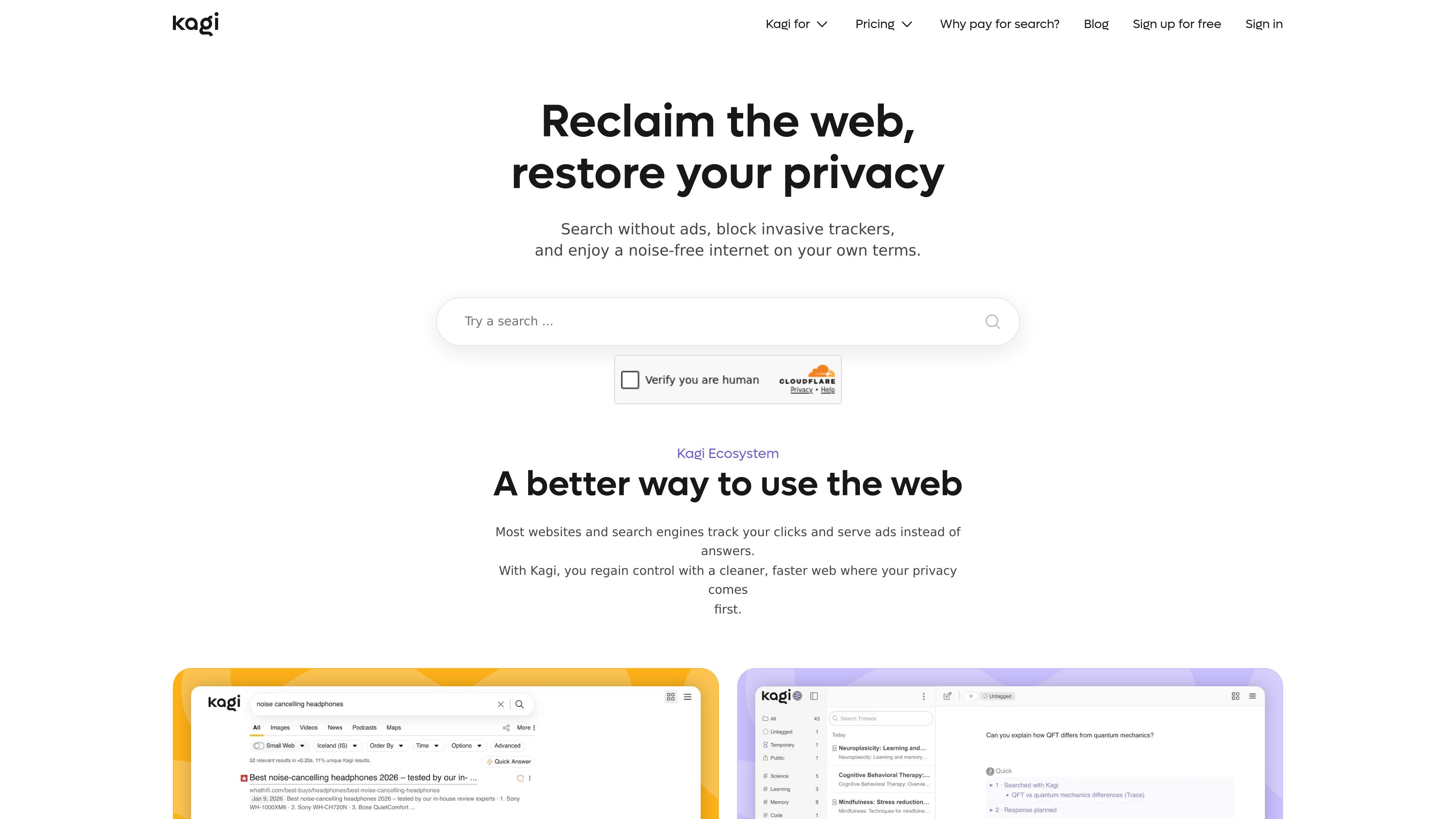
Kagi is a paid search and AI product built around ad-free results, private browsing, and user-controlled tools for working on the web. The core search product is designed to remove ads and trackers, while the broader Kagi ecosystem adds an AI assistant, a browser, translation, news, and summarization tools.
The service is funded by subscriptions rather than advertising. On the pricing page, Kagi describes fair pricing with monthly and annual plans, a trial option, the ability to upgrade or downgrade at any time, and credits for months when a plan is not used. The same site also offers team and library-oriented plans for organizational use.
Kagi Search provides ad-free results with customization controls, anti-tracking, filters, bangs for narrowing searches, and a Quick Answer trigger at the end of a query.
Kagi Assistant gives access to multiple AI models in one place and is grounded by Kagi search results so responses stay tied to web search context.
Kagi Assistant plans include Quick mode on lower tiers and Research mode plus flagship models on the Ultimate tier.
Orion Browser includes built-in ad-blocking and anti-tracking protection, and Kagi describes it as supporting Safari, Chrome, and Firefox extensions.
Kagi Translate, News, and Summarize provide private translation, news briefs, and article summaries across languages and formats.
Kagi for Teams offers shared search and AI access, flexible user management, usage analytics, and support for organizational use.
Use Kagi Search when you want web results without ad clutter, tracking-based ranking, or a search experience shaped around advertising rather than answer quality.
Use Kagi Assistant when you need to compare multiple AI models while keeping prompts and data private, with search results grounding the conversation.
Use Orion Browser when you want built-in ad blocking and anti-tracking protections in a browser that Kagi positions as privacy-first.
Use Kagi for Teams when a workplace needs private search, shared AI access, usage controls, and support that scales across active users.
Use Kagi Translate, News, or Summarize when you need quick language support, private news briefs, or condensed article summaries without leaving the Kagi ecosystem.
Kagi Search is a paid, ad-free search engine. The source also describes Kagi Assistant, Orion Browser, Translate, News, and Summarize as part of the Kagi ecosystem.
The pricing page lists a trial plan with 100 searches and 100 Kagi Assistant interactions, and says you can try Kagi’s features before upgrading. The home page also says free search is available up to 150 searches before subscribing.
The pricing page says Kagi offers monthly and annual billing, with annual billing at 10% off. It also says you can upgrade or downgrade at any time and that unused balance is pro-rated.
Kagi says it keeps the minimum data needed to run subscriptions, does not sell information, does not build personal profiles, and does not use personal data or prompts to train AI models.
The Teams page says business accounts include priority support, custom onboarding, and a dedicated success manager for teams over 50 users.