
No-code form builder
Build forms with a drag-and-drop editor and create professional-looking forms without coding. You can also style forms with your own logo, fonts, and colors.

Jotform is a web-based form builder for forms, surveys, registrations, applications, orders, payments, and workflow integrations.
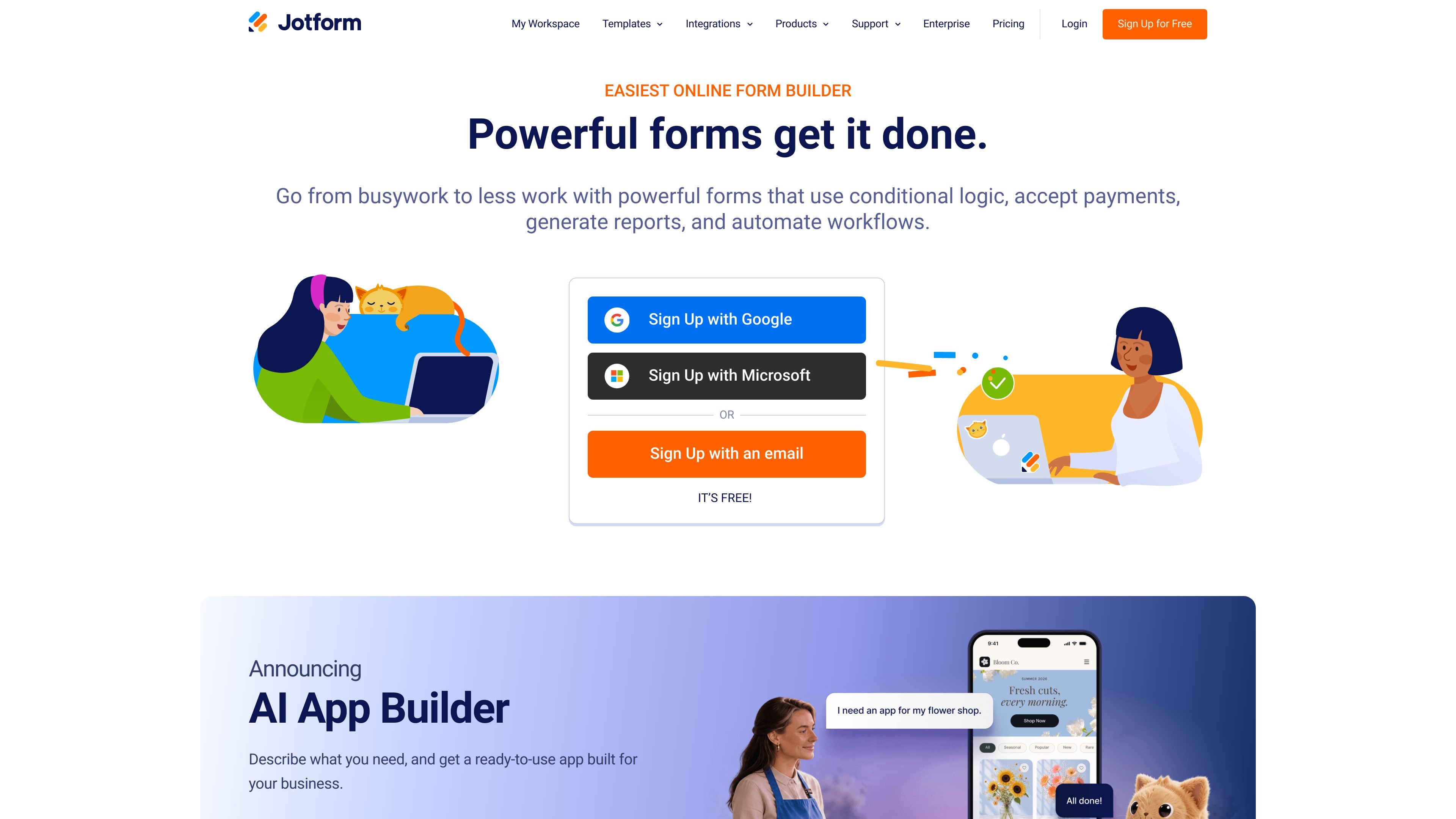
Jotform is an online form builder for creating forms and surveys, collecting responses, and routing submissions into other tools. The product page describes it as a drag-and-drop form creator for registrations, applications, orders, payments, and other data-collection tasks.
It supports no-code form creation, custom styling, payments, conditional logic, reports, and workflow automation. The pricing information shows a free Starter plan alongside paid plans starting at $19 per month, with higher tiers adding more capacity and options for larger organizations.
Build forms with a drag-and-drop editor and create professional-looking forms without coding. You can also style forms with your own logo, fonts, and colors.
Use conditional logic, generate reports, and automate workflows from form submissions. The homepage presents these as part of Jotform’s core form-building workflow.
Accept payments directly through forms for products, fees, donations, and other payment flows. The payment integrations page lists gateways such as Square, PayPal, Stripe, Authorize.Net, and more.
Connect form submissions to email marketing services, project management boards, CRMs, cloud storage apps, and other business tools. Jotform says it offers 150+ integrations.
Start from plan-based templates and form assets on the free Starter plan, which includes standard features such as form templates, payment integrations, and widgets.
Monitor forms and account usage through account limits such as submissions, form views, upload space, storage, and active forms. The help article explains how usage is tracked and what happens when limits are reached.
Create registration forms for events, classes, or internal signups and collect the details you need in one submission flow.
Build application forms for hiring, admissions, or requests where structured input and review-ready submissions matter.
Accept product orders, donations, fees, or other payments directly through a form using supported payment processors.
Run surveys or feedback forms to gather responses and route them into reports or other connected tools.
Send submissions into CRMs, project management boards, email tools, or cloud storage apps to keep follow-up work organized.
Yes. Jotform offers a free Starter plan with standard features such as form templates, payment integrations, and widgets. Paid plans are available if you need higher limits or want to remove Jotform branding from forms and signed documents.
Jotform can be used as a no-code form builder. The homepage says you can create professional-looking forms with no coding using the online Form Builder, then style them with your logo, fonts, and colors.
The Enterprise plan is the only multiuser Jotform plan mentioned on the pricing page. It is positioned for large organizations and includes additional functionality such as enhanced security, custom domains, Single Sign-On, and HIPAA features.
Jotform offers monthly and yearly subscriptions. Paid plans start at $19 per month, and the pricing page says plans can be upgraded or downgraded at any time.
If you exceed your plan’s limits, Jotform sends a notification and may warn you in the dashboard. The help article says some limits are monthly while others are total usage limits, and reaching upload space or certain monthly limits can disable forms until you upgrade or free space.