
AI image translation in 130+ languages
Translate text inside product photos, menus, screenshots, manga pages, documents, and other images into 130+ languages, with source language auto-detection.

Imagelator translates text inside images into 130+ languages while preserving layout, fonts, and style. It supports web uploads, batch translation, and a browser extension for translating images directly on the page.
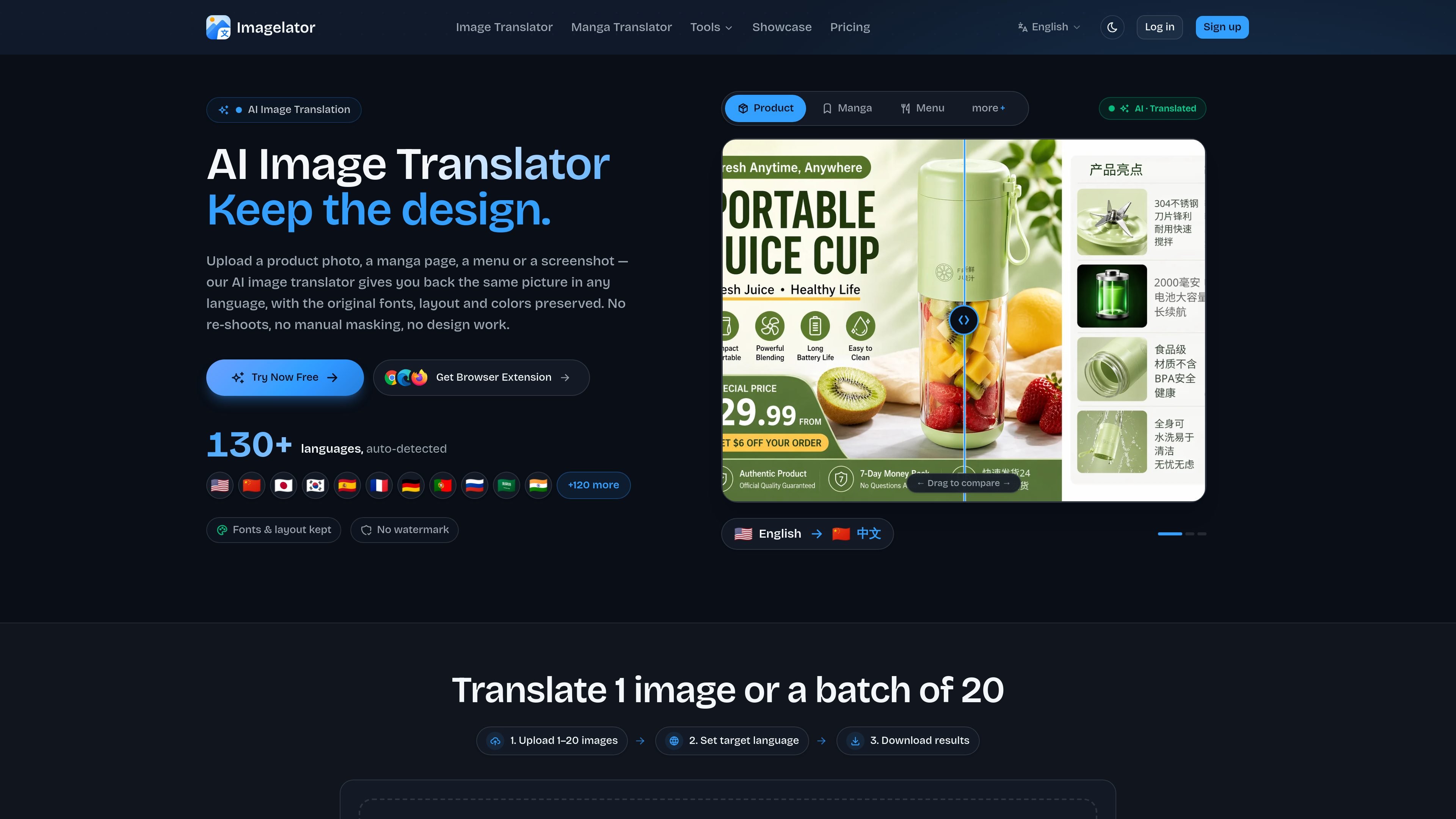
Imagelator is an AI image translation product for turning text embedded in images into other languages while preserving the original visual design. It is positioned for images such as product photos, manga pages, menus, screenshots, and scanned documents.
The main workflow is simple: upload an image, choose a target language, and download the translated result. The site also offers a browser extension for right-click translation on web images and a pricing model that combines free access with paid tiers for higher usage and advanced capabilities.
Translate text inside product photos, menus, screenshots, manga pages, documents, and other images into 130+ languages, with source language auto-detection.
Keep fonts, layout, colors, alignment, and positioning intact so the translated output resembles the original design rather than a plain text overlay.
Choose between a standard Replace mode for editable layers and faster workflows, or Repaint mode for complex backgrounds, stylised text, and flatter final images.
Process files one at a time or in batches, with the site showing support for 1–20 images in the main translator and higher batch limits in paid tiers.
Use the browser extension to right-click images on the web and translate them without leaving the page or re-uploading files.
Access OCR, image-to-text, text removal, background removal, and editor features depending on plan tier.
Translate product listings, packaging photos, and labels for marketplaces or storefronts while keeping the brand’s visual style intact.
Translate manga pages, comic panels, and scanlation assets, including vertical text, bubbles, and stylized lettering.
Translate screenshots, app mockups, and UI captures for support, product review, or documentation workflows.
Translate menus, signs, handwritten notes, or scanned documents when the goal is a readable image rather than a plain text transcription.
Right-click an image on a website and translate it directly in the browser without uploading it from scratch.
Imagelator is an AI image translator that translates text inside uploaded images into 130+ languages while preserving layout, fonts, colors, and positioning.
Yes. The site says there is a free plan, free OCR and image-to-text, and free OCR-based translation access with no credit card required to start.
Supported uploads include JPG, PNG, and WebP files up to 10 MB each. The image translator page says you can download the translated result as PNG or WebP.
Yes. The site says commercial use is included on every plan, including the free plan, with no attribution required.
The browser extension is available for Chrome, Edge, and Firefox. It lets you right-click an image on the web and translate it using your existing Imagelator account credits.