
Page-aware browser assistant
Use HARPA on web pages to summarize content, answer questions, rewrite text, extract data, and help with research without leaving the browser.

HARPA AI is a Chrome extension and browser agent that uses multiple AI models for browsing, writing, summarizing, and data extraction with Spaces for teams.
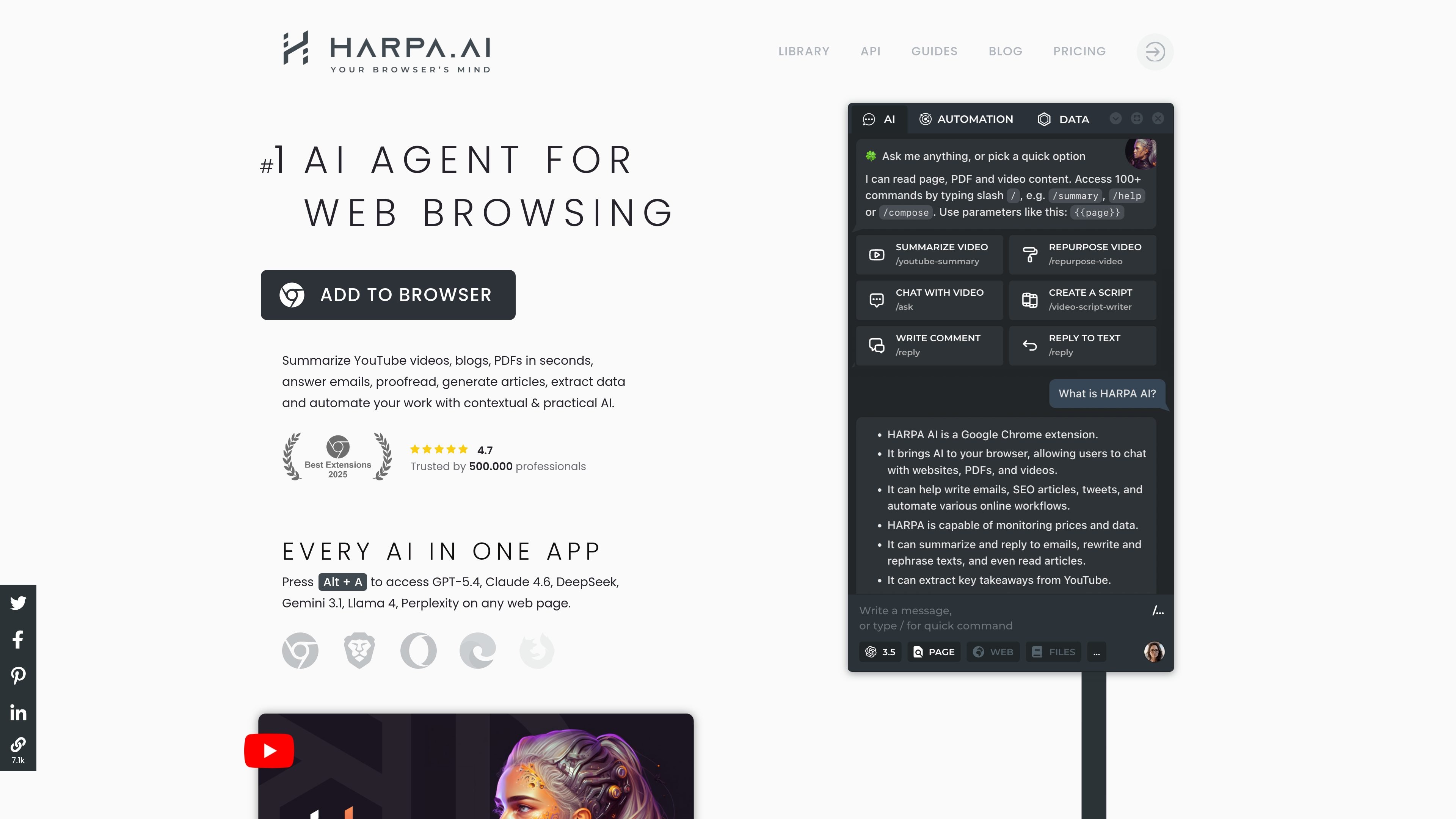
HARPA AI is a Chrome extension and browser agent that combines chat access to several AI models with web automation. It is designed to work directly on web pages so users can summarize content, rewrite text, extract information, and trigger actions while browsing.
The product positions itself as a general-purpose assistant for online work. The site highlights use cases such as YouTube summarization, email drafting, SEO research, page monitoring, form filling, and other browser-based tasks, with both individual and team usage supported through spaces and shared commands.
Use HARPA on web pages to summarize content, answer questions, rewrite text, extract data, and help with research without leaving the browser.
Access multiple AI providers in one extension, including ChatGPT, Claude, Gemini, DeepSeek, Perplexity, Grok, and Llama, with support for both web sessions and API-based connections.
Use browser automation to click, fill forms, navigate sites, monitor pages, and trigger actions such as Zapier, Make, n8n, or IFTTT workflows.
Create reusable commands and page-aware automations for tasks such as SEO work, email drafts, language practice, coding help, and content generation.
Monitor websites for changes, including price drops and back-in-stock alerts, and set up page checks that notify you when a site updates.
Work with privacy-focused settings described on the site, including local execution options, no conversation logging, and GDPR compliance claims in the product copy.
Summarize YouTube videos, web pages, and PDF files, then jump to key takeaways or timestamps without reading the entire source material.
Draft and refine emails, replies, articles, social posts, and other text while keeping the writing tied to the page or context you are working in.
Research SEO keywords, segment audiences, build content calendars, and generate article frameworks for marketing and publishing workflows.
Automate browser tasks such as data extraction, form filling, website checks, and change monitoring for price drops or page updates.
Use shared spaces and reusable commands to coordinate prompts and automations across a team or organization.
HARPA AI is a Chrome extension that combines chat-style AI access with browser automation. The site describes it as a browser agent that can read page content, act on websites, and help with tasks such as summarizing pages, writing replies, and extracting data.
The site says HARPA is used for copywriting, email management, web search, online data extraction, web monitoring, YouTube summarization, writing support, and automation tasks such as form filling and page monitoring.
The pricing page shows a free DEMO plan with limits and paid plans billed annually, including an individual plan, a team plan, and a lifetime one-time purchase option. It also mentions an optional top-up add-on for Cloud model usage.
The pricing page explains that 'Spaces' are personal, team, or organization workspaces used to store commands, and that S-tier subscriptions can connect multiple members to a space to share commands.
The privacy policy says HARPA does not show ads or sell data and does not collect browsing history, third-party website data, or passwords. It also says the service runs locally and does not store data.