
Text-to-image and image-to-image generation
Create new visuals from text prompts, or start with an uploaded image when you want to preserve the subject and change the style, background, or mood.

GPT Image is a prompt-first AI image generator and photo editor for creating, editing, upscaling, and refining visuals with text prompts and reference images. It offers a free tier, paid subscriptions, and credit packs for different generation needs.
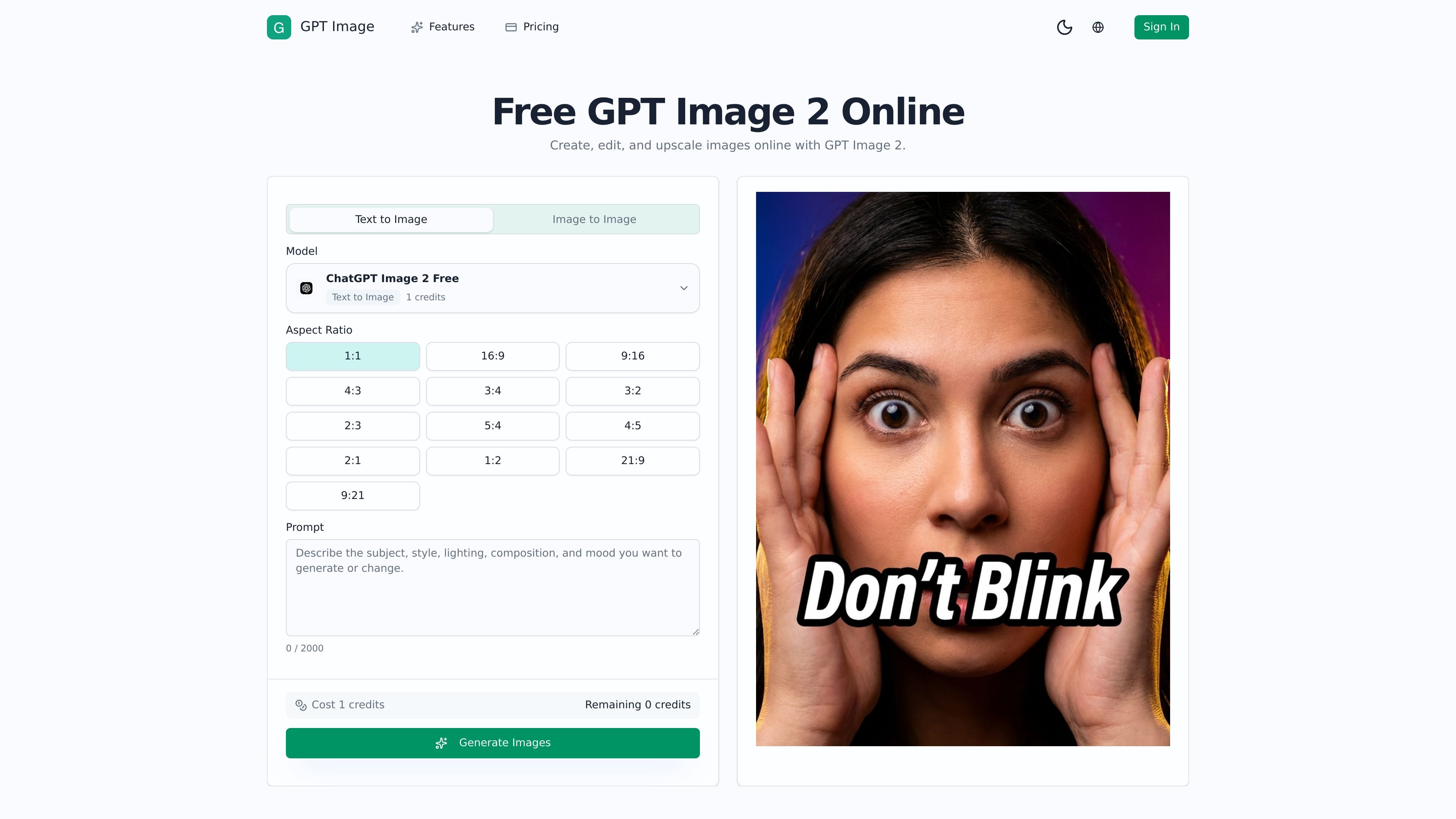
GPT Image is a prompt-first AI image generator and photo editor for creating, editing, upscaling, and refining visuals from text prompts, existing images, and reference images. The product is presented as an online workspace for turning a prompt and source assets into usable image outputs.
The site emphasizes a workflow for controlled image generation and editing rather than a single one-click effect. Users can start with text-to-image or image-to-image, specify what should stay consistent, generate variations, and download the result after processing.
Create new visuals from text prompts, or start with an uploaded image when you want to preserve the subject and change the style, background, or mood.
Upload one or more reference images to guide composition, materials, subject consistency, or art direction across generations.
Use plain-language prompts to repair, replace, restyle, or keep parts of an image consistent without relying on a long masking workflow.
Generate and compare variations for campaigns, products, portraits, thumbnails, and other branded visuals, then keep the strongest result.
Adjust visual direction through prompt guidance, including mood, lighting, color palette, and framing, while keeping core elements stable.
Download successful results after processing, with paid plans offering cleaner outputs and higher-volume generation than the free tier.
Start from a brief and generate fresh concepts for ads, campaign visuals, thumbnails, or content assets when there is no source image to begin with.
Upload an existing image and direct the editor to change the style, background, mood, or composition while keeping the subject recognizable.
Use reference images to keep a face, product silhouette, palette, or framing stable across a sequence of outputs for branding or series work.
Turn a plain product photo into a more polished scene for ecommerce pages, landing pages, or social promotion without a new photo shoot.
Compare several prompt variations quickly to find the strongest direction for a cover, portrait, or branded illustration before committing to production.
GPT Image is a prompt-first image generation and editing workspace. You enter a prompt, optionally add one or more reference images, and then generate or refine visuals after selecting the desired mode and settings.
The home page shows text-to-image and image-to-image workflows. You can start from a prompt, an existing image, or both, then use the editor to generate, compare, and refine results.
The site’s pricing page includes Free, Lite, and Pro plans, plus one-time credit packs. Free includes starter credits, while paid plans add more monthly credits and higher-output workflows.
Generated results can be downloaded after processing. The site also notes that paid plans unlock cleaner deliverables, while free usage may include watermarks and feature limits.
The source pages do not describe broad integrations or platform compatibility in detail. The product is presented as an online workspace accessed through the website.