
Formula assistant
Generate and understand formulas for Excel, Google Sheets, LibreOffice Calc, and Airtable from natural-language prompts.

GPTExcel is an AI spreadsheet assistant for generating formulas, SQL queries, automation scripts, regex patterns, and table templates across Excel, Google Sheets, LibreOffice Calc, and Airtable. It also supports file chat, image-to-table conversion, charts, and spreadsheet data analysis.
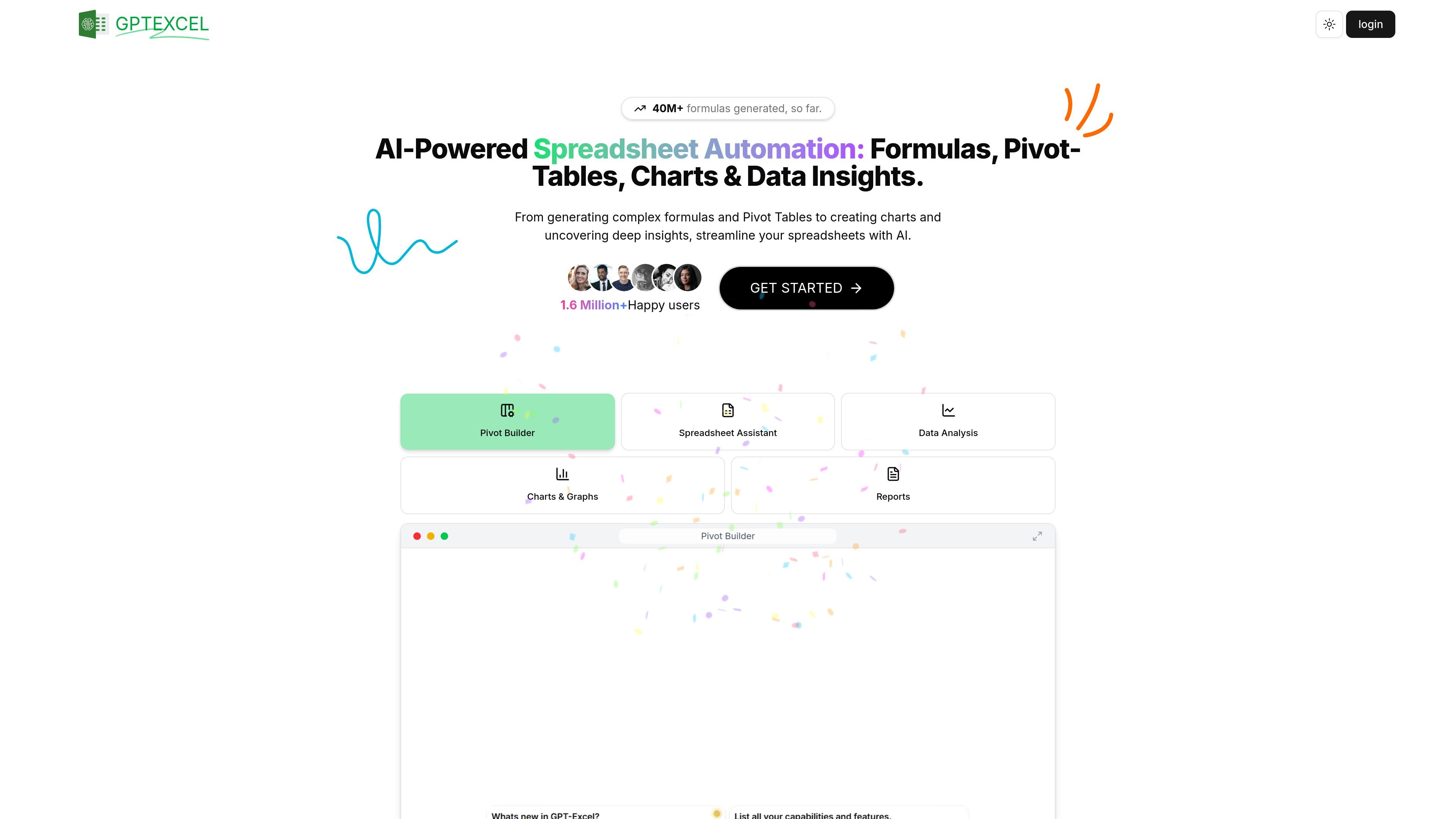
GPTExcel is an AI-powered spreadsheet assistant for generating formulas, SQL queries, automation scripts, regex patterns, and table templates. It is designed to help users work across Excel, Google Sheets, LibreOffice Calc, and Airtable without writing every formula or query manually.
The product also extends into spreadsheet analysis workflows. Users can chat with an Excel file, convert images of tables into editable spreadsheets, generate charts and graphs, and produce concise reports from Excel or CSV data.
Generate and understand formulas for Excel, Google Sheets, LibreOffice Calc, and Airtable from natural-language prompts.
Create SQL queries, debug or refine them, and use AI to handle query-writing tasks across database systems.
Produce automation scripts for Excel and related tools, including VBA, Apps Script, and Airtable scripts.
Convert spreadsheet-style information from images into editable tables using OCR and AI processing.
Ask questions about your spreadsheet, request clarifications, and get insights or recommendations through a chat interface.
Create charts, graphs, pivot tables, table templates, and brief analysis reports from spreadsheet data.
Draft formulas for calculations, lookups, and transformations when you want help writing or understanding spreadsheet logic.
Generate SQL statements for filtering, joining, or refining data when moving between spreadsheet work and database queries.
Produce VBA, Apps Script, or Airtable scripts to automate repetitive spreadsheet tasks.
Convert a photographed or screenshot table into an editable spreadsheet so it can be cleaned, reused, or analyzed.
Ask questions about Excel or CSV data, generate charts, and summarize trends or metrics into short reports.
GPTExcel is an AI-powered spreadsheet assistant that generates formulas, SQL queries, automation scripts, regex patterns, and table templates. It also supports chatting with an Excel file, converting image-based tables into editable spreadsheets, generating charts and graphs, and analyzing Excel or CSV data.
You can use GPTExcel to generate spreadsheet formulas, SQL queries, automation scripts such as Apps Script and VBA, regex expressions, and Excel table templates. It also supports spreadsheet chat, image-to-table conversion, chart generation, and concise data analysis reports.
GPTExcel supports Microsoft Excel, Google Sheets, LibreOffice Calc, and Airtable. For data analysis, it works with Excel and CSV files, and it also accepts photos of tables for conversion into editable spreadsheets.
The free plan offers essential features with 4 requests per day, refreshed every 12 hours, and does not require a credit card. Pro access increases the request limits and adds higher usage allowances for the same tool set.
Yes. You can sign up and use GPTExcel for free without a credit card. A credit card is only required when upgrading to Pro.