
AI transcription with multilingual support
Transcribe audio and video with support for 100+ languages, accents, fast speakers, and complex audio, with speaker labels available on paid plans.

Good Tape is an automated transcription tool for audio and video with web and mobile apps, multilingual support, and security-focused file handling. It is aimed at professionals and teams that need reliable transcripts, review tools, and EU-based compliance.
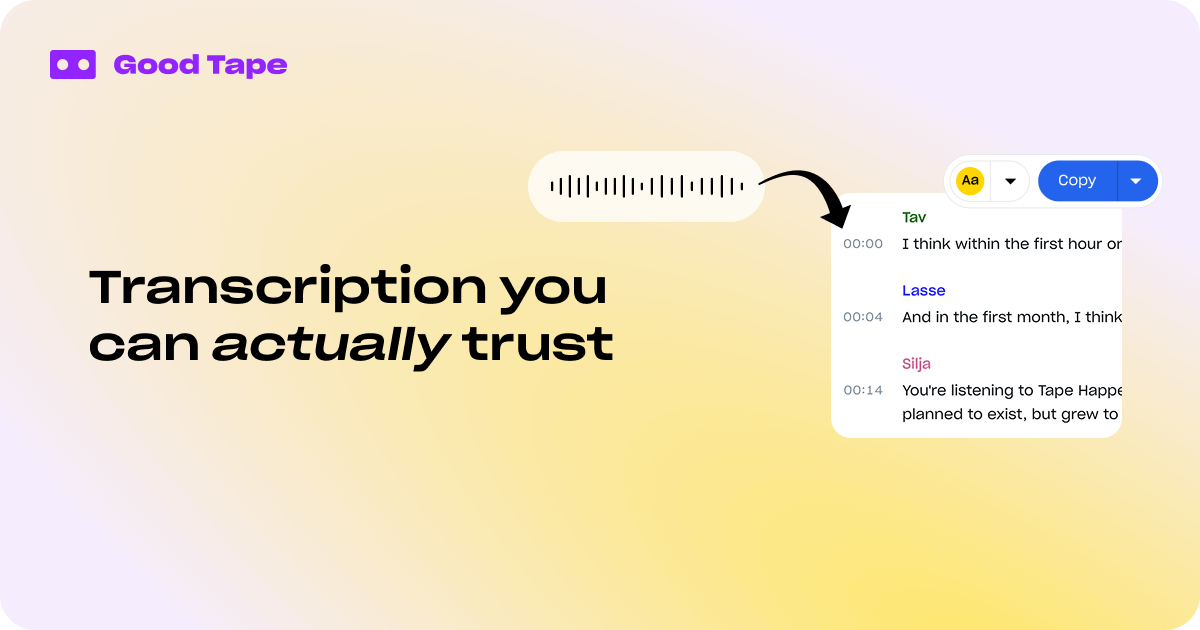
Good Tape is an automated transcription tool for audio and video that turns recorded speech into editable transcripts. The site positions it for professionals who need fast transcription with a strong focus on privacy, multilingual support, and straightforward review workflows.
The product includes a web app, an iOS and Android recording app, and plan tiers for individuals and organizations. On the site, Good Tape emphasizes 100+ language support, speaker labels, summaries, bulk uploads, and secure handling of files stored and processed in the EU.
Transcribe audio and video with support for 100+ languages, accents, fast speakers, and complex audio, with speaker labels available on paid plans.
Generate short summaries and use smart search to find relevant parts of transcripts faster on Pro and Business plans.
Keep interviews and meetings organized with projects, collections, notes, and playback for reviewing transcripts in context.
Upload multiple files at once to speed up batch work on paid plans, including longer files without waiting time on Pro.
Use the mobile app to record on iOS or Android, monitor audio levels in real time, auto-save recordings, and sync files to your Good Tape account.
For organizations, Business includes team management, admin overview, SLA, centralized billing, SSO, API integration, and DPA support.
Reporters can record interviews in the field, sync them to the web app, and return to a transcript that is ready for review on desktop.
Researchers and analysts handling sensitive recordings can use the security-focused web workflow and EU-based processing for confidential material.
Teams can use speaker labels, collections, notes, centralized billing, and admin controls to manage shared transcription work across an organization.
Users who record meetings or voice notes on mobile can capture audio in the app, auto-save it offline, and choose which recordings to send for transcription.
People processing multiple files can use bulk upload and playback to move through batches of recordings more efficiently.
Yes. The Good Tape app is available for iOS and Android, and the web product can be used from the desktop after files sync from the app or are uploaded directly.
Yes. The pricing page includes a Business plan with SSO, API integration, team management, centralized billing, and other organization features.
The site says Good Tape supports 100+ languages on the web platform, and the app uses the same 100+ transcription languages and dialects.
No. The mobile app is described as a secure field recorder and sync tool, not a real-time transcription app. Transcription is processed in the cloud after syncing.
The security page says uploaded and stored files are encrypted, processed on EU-based servers, and covered by GDPR and ISO 27001 certification. The site also states recordings are not used to train AI models.