
Local batch compression
Compress videos, images, GIFs, and PDFs in batches on your own device, with the site positioning the app as offline and secure.

GetCompress is a desktop app that compresses and converts videos, images, GIFs, and PDFs locally on macOS, Windows, and Linux. It supports batch workflows, presets, and automation for file sharing and repeat tasks.
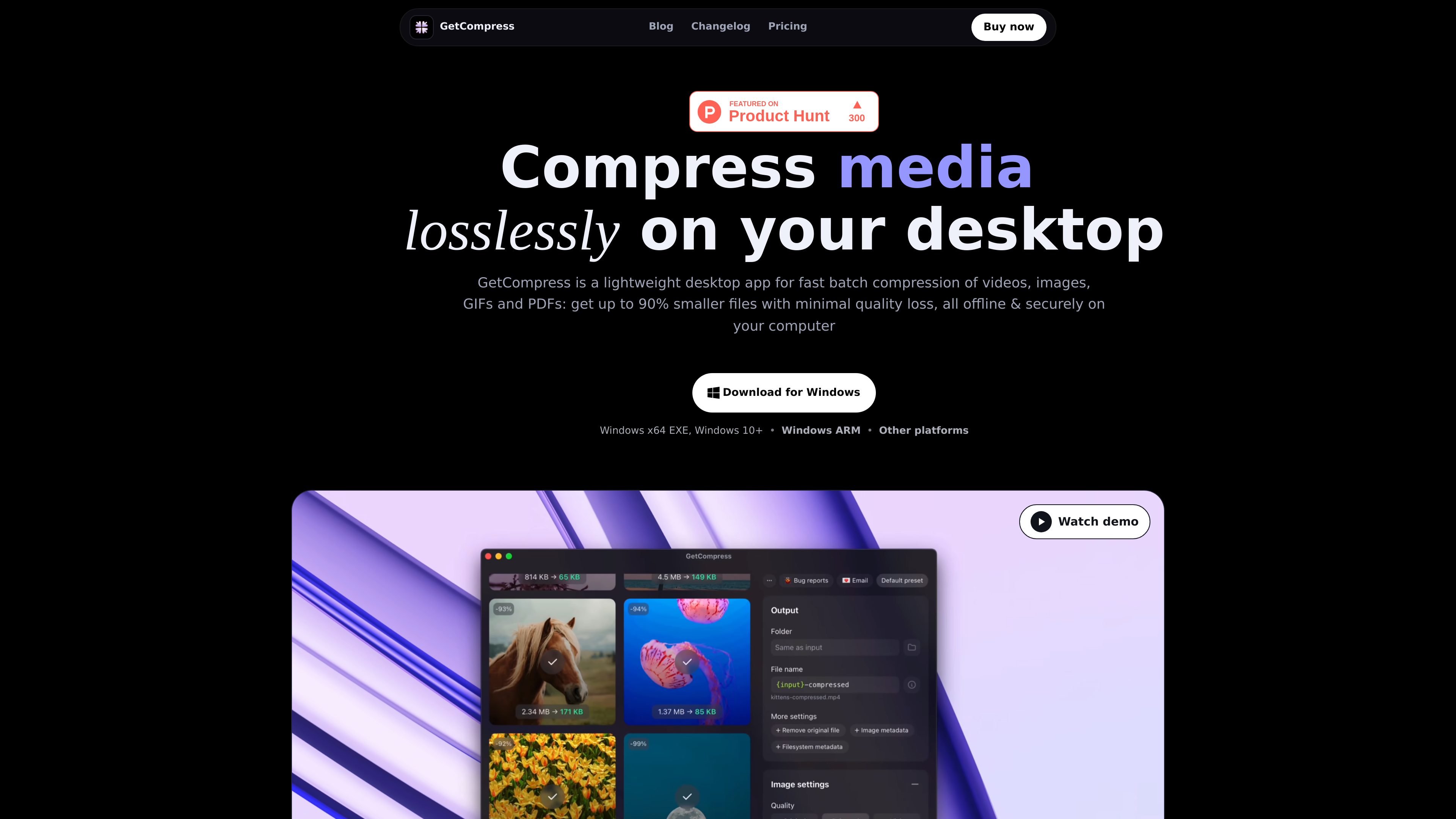
GetCompress is a lightweight desktop app for compressing and converting videos, images, GIFs, and PDFs locally on your computer. The site presents it as an offline-first tool for people who need to reduce file sizes without uploading files to a cloud service.
It supports batch processing, so you can drop in many files at once and keep moving. The homepage also highlights a wide format range, including common image, video, GIF, PDF, and audio-related export formats, along with controls for quality, dimensions, and target file size.
Beyond manual compression, the product adds workflow features for recurring file tasks: clipboard compression, folder monitoring, auto-copying output files, Finder context-menu access, keyboard shortcuts, and completion notifications. The result is a desktop utility aimed at everyday sharing, delivery, and automation use cases.
GetCompress is available for macOS, Windows, and Linux, and the pricing page describes a lifetime license with all features, future updates, a one-device limit, and a 14-day refund policy.
Compress videos, images, GIFs, and PDFs in batches on your own device, with the site positioning the app as offline and secure.
Drag files into the mini drop zone and send the compressed result back out without extra steps. The workflow is designed for quick handoff from browsers, Slack, screen recordings, and Finder.
Save reusable presets and tune settings such as quality, dimensions, and target file size per preset or per file when you need more control over the output.
Preview images, videos, GIFs, and PDFs before export, including trimming for videos and GIFs and frame-by-frame GIF inspection.
Trigger compression from the Finder context menu, clipboard, folders, keyboard shortcuts, notifications, sleep prevention, deeplinks, and other workflow hooks.
Use the MCP server, Raycast extension, Siri Shortcuts, and open-source extensions to fit the app into local automation or AI-assisted workflows.
Reduce screenshots, photos, and design exports before sending them through email, chat, or client handoff. The batch workflow and drag-and-drop interface are aimed at files people share every day.
Compress recordings, exports, and other large media before uploading them to a website or delivery portal. The site specifically calls out video compression for faster uploads and delivery.
Shrink image-heavy PDFs, presentations, and scans when you need to meet size limits without leaving your computer. The FAQ says PDFs are supported alongside image and video workflows.
Set up clipboard compression or folder monitoring for repeat tasks, so new files are compressed automatically as they arrive or are copied.
Use the MCP server, Raycast extension, Siri Shortcuts, or deep links to connect local compression into launcher-driven or AI-assisted workflows.
GetCompress is a desktop app for compressing and converting images, videos, GIFs, and PDFs locally on your computer. It is designed for offline use and supports batch workflows plus automation features such as clipboard compression and folder monitoring.
The product pages say processing happens locally, so no internet connection is required for file compression and conversion. That makes it a fit for files you do not want sent to an online service.
The app supports macOS, Windows, and Linux. The downloads page lists installers for Universal, Apple Silicon, and Intel macOS builds, plus Windows EXE and Linux AppImage, DEB, and RPM packages.
The pricing page says the license includes all features, 1 active device at a time, all future updates, and a 14-day money-back guarantee. It also mentions an educational or volume discount on request.
GetCompress supports image, video, GIF, and PDF workflows across dozens of formats, and the FAQ says it can convert as well as compress. The site lists examples such as PDF, SVG, PNG, JPEG, WebP, HEIC, AVIF, MP4, MOV, WebM, and more.