
Text-to-video creation
Generate videos from scripts or other source material using AI avatars and voice narration, with workflows that support text, URLs, PPTX files, blog posts, prompts, links, and documents.

Elai is a web-based AI video generator for L&D teams that turns text, slides, URLs and more into narrated videos with avatars, translation, and interactivity.
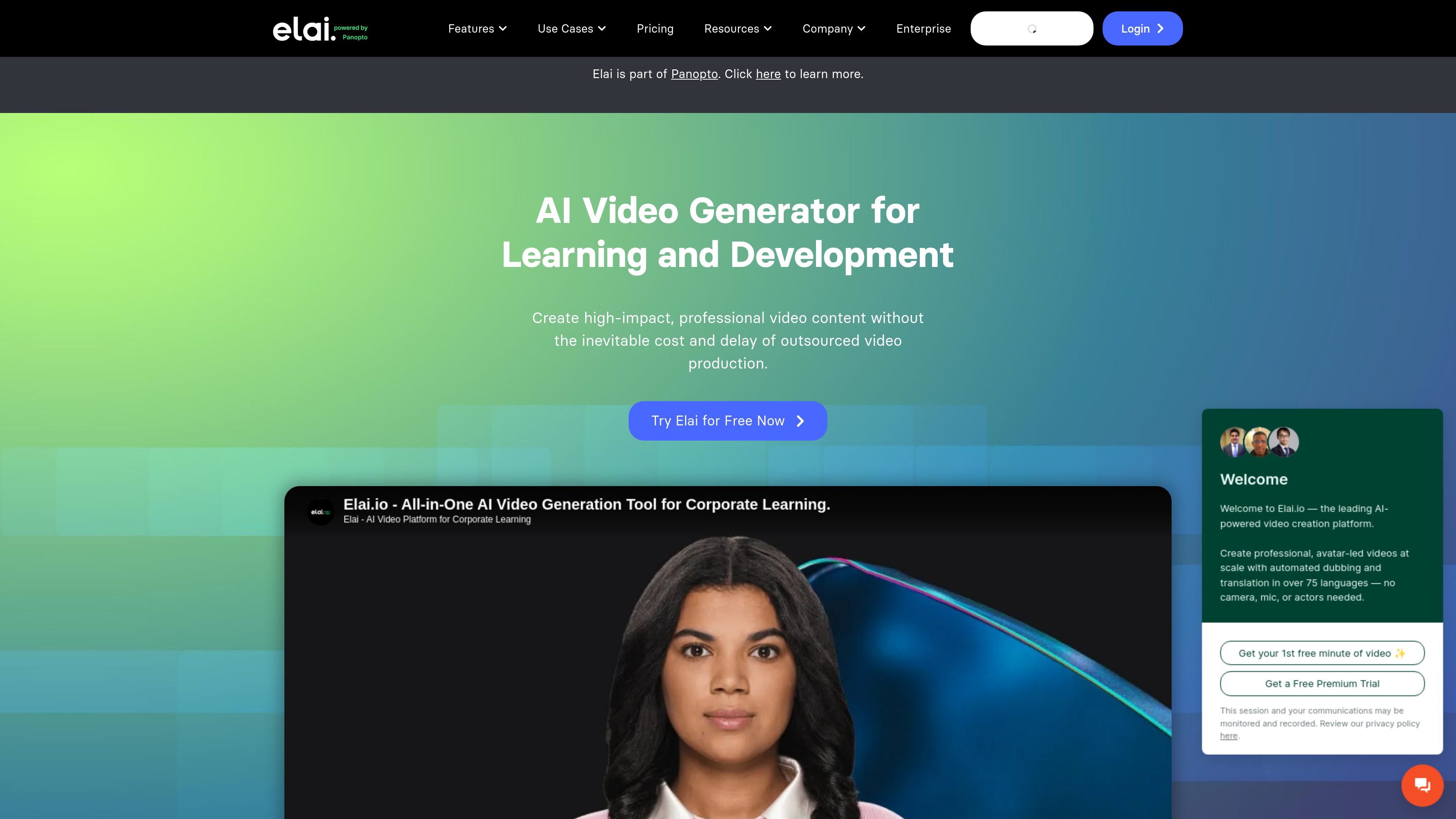
Elai is an AI video generator for learning and development that turns text and other source material into narrated videos with AI avatars. The site presents it as part of Panopto and positions it for teams that need to create training, presentation, and other video content without a full production setup.
Across the site, Elai emphasizes speed, localization, and reuse: users can start from a script, URL, blog post, or PPTX, then add avatars, voice cloning, translations, templates, interactivity, and branding controls to produce finished videos for different audiences.
Generate videos from scripts or other source material using AI avatars and voice narration, with workflows that support text, URLs, PPTX files, blog posts, prompts, links, and documents.
Use AI avatars as presenters, including a library of 80+ avatars and options for custom avatar creation such as selfie, studio, photo, and animated mascot styles.
Clone a voice in 28 languages and translate videos into more than 75 languages, with support for 450+ accents and a large voice library on the pricing page.
Build interactive videos with branching paths, buttons, hotspots, quizzes, and analytics to measure views, watch time, and engagement.
Upload PPTX files, use templates, apply brand kit settings, add captions, record screens, and export SCORM for learning management workflows.
Use the public API, workspaces, SSO, and collaboration features for team-based production and enterprise deployment.
Create training videos for onboarding, compliance, and internal education by turning scripts or outlines into narrated content with avatars, captions, and interactive elements.
Convert slide decks into video presentations with editable components, then add voiceover, avatars, and branding for a more polished delivery format.
Localize a single video into multiple languages using voice cloning and automated translation so the same message can reach regional audiences.
Produce scenario-based lessons with avatar dialogs, branching, buttons, hotspots, and quizzes to keep learners active rather than passive.
Build personalized or branded video campaigns using templates, custom avatars, brand kit settings, and collaboration tools for team review.
Elai is a text-to-video platform for creating training and learning content with AI avatars, voice cloning, translations, and interactive elements. The site positions it for learning and development teams, but the same tools are also shown for presentations, marketing, and personalized video workflows.
The source says videos can be created from text, URLs, blog posts, PPTX files, prompts, links, and documents, depending on the workflow. It also includes a built-in screen recorder and options to upload voiceovers, add captions, and export SCORM for learning use cases.
Yes. The pricing page lists a Free plan, paid Creator and Team plans, and an Enterprise option that says 'Let's Talk' and is tailored to larger needs. Team and Enterprise plans add collaboration and admin-oriented features such as workspaces, SSO, and brand controls.
The source does not show a public third-party integration catalog. It does mention a Panopto integration on the pricing page and a public API for integrating Elai into other technology stacks.
The pricing page presents subscription plans with video minutes, and the FAQ states that pricing uses a pre-paid subscription model rather than pay-as-you-go. The source also says extra minutes can be topped up on paid subscriptions.