
Morning Brief
Dia’s Morning Brief pulls together calendar items, inbox items, and key links so you start the day with a clearer view of what is already waiting.

Dia is an AI-native browser for work that pulls context from tabs and connected tools, then helps users generate answers, briefs, and presentation-ready outputs. It is currently available on macOS, with Windows listed as coming soon.
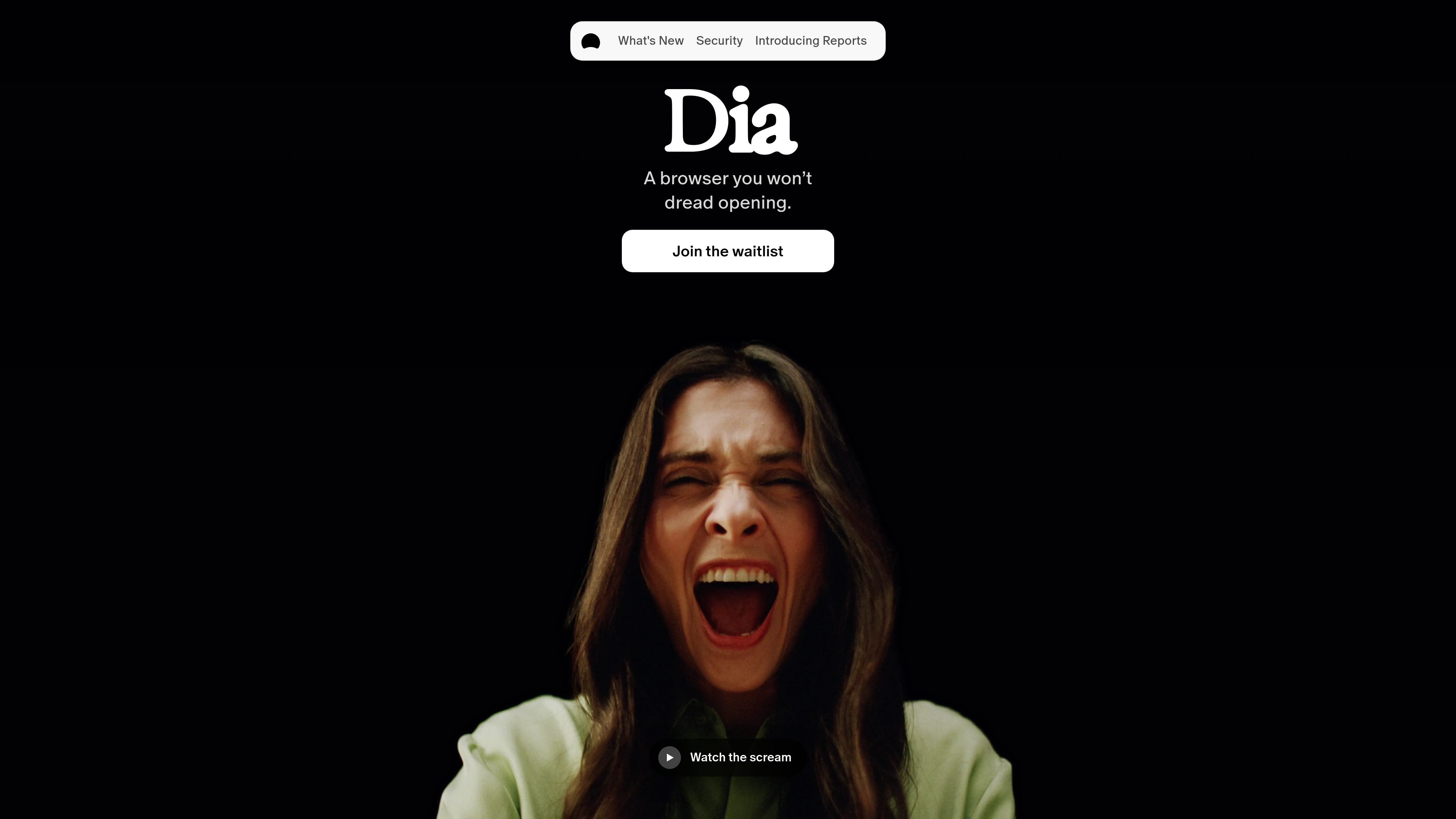
Dia is an AI-native browser from The Browser Company built for people doing their work inside the browser. The site positions it as a browser for workday tasks where context lives across tabs, calendars, inboxes, docs, and team tools rather than in one place.
Its core job is to reduce the friction of finding, assembling, and presenting information. Dia can read across connected sources such as Slack, Notion, Calendar, GSuite, GitHub, and open tabs, then help you produce answers, briefs, and presentation-ready outputs without switching between as many tools.
Dia’s Morning Brief pulls together calendar items, inbox items, and key links so you start the day with a clearer view of what is already waiting.
Dia can gather scattered context from tools like Slack, Notion, Calendar, GSuite, and open tabs, then turn it into a report that is ready to share.
Instead of searching manually, you can ask Dia a question and have it look across your browser and connected workspace to answer from available context.
For recurring meetings, Dia opens the meeting page, agenda, notes, and related docs together and includes a countdown so the right materials are ready.
Dia’s tab bar can surface work destinations such as GitHub and Notion, and its split view lets you keep a meeting, doc, or other pages visible side by side.
Dia supports profiles with separate tabs, logins, and color themes, so work and personal browsing can stay separated.
Use Dia to get a morning summary of what needs attention, including calendar items, inbox context, and key links, before the day gets busy.
Use Dia when you need to combine details from Slack, Notion, Calendar, GSuite, or tabs into something you can review or share without rebuilding it manually.
Use Dia for meetings when you want the agenda, notes, and related documents open together, with the browser set up around the call instead of after it begins.
Use Dia when you want to keep a meeting, reference doc, or draft visible at the same time through split view and organized tabs.
Use Dia in a managed company environment where IT needs SSO, MDM policies, and controlled AI features instead of an unmanaged consumer browser.
Dia is a browser built for work, with AI features that pull context from tabs and connected tools so you can ask once and get a useful answer or summary. The site describes it as a modern, AI-native browser for teams and individuals working in the browser.
The homepage says Dia is currently available on Apple macOS 14+ with M1 chips or later. The Windows page says Dia on Windows is coming and offers a waitlist sign-up.
Yes. The work page says Dia supports SAML-based SSO with identity providers including Google, Okta, and Microsoft Entra ID, and it also supports standard Chromium enterprise policies plus Dia-specific MDM policies.
The homepage says Dia can connect to tools like Slack, Notion, Calendar, GSuite, GitHub, and work with open tabs. The work page also says it supports import flows from major browsers for bookmarks, extensions, profiles, tabs, passwords, and history.
The pricing page currently returns a not-found page, so this source set does not confirm pricing, plan names, or trial details.