
Multi-format content analysis
Paste text or upload files for analysis, including DOCX, PDF, TXT, and images, then review sentence-level AI highlighting and an overall result.

Detecting AI is an AI content detector for checking whether text may have been generated by tools like ChatGPT, Gemini, or Claude. It supports pasted text and uploaded files, and it is aimed at students, educators, publishers, researchers, and businesses that need to review originality.
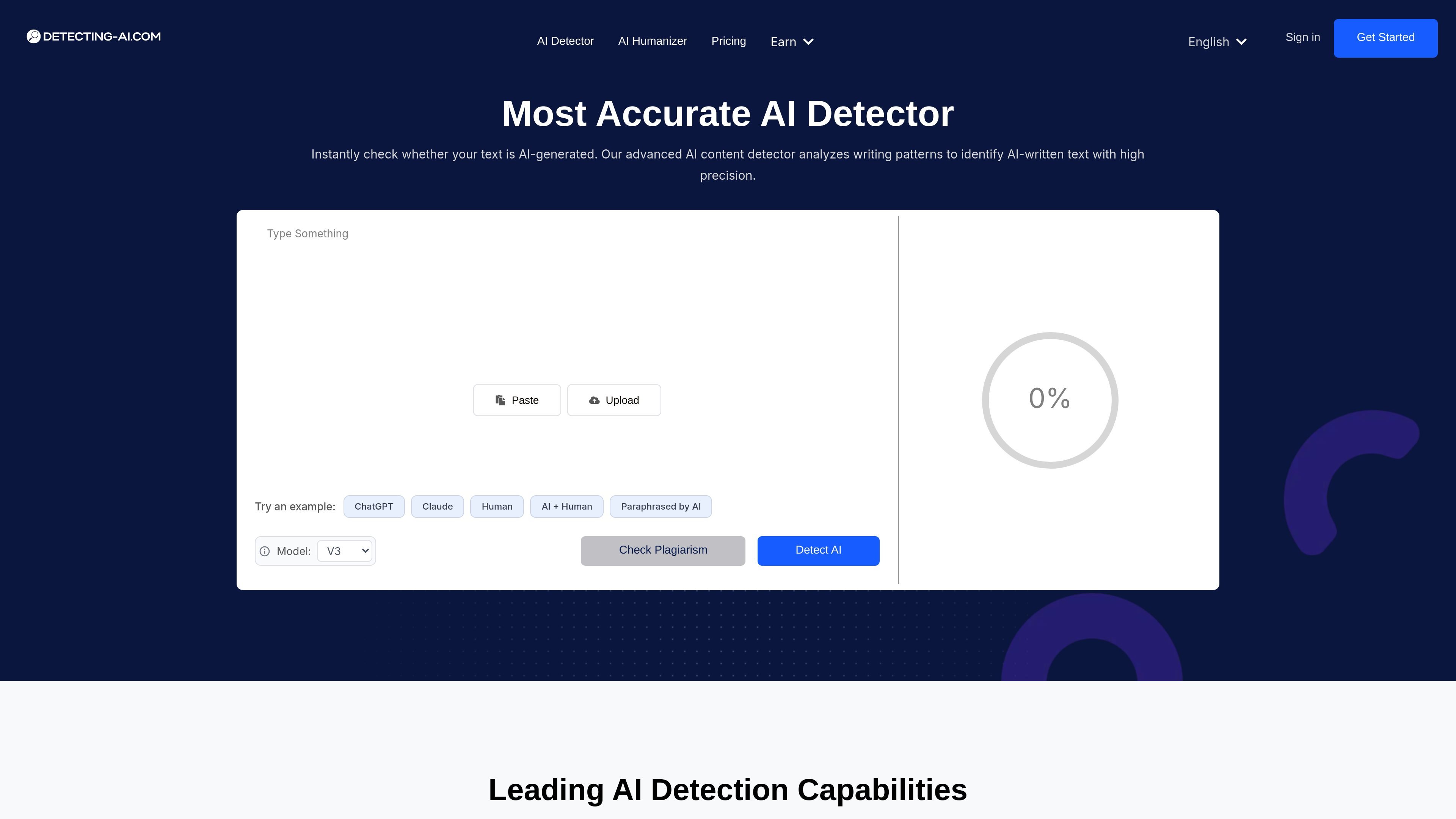
Detecting AI is an AI content detector and checker for identifying text that may have been generated by tools such as ChatGPT, Gemini, and Claude. The product is positioned for people who need to verify originality, review authenticity, or flag AI-written sections before publishing or submission.
The site describes a workflow centered on pasting text or uploading documents, then receiving an AI probability result, sentence-level highlighting, and detailed analysis of mixed human-and-AI content. It also presents paid plans with higher usage limits and additional tools such as plagiarism checking, fact checking, AI humanizer access, and multiple file uploads.
Paste text or upload files for analysis, including DOCX, PDF, TXT, and images, then review sentence-level AI highlighting and an overall result.
The site says the detector uses a dual-model approach with deep learning and feature-based analysis to identify AI-generated writing.
The product claims support for more than 50 languages and says it is designed to work across major AI models such as ChatGPT, Claude, Gemini, and others.
It flags AI-generated sections sentence by sentence so users can see where AI is likely present in a mixed document.
The technology pages say the system is built to resist paraphrasing and other evasion attempts, including AI-humanized text.
Paid plans add access to features such as plagiarism checking, fact checking, AI humanizing, and multiple file uploads.
Students can check essays or papers before submission and review whether any passages may have been generated by AI.
Educators can review student work for originality and use sentence-level highlights to see which sections may need closer inspection.
Bloggers, copywriters, and publishers can screen guest posts or drafts before publication to reduce the risk of AI-written material going live.
Researchers can inspect text, citations, and source material for signs of manipulation or AI-assisted drafting.
Businesses can check customer reviews, proposals, resumes, or support content for authenticity before acting on it.
Yes. The pricing page says the Free plan includes a limited number of detections per day and a 5,000-character limit per check, which lets you try the basic detector before upgrading.
The site says you can cancel a monthly subscription at any time. For yearly plans, it says unused time is eligible for a prorated refund.
The pricing page says payments are processed through Paddle and that major credit cards and debit cards are accepted.
The home and technology pages say the detector highlights AI-written sections sentence by sentence and provides an overall AI percentage or confidence score.
The site says the detector supports mixed human and AI content, multiple file types, and more than 50 languages. It is most accurate in English, and the technology page says premium output can also include plagiarism and citeable source features.