
AI website generation and editing
Generate a website with a prompt, then refine the result in the editor by changing fonts, colours, layouts, spacing, and other design elements.

Design.com is an AI-assisted design platform for logos, websites, business cards, and social graphics. It helps users generate brand assets quickly, then customize and publish them from one interface.
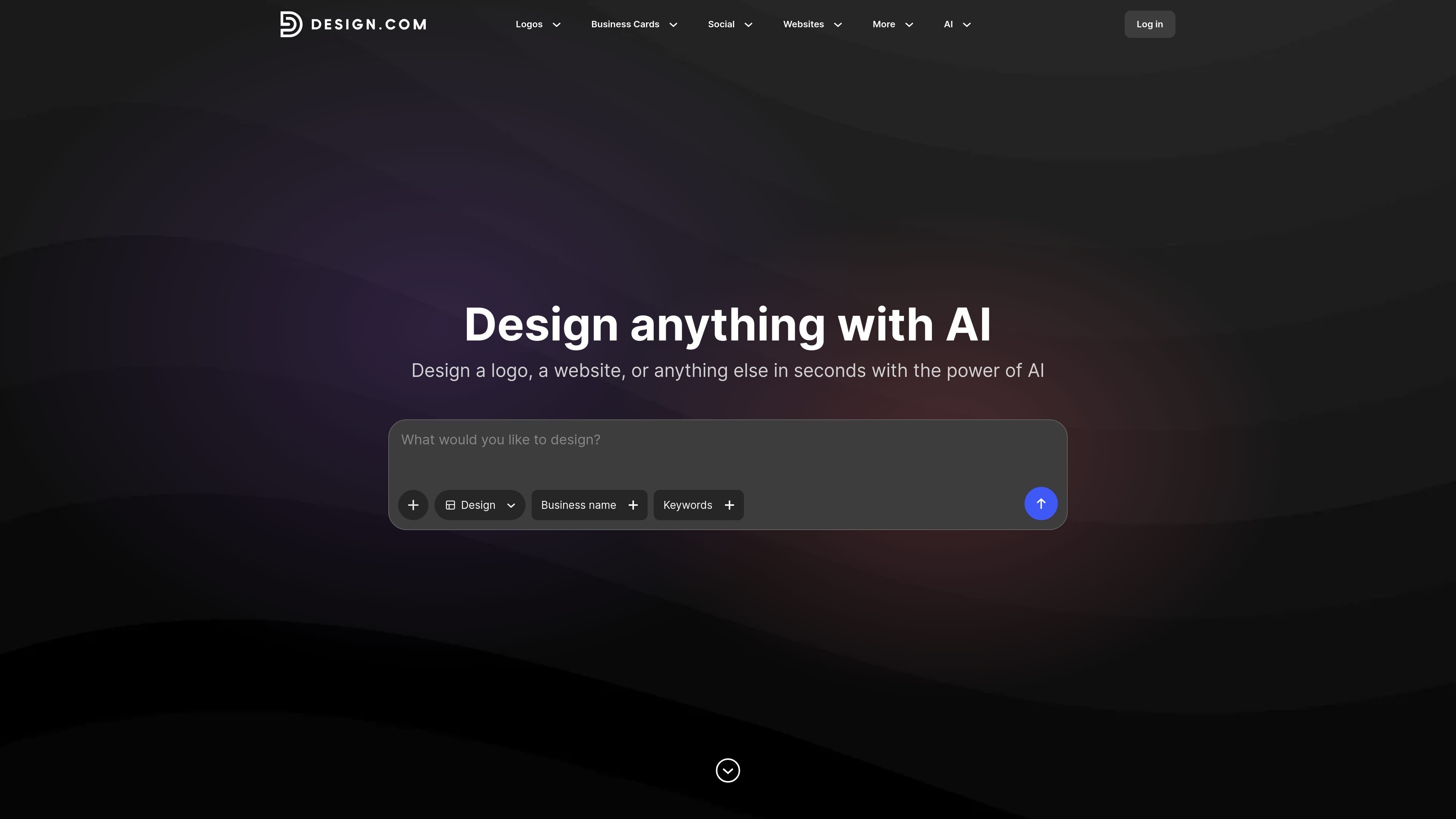
Design.com is an AI-assisted design platform for logos, websites, business cards, and social graphics. The site positions it as a way to generate design assets quickly, then customize them through an editor that changes fonts, colours, layouts, spacing, and other visual details.
The product covers several adjacent brand-building tasks from one interface: logo creation, website generation, business card design, and templates for social and print materials. The source also shows built-in hosting for websites, support for custom domains, and downloadable files for business cards in print- and share-friendly formats.
Generate a website with a prompt, then refine the result in the editor by changing fonts, colours, layouts, spacing, and other design elements.
Start from a keyword or business name and get related business card designs generated instantly from a large template library.
Build logos with customization controls for fonts, colors, and layouts so the final design can be adjusted to fit a brand.
Create social posts, stories, banners, flyers, posters, presentations, and other branded assets from the same platform.
Publish websites with built-in hosting and the option to use a custom domain you already own, or a free Design.com branded URL.
Export business cards in high-resolution PNG and JPG formats, plus vector SVG, EPS, and PDF files for print or sharing.
Create a logo, then reuse the same brand colors and style across business cards, email signatures, and social graphics.
Generate a website from a prompt, adjust the layout and styling, and publish it with built-in hosting or a custom domain.
Produce business cards quickly by starting from a keyword or business name, then download files for print or sharing.
Build posts, stories, banners, flyers, posters, and other campaign assets from the same design library when you need matching visuals across channels.
Create a digital business presence with link-in-bio pages, QR codes, and email signatures that align with the rest of the brand.
Design.com’s website builder uses AI to generate websites from a prompt and also lets you edit fonts, colours, layouts, spacing, and design elements after generation.
Yes. The source says Design.com offers free website options and you can publish and host a website 100% free.
The business card maker lets you start from a keyword, business name, or logo, then customize fonts, colors, and layout before downloading.
Business card downloads include high-resolution PNG and JPG files plus vector SVG, EPS, and PDF files.
The pricing page was not available in the provided source, so specific plan details and limits are not confirmed here.