
Data consolidation
Consolidate financial data from multiple systems into a single governed layer so finance teams can work from one source of truth.

Datarails is an Excel-native FP&A platform and finance operating system for finance teams. It consolidates financial data, supports reporting and planning, and connects with 600+ systems and major AI tools.
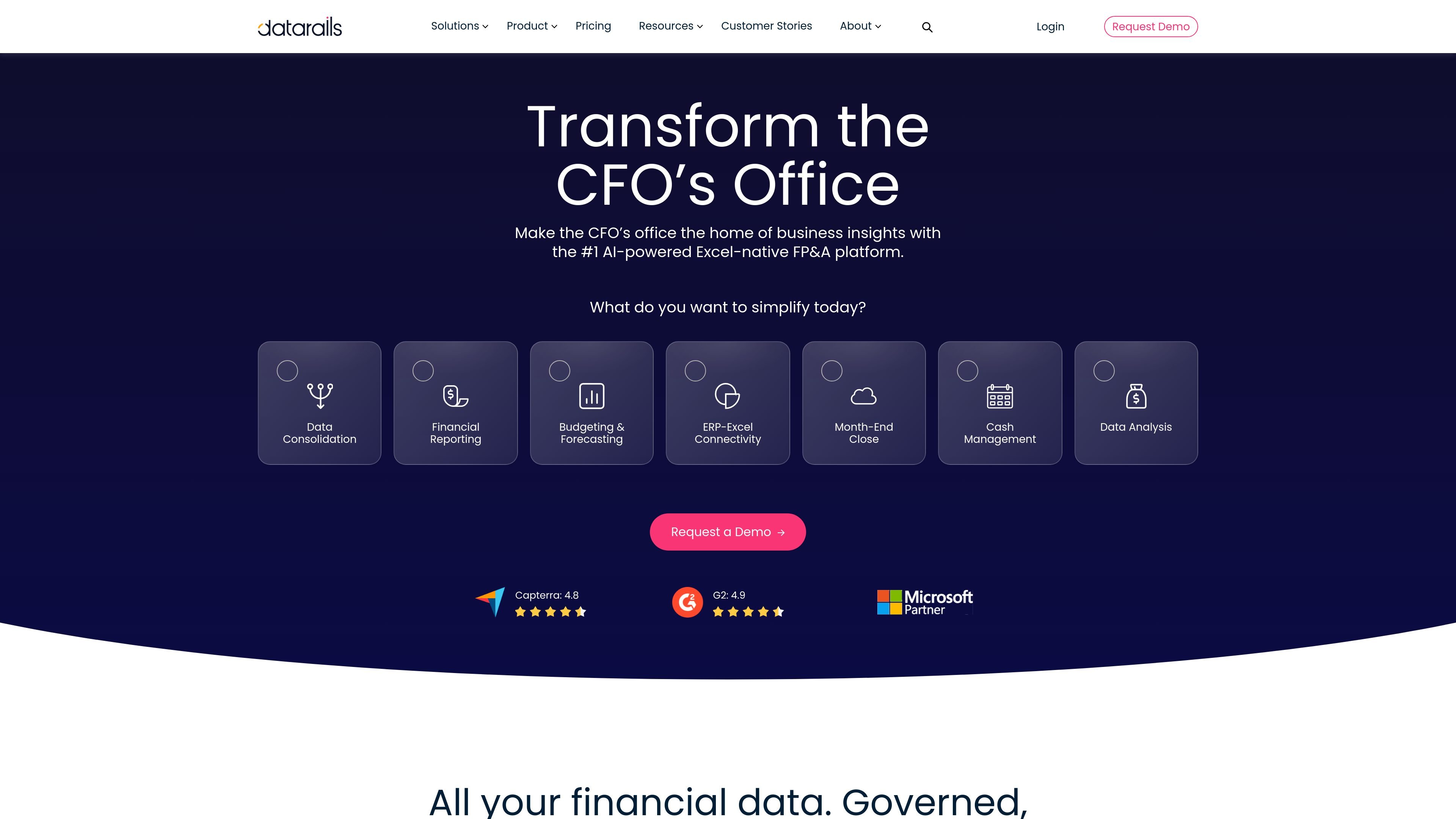
Datarails is an Excel-native FP&A platform and finance operating system for finance teams that want to consolidate data, build reporting and planning outputs, and keep working in familiar spreadsheet workflows. The homepage positions it as a system for data consolidation, financial reporting, budgeting and forecasting, ERP-Excel connectivity, month-end close, cash management, and data analysis.
The FinanceOS product page describes the platform as a governed, secure, AI-ready data layer that connects and consolidates financial data from across an organization. Datarails also says it works with major AI tools and supports real-time consolidation, role-based permissions, and traceable data used for board-ready presentations and other finance workflows.
Consolidate financial data from multiple systems into a single governed layer so finance teams can work from one source of truth.
Build dashboards, reports, and planning outputs from consolidated data, with Datarails emphasizing unlimited outputs on the pricing page.
Use the Excel add-in and web app together so finance teams can keep familiar spreadsheet workflows while storing data in the cloud.
Access FinanceOS, which is described as a secure, auditable, AI-ready data layer that connects across the organization.
Connect to 600+ systems across accounting, ERP, CRM, bank, HRIS, and other tools according to the homepage and FinanceOS page.
Manage cash with real-time visibility, automatic transaction categorization, balance tracking across entities, and cash forecasting.
Use Datarails to collect data from multiple business systems, reconcile it, and produce reporting from a governed source instead of manual spreadsheet assembly.
Use the Excel-native workflow to keep models familiar while centralizing the data needed for budgets, forecasts, and recurring planning cycles.
Use FinanceOS to prepare financial data for AI tools and produce outputs such as board-ready presentations or AI-assisted finance workflows from traceable data.
Use the cash management product to view balances across entities, categorize transactions automatically, and support cash forecasting and reconciliation.
Use month-end close or spend control add-ons, available as additional products on the pricing page, to extend the finance stack beyond FP&A.
Datarails customizes pricing based on the use cases you want to cover, along with the number of users and integrations. The pricing page directs buyers to request a quote rather than showing fixed public prices.
The pricing page says reports, dashboards, and PowerPoints are unlimited. They are fully customizable and can be updated in real time from Datarails' consolidated data layer.
The pricing page says Datarails includes an Excel add-in called Datarails Flex and a web app that stores data securely in the cloud, so teams can keep working in Excel while accessing consolidated financial data.
FinanceOS is described as a governed, secure, AI-ready layer that connects and consolidates financial data across the organization. It is presented as working with major AI platforms such as Claude, ChatGPT, Lovable, Gamma, and Copilot.
The source highlights Datarails FP&A, Cash Management, Spend Control, and Month-End Close on the pricing page, but the public evidence here does not show a full connector list or all product-specific capabilities in detail.