
AI statement extraction
Extracts transaction data, dates, descriptions, and amounts from PDF bank statements and turns them into structured spreadsheet-ready output.

ConvertMyBankStatement converts PDF bank statements to Excel, CSV, or JSON for accountants and tax professionals. Supports password-protected PDFs, batch uploads, merges, and email submission.
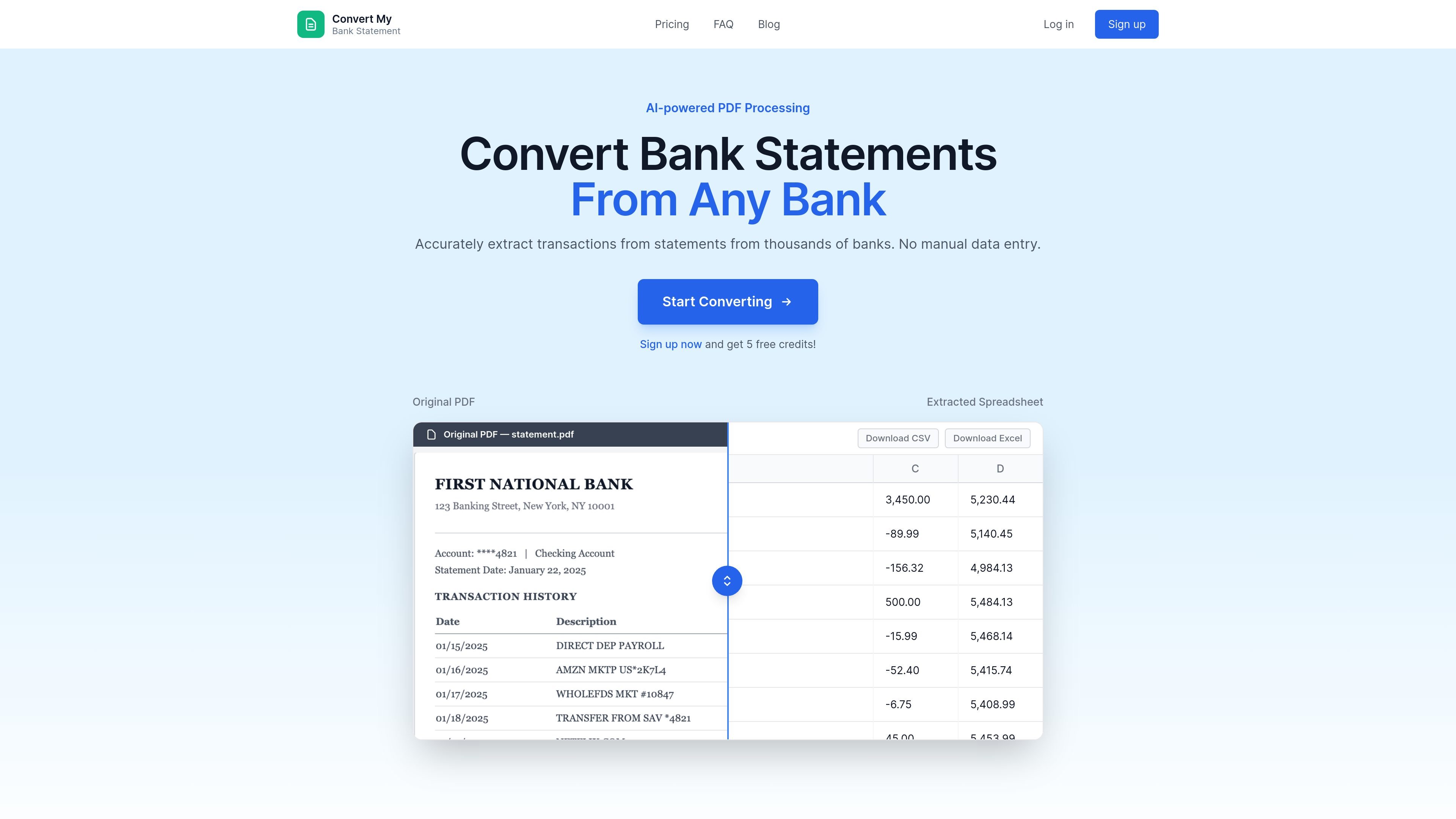
ConvertMyBankStatement is an AI-powered bank statement conversion service that turns PDF statements into usable formats such as Excel and CSV. It is positioned for people who spend time re-entering transaction data from bank documents and need a faster way to move that information into spreadsheets or accounting workflows.
The site says it automatically extracts transaction data, dates, descriptions, and amounts, with support for password-protected PDFs, batch and merge uploads, and email-based submission. The product pages emphasize accountants, tax professionals, and other power users who need to process bank statements in a structured format without manual transcription.
Extracts transaction data, dates, descriptions, and amounts from PDF bank statements and turns them into structured spreadsheet-ready output.
Exports converted data to Excel, CSV, and JSON, giving users formats for spreadsheets, imports, and downstream processing.
Accepts password-protected PDFs and requests the password during upload so protected statements can still be processed.
Supports batch and merge uploads, which is useful when users need to process multiple statements or combine files in one workflow.
Offers email-based submission by forwarding a statement PDF to the account email address, then notifying the user when processing is complete.
Includes tier-specific support options, with 24/7 support on Professional and 24/7 dedicated support on Business.
Use the service to convert downloaded PDF statements into Excel or CSV so transaction data can be reviewed, sorted, and analyzed in a spreadsheet.
Send bank statement PDFs into accounting or tax workflows when you need structured transaction data instead of manually entering lines from a statement.
Upload password-protected statements when the original file is locked but still needs to be converted into usable data.
Forward statements by email when you want to send files straight from a mailbox associated with the account rather than uploading through the web interface.
Process multiple files with batch and merge uploads when statements arrive in separate PDFs or need to be combined into one conversion run.
ConvertMyBankStatement is an AI-powered service that extracts transaction data from PDF bank statements and converts it into usable spreadsheet formats such as Excel and CSV.
Yes. The FAQ says it can convert PDF bank statements to CSV, and the site also lists Excel and JSON as available export formats.
Yes. If you upload a password-protected PDF, you are prompted to enter the password so the document can be processed.
Yes. You can forward a bank statement PDF to `contact@convertmybankstatement.com` from the email address associated with your account, and the file will be processed automatically.
The FAQ says documents up to 3,000 pages per file are supported. For larger files, the site directs users to contact support.