
Conversational data Q&A
Ask questions about a CSV in natural language instead of manually filtering rows or writing spreadsheet formulas.

ChatCSV is a web app for asking questions about CSV files in plain English. Inspect data, get summaries, and create simple visuals without coding.
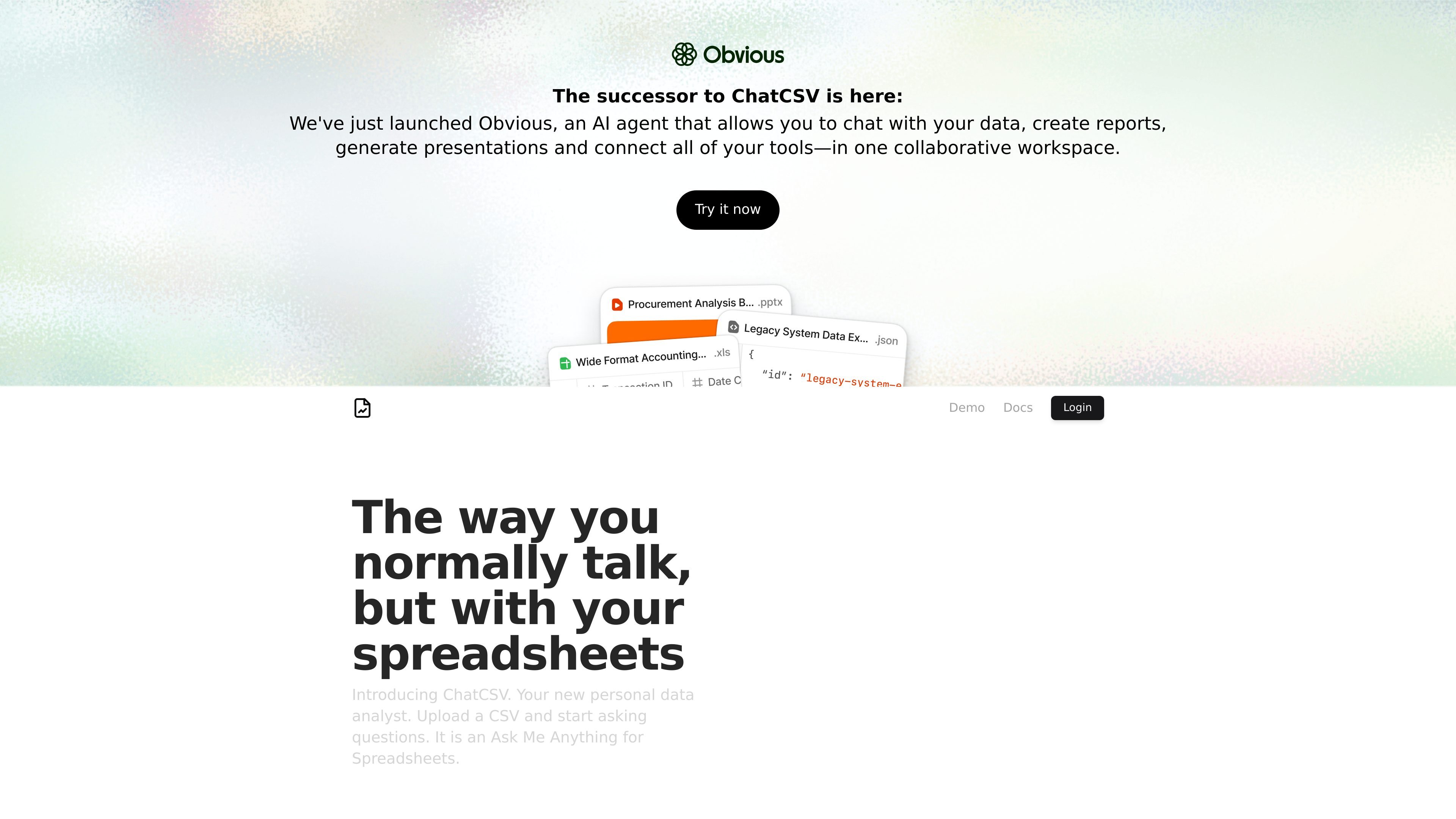
ChatCSV is a web-based tool that lets you ask questions about a CSV file in plain language. Its stated purpose is to act as a personal data analyst for spreadsheets, helping users inspect data, summarize patterns, and request visual outputs without building their own analysis workflow.
The demo shows a typical interaction in which a user asks what the data is about, gets a description of the dataset, then asks for a chart and a summary of findings. The product therefore appears focused on lightweight exploratory analysis for spreadsheet data rather than on full BI modeling or complex data engineering workflows.
Ask questions about a CSV in natural language instead of manually filtering rows or writing spreadsheet formulas.
The demo shows the product identifying the dataset and explaining the meaning of columns and values from the file.
The product can summarize findings from the data, turning chart outputs or responses into plain-language takeaways.
A demo prompt returns a pie chart, showing that the product can produce visual output from spreadsheet questions.
The login page offers Google, GitHub, and email sign-in options for account access.
Upload a CSV and ask what the data represents, then use the response to orient yourself before deeper analysis.
Request a chart or visual comparison from the data when you want a quick view of a pattern without building it manually.
Ask for a summary of notable findings after inspecting or charting the data to get a concise written takeaway.
Use the tool as a lightweight assistant when you need spreadsheet exploration but do not want to write code or formulas.
Sign in from a browser and continue analysis in a hosted web app when you want a quick, self-contained workflow.
ChatCSV is designed to answer questions about CSV files in a chat-style interface. The demo shows it can describe a dataset, summarize patterns, and generate a chart from spreadsheet data.
The source does not show a detailed setup flow, but the login page indicates account access through Google, GitHub, or email.
The demo shows a workflow where you upload or attach a CSV, ask questions in plain language, and receive explanations or visualizations in response.
The product is positioned as a personal data analyst for spreadsheets and seems aimed at people who want to explore CSV data without writing code.
The provided sources do not expose pricing details. The pricing URL currently returns a 404, so plan structure and costs are not confirmed here.