
Virtual camera workflow
Casablanca acts as a virtual camera, so you can select it in your meeting software instead of adding external camera hardware.

Casablanca is a software-based virtual camera for natural eye contact in video calls. Works with common conferencing tools on Windows and Mac OS, with no extra hardware.
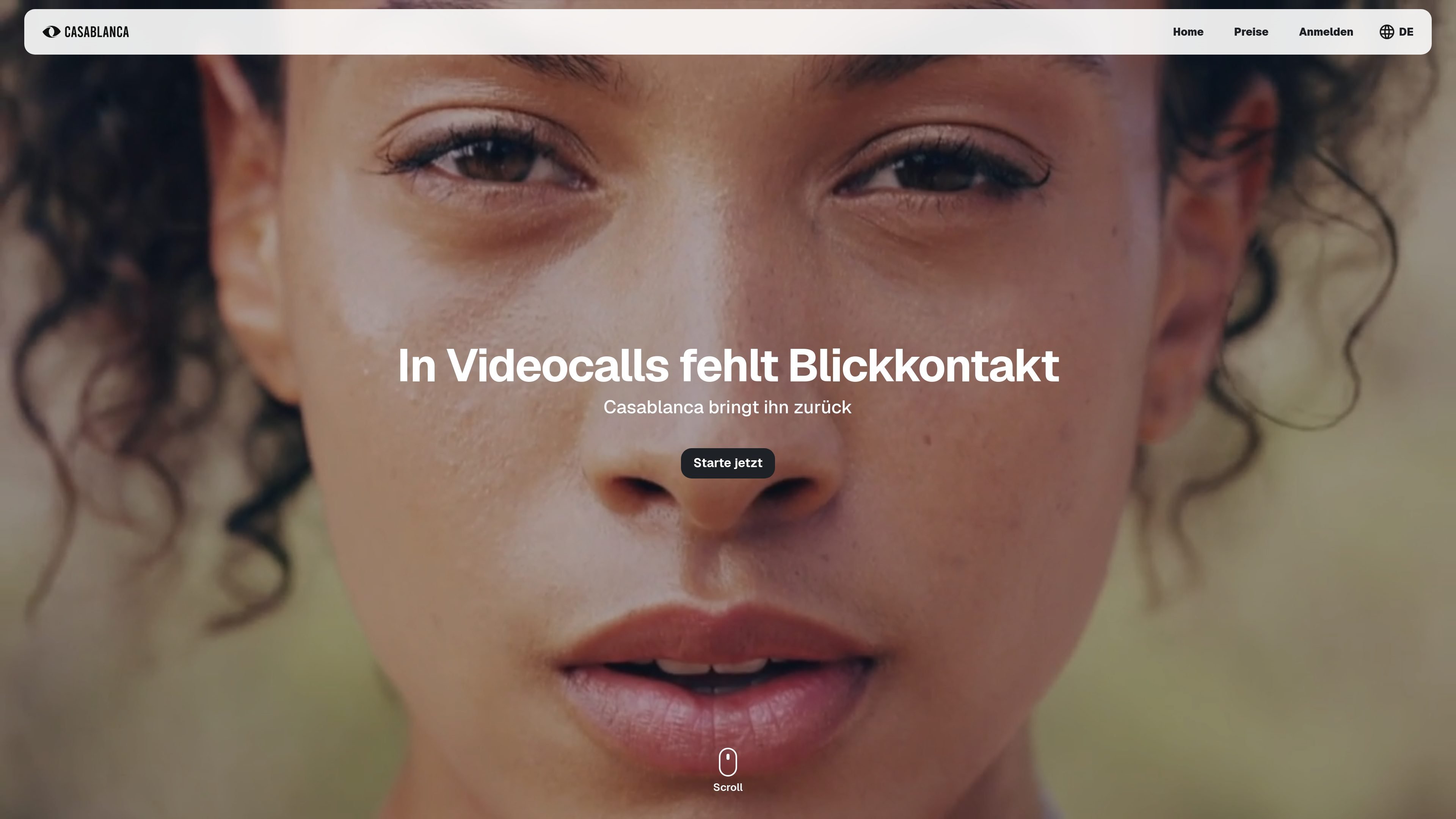
Casablanca is a software-based virtual camera for video calls that is designed to make eye contact look more natural. Instead of requiring a physical camera move or extra hardware, it is selected inside your existing conferencing app and processes the image locally on the user’s device.
The site positions Casablanca as useful for meetings, presentations, webinars, teaching, and other live conversations where gaze and presence matter. It is presented as compatible with common video tools such as Zoom and Microsoft Teams, and the pricing page states that it works on Windows and Mac OS without additional hardware.
Casablanca acts as a virtual camera, so you can select it in your meeting software instead of adding external camera hardware.
The product is positioned to restore natural eye contact during calls by adjusting where your gaze appears to land on screen.
Image data is processed locally on the user’s computer, which the site highlights as part of its privacy approach.
The homepage describes real-time AI processing, so the effect is available live during calls rather than after the meeting.
The site says Casablanca works with common conferencing tools, including Zoom, Microsoft Teams, Google Meet, Webex, OBS Studio, and Zoho.
The technology page frames Casablanca as a Face Foundation Model that can recognize and generate facial expression behavior in real time, with low training-data requirements and low GPU usage for supported applications.
Use Casablanca in client meetings or internal calls when you want your gaze to appear more naturally aligned with the conversation, especially in sales, consulting, or leadership discussions.
Apply it to webinars and online presentations when looking at the audience matters and you want a more direct sense of presence on screen.
Use it in online teaching when you want students to feel more directly addressed during lectures, office hours, or interactive sessions.
Run it in recruiting or other interview-style conversations where eye contact can influence how engaged and attentive someone appears.
Use it in broader face-focused applications or prototypes that need real-time facial behavior processing on everyday hardware, as described by the technology pages.
Casablanca is described as a virtual camera that brings natural eye contact into video calls using software. The pricing page says it works on Windows and Mac OS and can be used with any videoconferencing software.
The pricing page states that Casablanca is a virtual camera and can be installed without buying additional hardware. The homepage also says it can be selected as a camera in tools such as Zoom, Microsoft Teams, Google Meet, Webex, OBS Studio, and Zoho.
The homepage says all image data is processed on your computer and that Casablanca is designed with privacy in mind. The technology page adds that the Face Foundation Model is conceived with local or API-based use in mind, depending on the application.
The source pages do not provide a detailed setup guide, but they do describe a one-click setup on the site meta description and an install flow on the pricing page. The product is presented as something you download and use as a camera inside your existing video software.
The public pages do not list pricing amounts. The pricing page shows a Windows download and an Enterprise contact flow with personal offer, partner program, and premium support inquiries.