
Per-PR preview environments
Bunnyshell automatically provisions an isolated, full-stack environment for each pull request and destroys it on merge, which reduces manual preview setup and cleanup.

Bunnyshell is an environments-as-a-service platform for production-like preview, staging, QA and cloud development environments on demand.
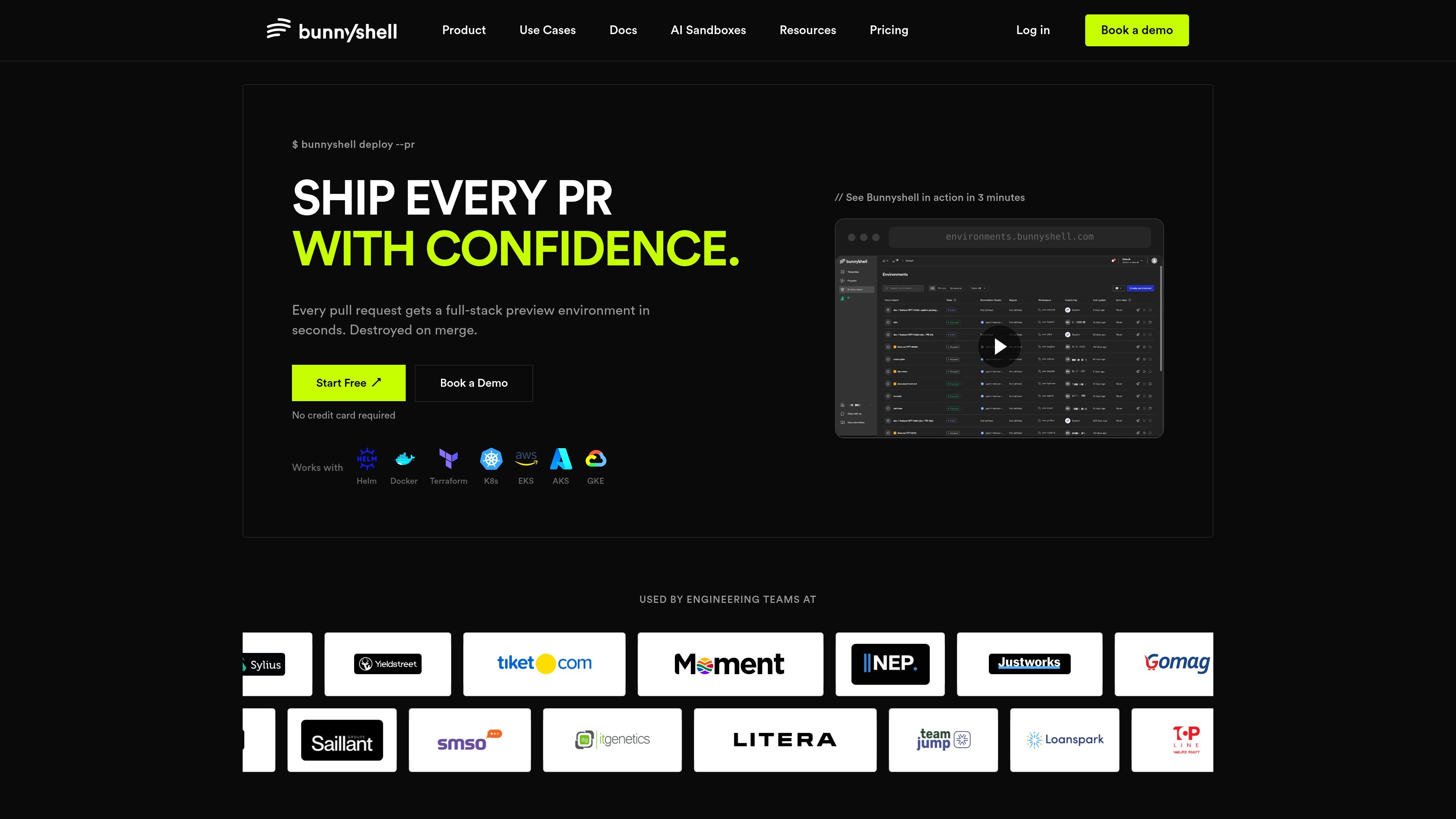
Bunnyshell is an environments-as-a-service platform for engineering teams that need production-like environments on demand. Its core job is to create isolated environments for pull requests, cloud development, staging, testing, demos, and production workloads without requiring teams to build and maintain their own environment tooling.
The product pages emphasize a workflow built around the existing stack: connect a GitHub, GitLab, or Bitbucket repository, define the environment with Docker Compose, Helm, or Terraform, and let Bunnyshell provision the environment automatically. For developers, that can mean preview URLs per PR, remote cloud development with IDE access, and file sync against a live environment; for platform teams, it adds controls such as RBAC, lifecycle hooks, templates, and cost reporting.
Bunnyshell automatically provisions an isolated, full-stack environment for each pull request and destroys it on merge, which reduces manual preview setup and cleanup.
Teams can define environments with Docker Compose, Helm, or Terraform and run them in Bunnyshell’s cloud without rewriting their stack around a new workflow.
The platform supports cloud development environments with IDE connection, file sync, remote debugging, and port forwarding so developers can work against production-like infrastructure from their local tools.
The pricing and platform pages describe self-service staging, production workloads, QA/testing environments, sales demos, and AI sandboxes as separate environment types.
Platform features include RBAC, scheduled stopping, DORA-aligned engineering metrics, Kubecost-powered cost reporting, lifecycle hooks, templating, custom builds, and drift detection.
Bunnyshell supports GitHub, GitLab, and Bitbucket repositories and references Kubernetes-related stacks such as EKS, AKS, and GKE in its supported stack examples.
Use Bunnyshell to give each pull request its own isolated environment, making it easier for reviewers and teammates to validate changes on something close to production.
Use the cloud development environment to code against a running stack without local setup, dependency conflicts, or Docker Desktop overhead.
Use self-service environment creation and cloning for staging so team members can spin up and manage environments without waiting on DevOps tickets.
Use isolated demo environments when showing prospects the product, so the demo matches the real production behavior instead of a simplified mockup.
Use the platform to deliver cloud-native apps into enterprise environments such as on-premises, private cloud, or hybrid deployments.
Bunnyshell connects to a GitHub, GitLab, or Bitbucket repository and uses your existing environment definitions, such as Docker Compose, Helm, or Terraform, to provision environments. The product pages describe the initial workflow as connecting a repo, opening a pull request, and letting Bunnyshell create an isolated environment automatically.
The pricing page lists a Startup plan at $0.007 per minute per active environment, with billing stopping when an environment is stopped or deleted. It also shows Scaleup and Enterprise plans with custom pricing.
The platform pages show support for preview environments, cloud development environments, staging, production workloads, AI sandboxes, QA/testing, sales demos, and enterprise delivery use cases.
The source text says Bunnyshell works with GitHub, GitLab, and Bitbucket, and with Docker, Docker Compose, Helm, Kubernetes manifests, Terraform modules, and major Kubernetes platforms such as EKS, AKS, and GKE.
The remote development page says developers can connect VS Code or JetBrains IDEs to a cloud workspace, sync files in real time, and use remote debugging and port forwarding from their local machine.