
Smart cloud designer
Design cloud architectures in a visual canvas and generate Terraform code as you build, so diagrams and infrastructure code stay aligned.

Brainboard is a cloud infrastructure management platform for visually designing Terraform or OpenTofu code and managing changes through Git-based workflows.
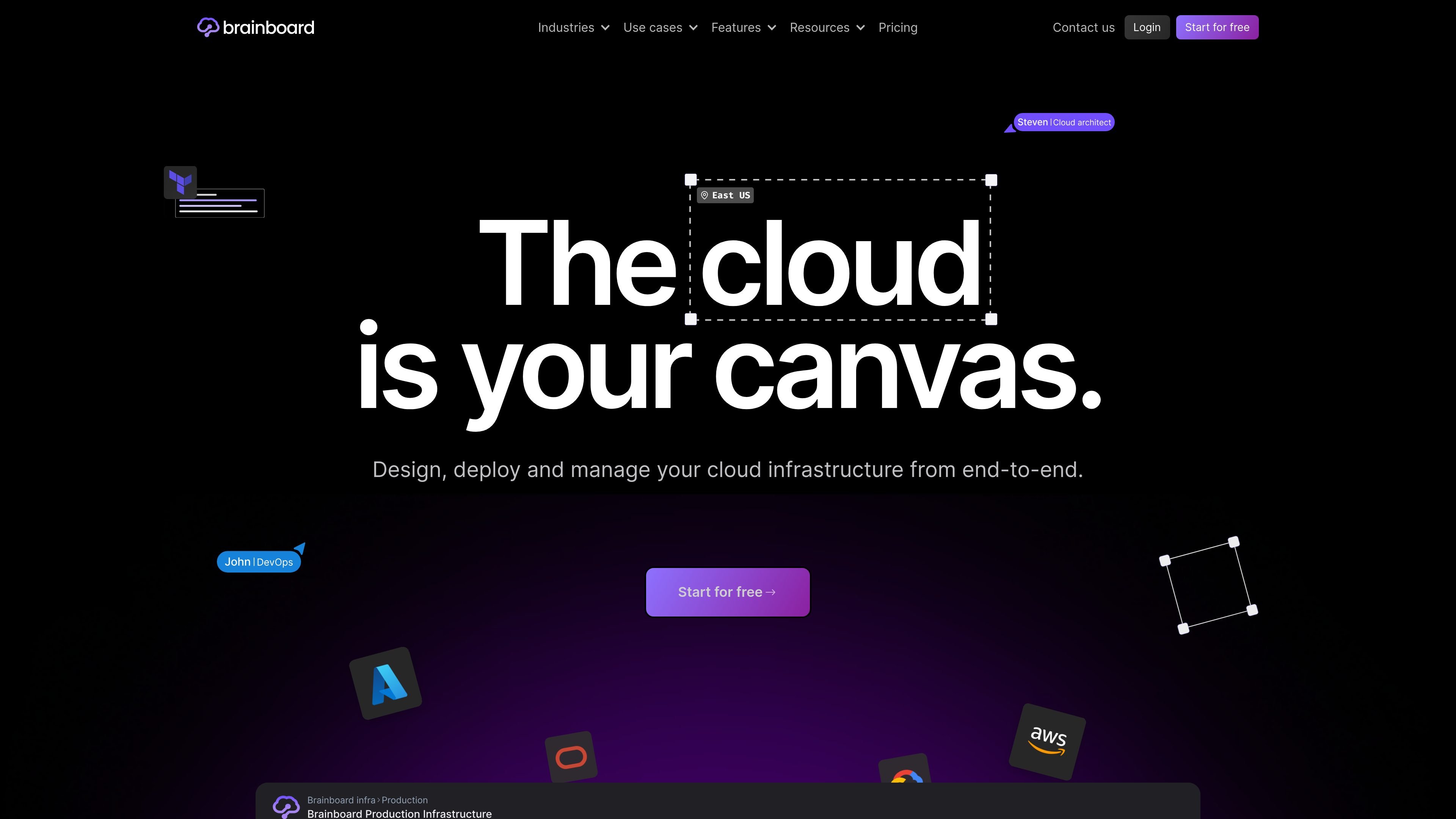
Brainboard is a cloud infrastructure management platform for visually designing, generating, and operating infrastructure as code. It combines a collaborative architecture canvas with Terraform and OpenTofu code generation so teams can move from diagrams to deployable infrastructure in one workspace.
The product is positioned around cloud standardization, GitOps delivery, drift detection, and self-serve infrastructure. Brainboard supports multi-cloud workflows and is presented as a way to keep designs, code, and deployed environments in sync across teams and environments.
Design cloud architectures in a visual canvas and generate Terraform code as you build, so diagrams and infrastructure code stay aligned.
Manage private, public, or community Terraform and OpenTofu modules from a central source of truth, including import and reuse.
Connect infrastructure work to Git repositories and open pull or merge requests directly from the platform.
Run checks before code is pushed, including policy, security, compliance, FinOps, and drift detection steps.
Track drift between environments and the source of truth across dev, QA, staging, and production.
Use embedded CI/CD, versioning, RBAC, remote backend support, and deployment tooling from within the platform.
Teams can move existing infrastructure practices into a code-based model while preserving a visual way to understand the architecture.
Platform teams can create shared templates, naming conventions, variables, and module libraries so internal consumers can provision infrastructure consistently.
Groups that want a request-and-approval process can design infrastructure, run checks, and open pull or merge requests from the same platform.
Operations teams can track drift between deployed environments and the platform’s source of truth across multiple stages.
Organizations planning for outages can use the platform to design and manage cloud architectures with disaster recovery in mind.
Brainboard provides a visual workspace for designing cloud architectures and generating Terraform or OpenTofu code, then connecting those changes to a Git repository for review and deployment.
The pricing page shows a Free plan, a Pro plan billed at $99 per user per month, and a custom Enterprise plan. Brainboard also says no credit card is required to get started.
Brainboard supports GitHub, GitLab, Azure DevOps, and Bitbucket for Git integration, and it works with AWS, Azure, GCP, and OCI for cloud provider support.
The source materials describe Brainboard as suitable for teams building self-serve infrastructure, standardizing IaC, and managing multi-environment cloud architectures with drift detection and GitOps workflows.
The pricing page lists a monthly subscription that can be canceled at any time, and enterprise customers can discuss self-hosted or single-tenant options with sales.