
Agent-driven analysis
Bayeslab runs autonomous analysis workflows that go beyond simple querying, using agents to explore edge cases and test hypotheses during the analysis process.

Bayeslab is an autonomous data agent and AI analyst that turns raw data into boardroom-ready reports. It helps teams run deep analysis, share results, and keep calculations traceable.
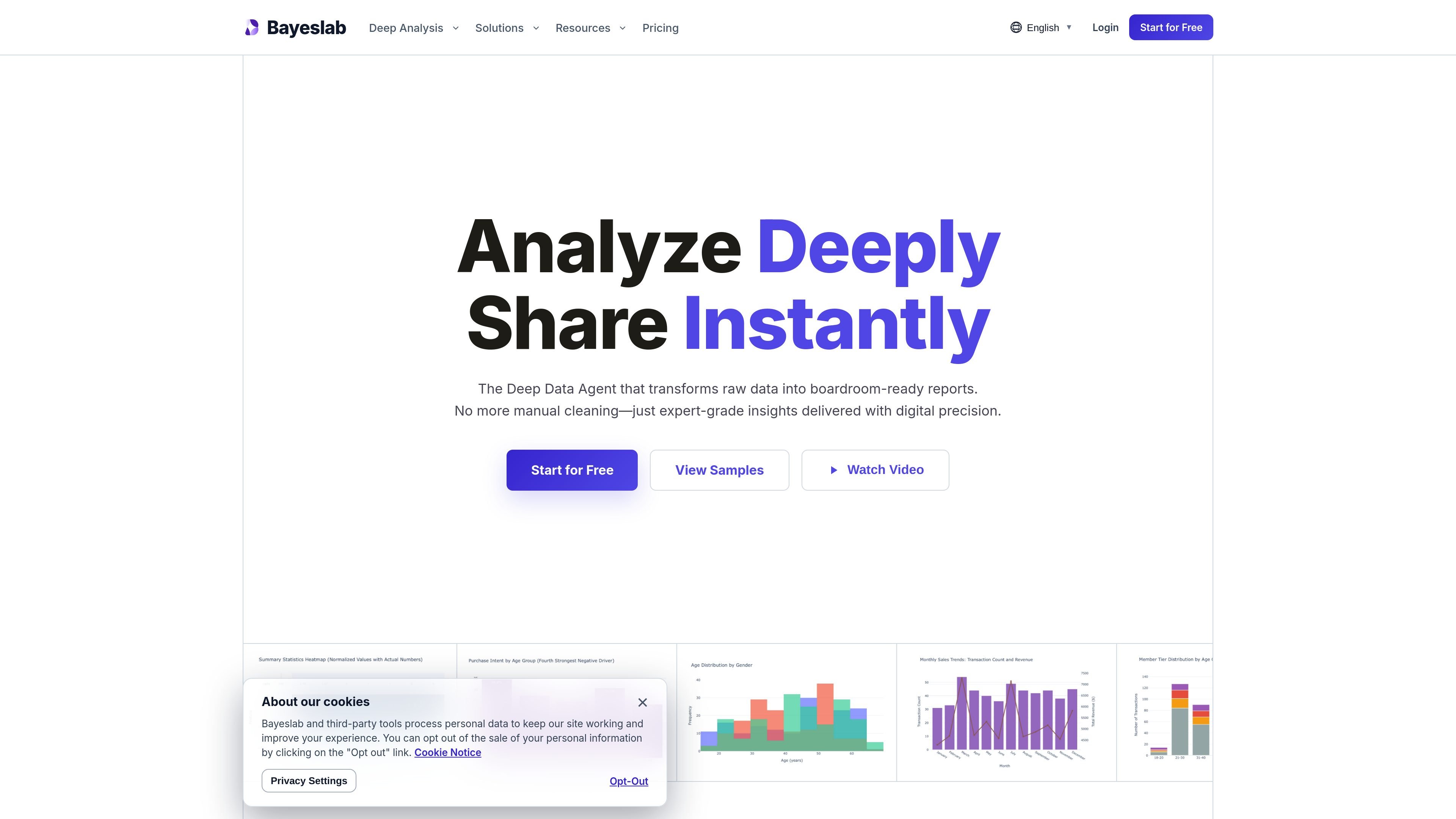
Bayeslab is an autonomous data agent and AI analyst for deep analysis. The product is positioned to take raw data, run multi-step analysis, and turn the result into boardroom-ready reports that can be shared with teams and decision-makers.
The site emphasizes reproducible analysis, with deterministic code execution, immutable audit trails, and a unified metric system for applying business logic consistently. It also supports connected workflows through native integrations, collaborative workspaces, and report-style outputs designed for executive review.
Bayeslab runs autonomous analysis workflows that go beyond simple querying, using agents to explore edge cases and test hypotheses during the analysis process.
The homepage highlights deterministic code execution and immutable audit trails, so calculations can be traced back through a reproducible lineage.
The product defines business logic and KPIs once and applies them consistently across analyses to maintain a single version of truth.
Bayeslab presents report output in an editorial style, with narrative-driven design, boardroom-ready visuals, and PPTX export support mentioned on the site.
The integrations page and homepage both emphasize connected workflows, with native connectors and collaborative workspaces for shared analysis.
Paid plans list scheduled analysis and public sharing or links, supporting recurring reporting and distribution of results.
Upload raw datasets, run exploratory analysis, and turn the findings into a structured report with visuals and narrative output for internal review.
Use the agent to test hypotheses, inspect edge cases, and follow multi-step analytical paths when a simple dashboard is not enough.
Connect data sources such as databases, spreadsheets, and SaaS tools to centralize analysis across operational teams.
Share analyses with colleagues through public links or shared workspaces, with paid plans adding more sharing capacity.
Apply the product to recurring business workflows such as marketing, support, sales, or customer success analysis using the available native integrations.
Bayeslab is presented as an autonomous data agent and AI analyst that turns raw data into boardroom-ready reports. The site shows a workflow centered on uploading data, running analysis, and refining the output into shareable reports.
The pricing page lists a free plan, Pro, Team, Elite, and an Enterprise path that says to contact sales. The paid plans are offered with monthly billing and launch-period discounts are shown on the page.
The site describes executive-grade reporting, public links or sharing on paid plans, and support for exporting without a watermark on the Pro tier. It also shows shared workspaces for teams.
The integrations page lists connectors across marketing, product, customer success, database, search, and collaboration tools, including sources such as SQL databases, BigQuery, Google Sheets, HubSpot, Slack, Stripe, and Zendesk.