
PDF upload and import
Upload a PDF research paper or import it from a reference manager, then work from the same paper inside Audemic.

Audemic Scholar helps PhD students and researchers turn academic PDFs into a read-along audio workflow for reading, listening, highlights, notes, and mobile syncing.
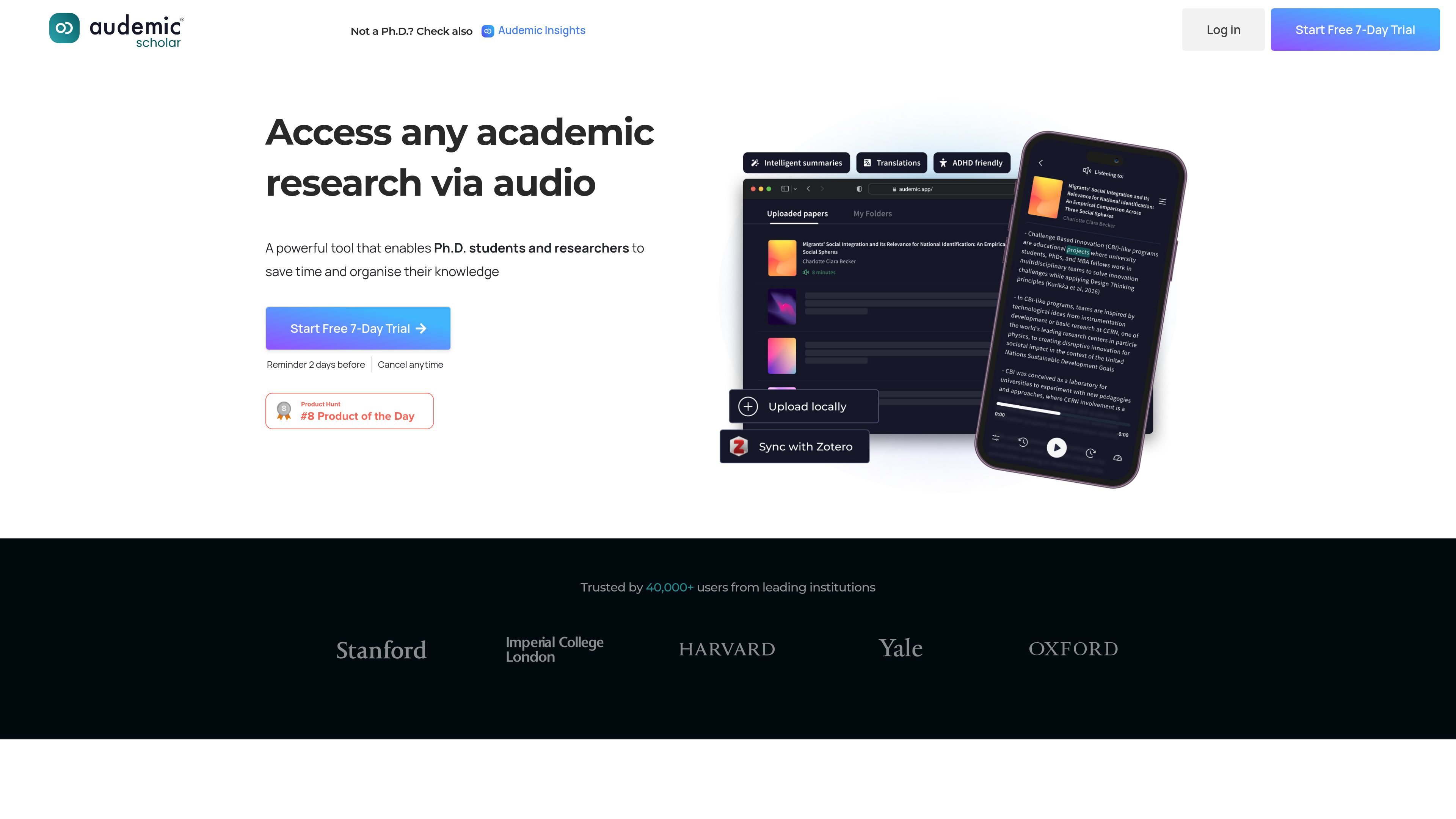
Audemic Scholar is a web and mobile product for PhD students and researchers who want to read academic papers in a less time-consuming way. It turns research PDFs into an audio-first reading workflow while keeping the text, notes, and structure available in one place.
The site positions the product around three main tasks: uploading or importing papers, listening to either full text or key statements, and organizing insights with highlights and notes. It also adds accessibility-oriented options such as playback speed controls, a dyslexic font, background color choices, and a read-along view that tracks spoken text.
Upload a PDF research paper or import it from a reference manager, then work from the same paper inside Audemic.
Switch between the full text and key statements, and listen to academic papers with neural, non-robotic voices.
The reader highlights text as it is spoken, making it easier to follow along while listening.
Save interesting passages with highlights and notes, then organize them for later review.
Translate papers from English into Spanish, which the site says is currently available.
Adjust playback speed, reorder paper sections from the sidebar, and use the app across devices with mobile sync.
Researchers can turn dense papers into an audio workflow when they want to review literature while commuting, exercising, or doing other tasks.
A user can upload a paper, follow the text as it is read aloud, and keep highlights and notes together for later writing or review.
People with accessibility needs can use playback speed, background color choices, and the dyslexic font option to adapt the reading experience.
Users who organize literature across devices can sync papers to the mobile app and continue listening or reviewing on the go.
Researchers working through difficult sections can switch between full text and key statements to focus on the most relevant parts first.
Audemic Scholar is a web product for PhD students and researchers that lets them upload research PDFs or import them from a reference manager, then read, listen, to highlight, and take notes in one place.
Yes. The homepage says users can start a free 7-day trial, and the FAQ repeats that the trial is free for 7 days.
The site says Audemic Scholar supports PDF research papers, and the homepage specifically mentions uploading a PDF or importing it from a reference manager.
Yes. The site says the Scholar mobile app is available for iPhone and Android for free-trial and premium users, and that papers can be synced to mobile.
Support can be reached at contact@audemic.io, and the site also says users can report bugs through the in-app chatbot.