
In-page refinement
The homepage describes a page-based workflow where you can refine tone, expand ideas, and highlight key points without switching tools. That makes it easier to edit AI output in context.

AnyGen is a browser-based AI tool for creating and refining documents, slides, and analysis outputs with structured, editable workflows.
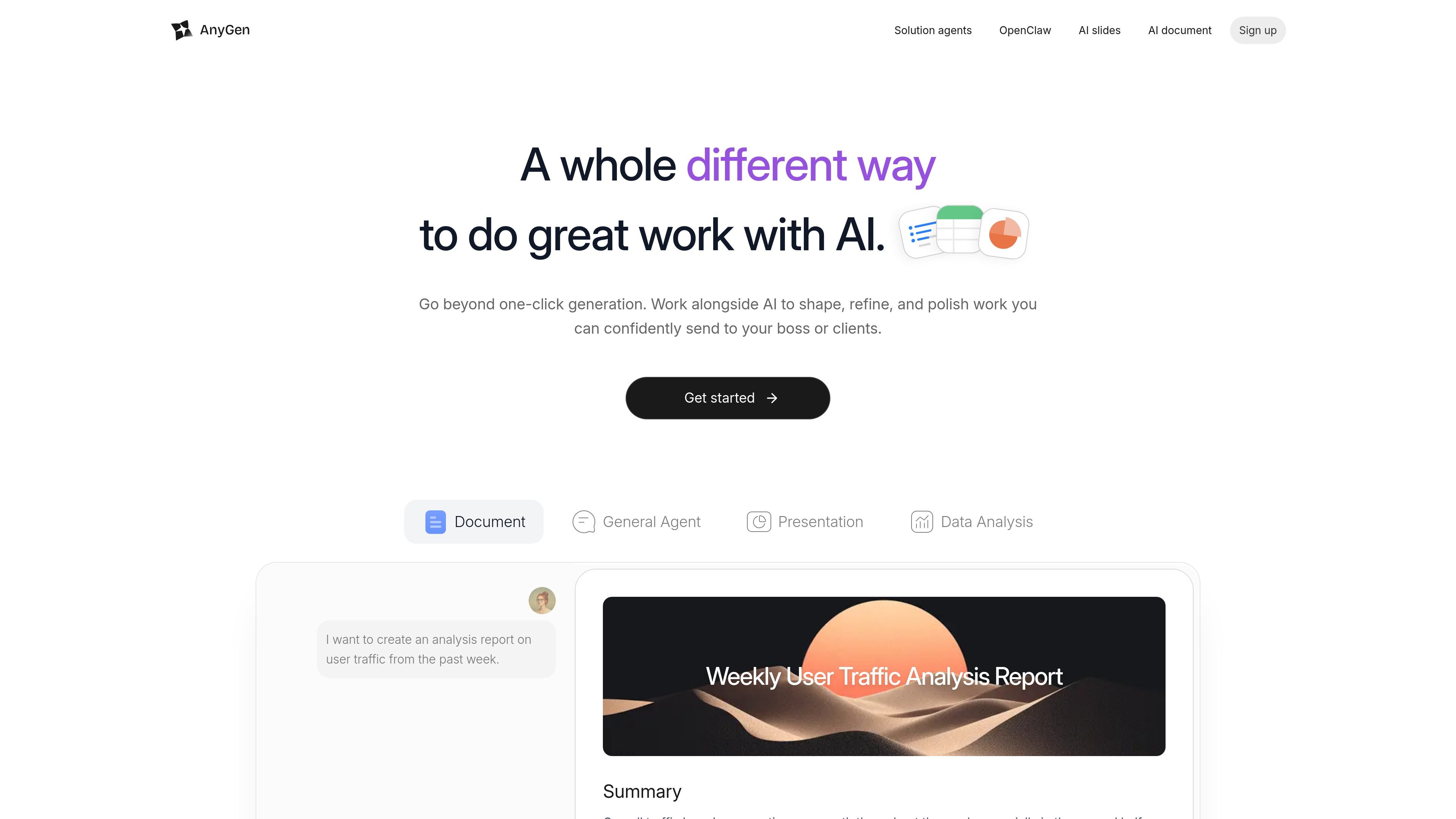
AnyGen is a browser-based AI product for creating and refining work across documents, slides, and analysis tasks. The homepage frames it as an alternative to one-click generation, with an emphasis on working alongside AI to shape, polish, and validate output before it is shared.
Its core workflow is collaborative rather than purely generative. The product highlights in-page editing, structured questions, and a verification step so users can iterate on tone, structure, and details without leaving the page. Example tasks on the site include a one-week social media posting plan, feedback analysis, and brand guidelines.
The homepage describes a page-based workflow where you can refine tone, expand ideas, and highlight key points without switching tools. That makes it easier to edit AI output in context.
AnyGen says it builds with you rather than for you, using step-by-step structured questions to guide the work. This supports tasks that need more direction than a single prompt.
The product highlights verification as part of the process: one AI creates and another validates. That is intended to catch inaccuracies before the output is shared.
The homepage positions slides as editable and structured, with a document-to-deck workflow that avoids formatting headaches. This is aimed at producing presentation content that can still be edited afterward.
The site shows example tasks for feedback analysis and data extraction, suggesting the product can organize information into reports and summaries. The emphasis is on turning input into readable findings.
The homepage includes templates such as social posting plans and brand guidelines, indicating support for repeatable task-based generation across different content types.
Create a social media posting plan from a prompt or topic, then refine the output on the page until the tone and structure fit the intended brand voice.
Turn analysis inputs such as product feedback into organized findings and segmented insights for a report or internal review.
Generate a presentation from a document without having to manually reformat every slide, then edit the deck content in place.
Build brand guidelines or similar structured deliverables for a business or project that needs a consistent, reusable format.
Use the structured-question flow when a task needs more guidance than a single prompt and you want AI to help shape the output step by step.
AnyGen is presented as a web product for creating and refining work with AI, rather than a single-purpose generator. The homepage positions it for writing documents, making slides, and analyzing data.
The homepage says the workflow is collaborative: you can refine tone, expand ideas, and highlight key points without leaving the page. The product also emphasizes structured questions and verification to help shape and validate output.
The rendered homepage highlights document writing, slide creation, and data analysis as example tasks. It also shows templates for a social posting plan, feedback analysis, and brand guidelines.
The source does not provide a working pricing table. The pricing URL shown in the collected pages says the link is invalid and points back to the homepage.
The collected sources do not list integrations or platform-specific support. Based on the available pages, AnyGen appears to run in the browser and focus on task-based creation flows.