
Text-to-music generation
Create music from written prompts by describing the theme, instruments, and style you want. The site says more detailed descriptions help the generator match the result more closely.

AIMusic is a web-based AI music generator for songs from text, lyrics, images, or samples. Free and paid plans available.
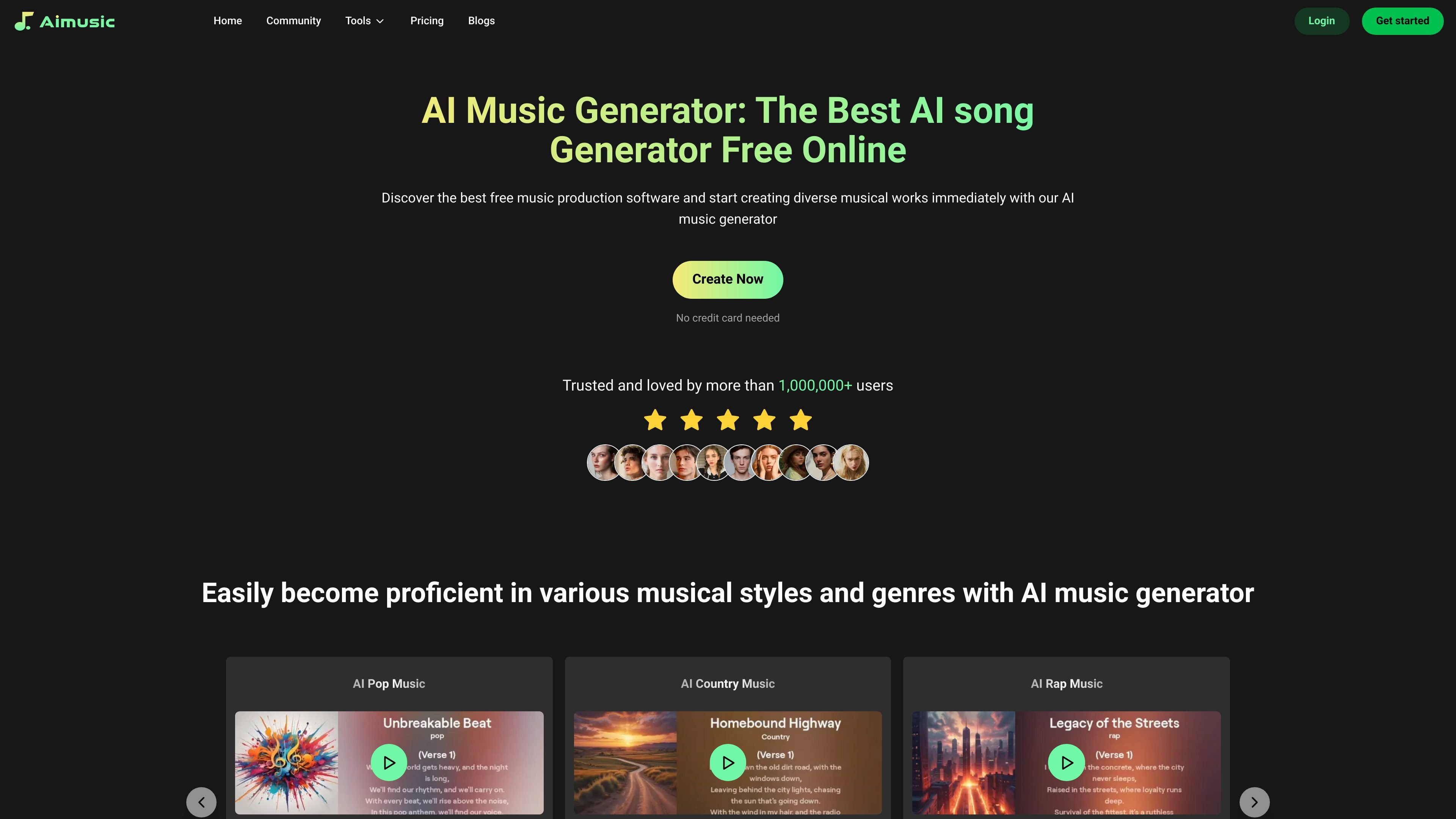
AIMusic is a web-based AI music generator that helps users create songs and related music assets from text prompts, lyrics, images, or uploaded samples. The site positions it as a tool for making music in different styles and genres without requiring advanced music production knowledge.
The product includes a guided creation flow, a more detailed Custom Mode, and adjacent tools for lyric writing and music video generation. The pricing page shows a free plan alongside paid Basic and Pro subscriptions, with subscription purchases available through Stripe or PayPal.
Create music from written prompts by describing the theme, instruments, and style you want. The site says more detailed descriptions help the generator match the result more closely.
Turn images into music or generate complete songs from lyrics, giving you more than one way to start a composition. The homepage also mentions using uploaded samples to generate new music.
Use Custom Mode to specify lyrics, song type, atmosphere, rhythm, and instruments. This is presented as the more precise workflow for controlling the output.
Generate songs, lyrics, and music videos from the same product family. The site describes separate AI song, lyric, and music video tools under the same brand.
Work across several genre examples, including pop, country, rap, rock, R&B, EDM, jazz, and blues. The homepage and app page present genre selection as part of the creative workflow.
Save works in the cloud and choose a subscription tier with different token, storage, speed, and upload limits. The pricing page also notes that free works are saved in the cloud for 90 days.
Use the text prompt workflow when you want to describe a song idea, style, or mood and let the generator produce a first draft quickly.
Use Custom Mode when you need more control over lyrics, rhythm, instruments, and atmosphere for a more specific composition brief.
Use the lyrics and music video tools when you are building a song package that needs both words and visual content in one workflow.
Use the generator for background music or project audio when working on videos, blogs, games, or similar content that needs original music.
Use the subscription tiers when you need more tokens, larger uploads, more storage, or faster generation than the free plan provides.
AIMusic offers a web-based AI music generator that can create songs from text prompts, images, lyrics, or uploaded samples. The pricing page also shows a free plan and paid monthly subscriptions with more tokens and storage.
The homepage says you can create music by describing the song you want, then generating and refining the result. It also recommends using Custom Mode to control details such as lyrics, song type, atmosphere, rhythm, and instruments.
The source shows support for several creation paths: text to music, image to music, lyrics to music, and sample-based generation. The app page also shows simple mode and custom mode.
The pricing page lists a free tier and paid Basic and Pro plans. Paid subscriptions can be purchased by Stripe or PayPal, and the free plan includes limited tokens, storage, upload size, and download access.
The homepage says users can use generated music freely in videos, blogs, games, and other projects. It also states that music enthusiasts retain full copyright ownership of songs generated with the AI song generator.