
Unified AI chat
Access chat models such as GPT-5, Claude, Gemini, and other providers in one interface for writing, research, code, and document analysis.

AI Magicx is a unified AI workspace for chat, image, video, voice, music, email and developer tasks, helping teams and creators manage multiple models in one place.
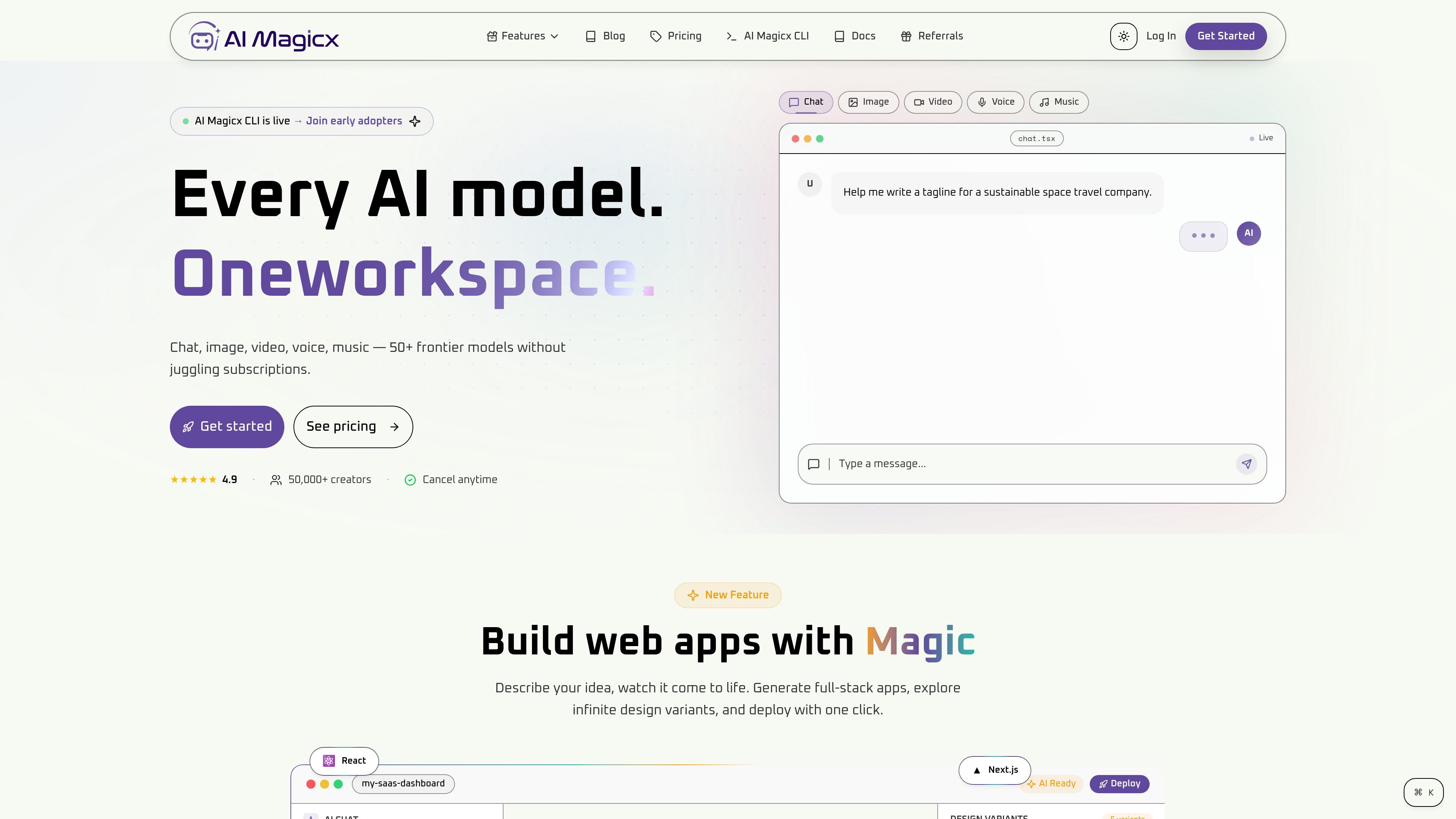
AI Magicx is a unified AI workspace that brings chat, image, video, voice, music, email, and developer tools into one product. The site positions it as a way to use multiple frontier models without switching between separate subscriptions or interfaces.
The platform includes a web app, an AI agent builder, and AI Magicx CLI for terminal-based work. It is aimed at creators, teams, and developers who want to move from prompting to publishing inside a shared workspace, with support for collaboration, integrations, and usage-based plans.
Access chat models such as GPT-5, Claude, Gemini, and other providers in one interface for writing, research, code, and document analysis.
Build autonomous agents with multi-step reasoning, persistent memory, knowledge bases, and tool integrations such as webhooks.
Generate and edit images with tools for inpainting, background removal, upscaling, and style transforms.
Create and edit video from text or images using supported video models, then export work for publishing.
Produce speech, voice cloning, transcription, and text-to-speech with supported voice models.
Work from the terminal with AI Magicx CLI for file editing, search, multi-model support, checkpoints, and session history.
Draft text, generate images, and refine outputs in one workspace when you need a single place for content creation tasks.
Use the CLI, chat models, and code-oriented features to search, edit, and iterate on repository work without leaving the terminal.
Create campaign copy, SEO articles, images, and email drafts while keeping assets and prompts in one tool.
Build shared workspaces with roles, permissions, and reusable agents for teams that need collaboration and centralized billing.
Generate voice, music, and video assets for presentations, social clips, or branded media production.
AI Magicx offers a free account with 10 credits for AI chat, and paid plans add higher limits and more tools. The pricing page also lists monthly, yearly, and lifetime options.
Yes. Paid plans can be billed monthly or annually, and annual billing includes 2 months free according to the pricing page.
The product supports team-oriented features such as shared workspaces, roles and permissions, real-time collaboration, and sharing conversations, agents, and runs.
The site says unused credits can roll over for up to 3 months on active paid plans, while purchased top-ups never expire. Quotas reset monthly.