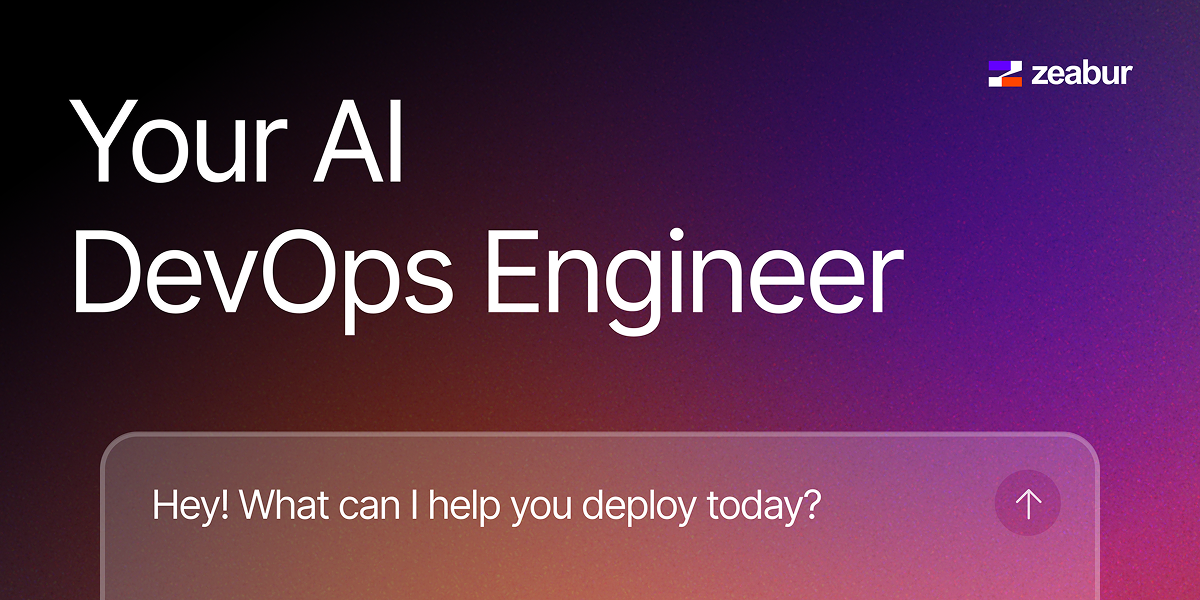
Zeabur is a cloud deployment and infrastructure platform centered on an AI agent that can carry out DevOps tasks from natural-language prompts. The homepage describes it as “Your AI DevOps Engineer,” with the agent handling deployments while the user focuses on coding.
The product spans service deployment, server rental, domain and DNS management, AI model access, and email delivery. Its Skills system extends those capabilities into supported agent workflows, and the pricing page shows tiered plans for individual users, small teams, and enterprise buyers.
O que Zeabur pode fazer?
01
Prompt-driven DevOps actions
Zeabur Agent turns prompts into infrastructure actions, including deploying services, renting servers, and managing configs. The product positions this as a way to run DevOps tasks through conversation instead of manual dashboard work.
02
Agent skills integration
The Skills workflow lets users install Zeabur capabilities into supported agents from the terminal or Claude Code, so the agent can act on cloud tasks in one line of chat.
03
Framework-aware deployments
Zeabur can deploy local projects or templates and says it detects the framework before shipping the app to a server. This reduces the amount of manual setup needed before a deployment.
04
AI model access through one API
The AI Hub provides access to multiple model providers through a single API and supports pay-as-you-go pricing. The site lists GPT, Claude, and Gemini among the available model families.
05
Infrastructure and service management
The platform includes servers and clusters, domain and DNS management with automatic SSL, and email service support for transactional and marketing email workflows.
06
Plan-based operations controls
The pricing page adds operational controls such as log retention tiers, advanced log search, log forwarding, backups, and support response targets that vary by plan.
Casos de uso
“Run cloud tasks from natural language”
Use Zeabur Agent when you want to deploy or manage infrastructure through a chat-like prompt instead of switching between separate cloud consoles. The source specifically mentions deploying services, renting servers, and managing configs.
“Extend an agent with Zeabur tools”
Use the Skills workflow if you work inside Claude Code or a terminal and want the agent to gain Zeabur-specific capabilities. The installation flow is designed for adding and updating skills from a local environment.
“Deploy a project from a template”
Use the templates catalog when you want to launch a known stack quickly, such as an AI chatbot, Discord bot, form app, or one of the supported database and runtime templates.
“Operate a full app stack”
Use the platform if you need to manage the surrounding app infrastructure as well as the app itself, including servers, domains, DNS, email, and logs from one place.
“Scale into team operations”
Use the paid plans when your team needs longer log retention, stronger support targets, collaboration controls, or higher operational limits than the free tier provides.
Perguntas frequentes
What does Zeabur Agent do?
Zeabur Agent uses natural-language prompts to handle deployment and infrastructure actions such as deploying services, renting servers, and managing configs. The agent can also be used with Zeabur Skills in Claude Code or through the Skills CLI.
How do you get started with Zeabur Skills?
The source shows Zeabur Skills installation options for Terminal and Claude Code, with a Codex CLI option listed in the interface. The setup flow starts by adding the Zeabur plugin from the marketplace and then installing or updating the skills package.
Does Zeabur offer a free plan or trial?
The pricing page shows a free plan and paid plans for Dev, Pro, Team, and Enterprise. It also notes a 14-day free trial on Dev and Pro plans.
What kinds of templates are available?
Zeabur Templates includes deploy-ready projects such as AI chatbots, Discord bots, forms, databases, and app runtimes like n8n, PostgreSQL, Redis, WordPress, and more. The page presents these as one-click templates you can deploy from the catalog.
What changes across Zeabur plans?
The pricing page shows plan-based differences in log retention, file upload size, support response targets, and the amount of advanced model usage quota. It also states that some features, like the AI build planner, are available on Developer and Pro plans and above.
Informações rápidas
Category
Developer Tool
Primary workflow
AI-assisted DevOps and deployment
Platform
Web app with agent skills for Terminal and Claude Code
Website
zeabur.com
Pricing
Free plan plus paid Dev, Pro, Team, and Enterprise plans
Templates
One-click deployment templates
Análise de tráfego de Zeabur
Os dados de tráfego são apenas para referência.
Classificação do domínio
71
Alternativas ao Zeabur
A
Antideploy
antideploy.com
Antideploy é uma plataforma de implantação que analisa o código da aplicação, determina o runtime e a infraestrutura necessários, cria tudo e disponibiliza o serviço via HTTPS. Faça deploy pelo GitHub, uma pasta local, uma API ou agentes de programação sem escrever um Dockerfile ou uma configuração YAML.