
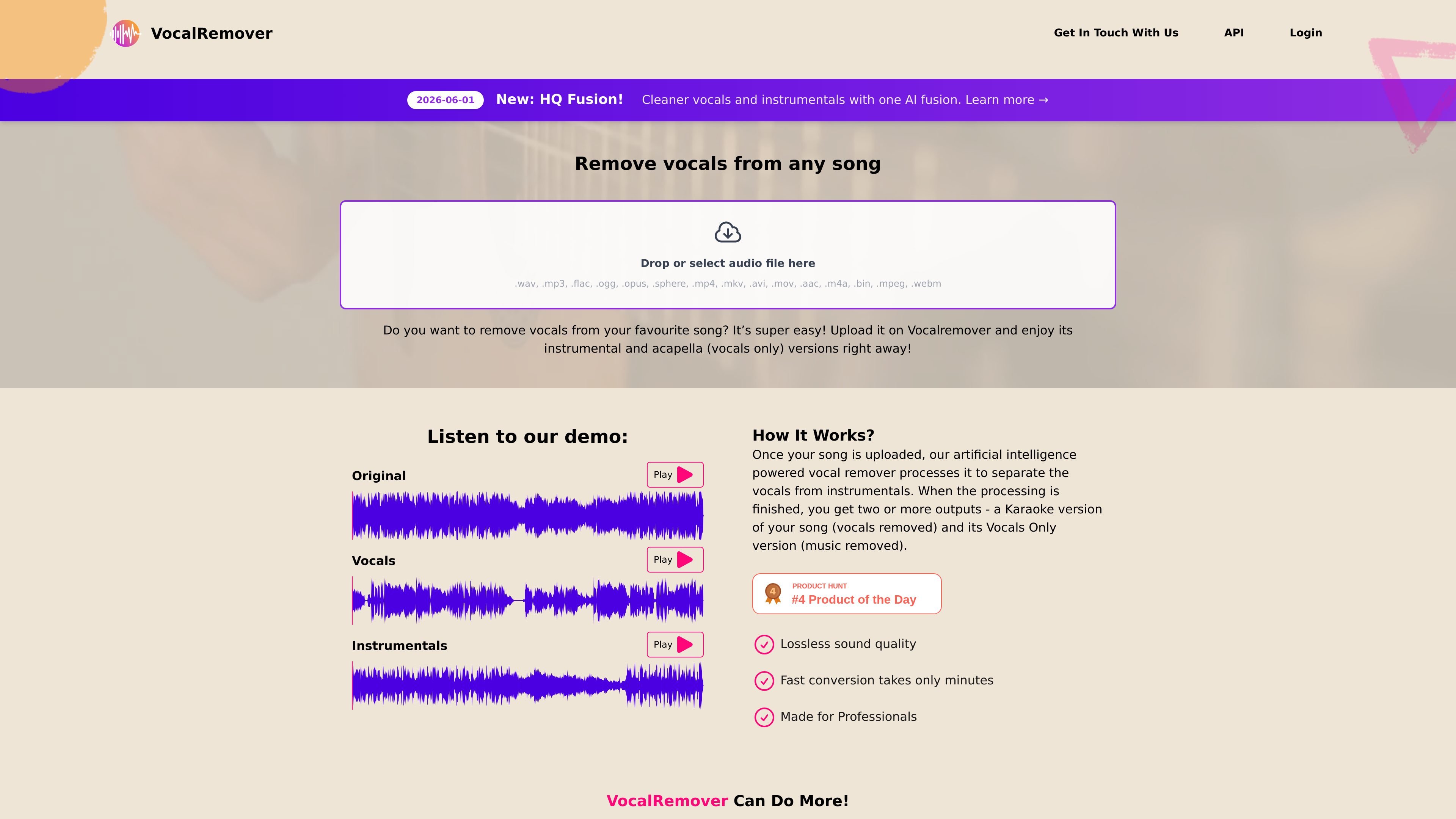
Browser-based upload workflow
Upload an audio or video file in the browser and receive separated outputs without installing desktop software.

Separação de áudio no navegador para criar karaokês, acapellas e stems
Vocal Remover separates vocals from songs in your browser, creating instrumental and vocals-only tracks for karaoke, acapellas, and stem editing.
Vocal Remover is a web-based audio separation tool that removes vocals from songs and returns background music, karaoke-style instrumentals, and vocals-only stems. The homepage presents it as a simple browser workflow: upload a file, let the AI process it, and download the separated results.
The product is aimed at people who need backing tracks, acapellas, or isolated stems for editing and analysis. The site also says it can handle both audio and video uploads, supports a wide range of formats, and offers an HQ Fusion mode for cleaner vocal and instrumental separation.
Upload an audio or video file in the browser and receive separated outputs without installing desktop software.
The service returns at least a karaoke-style instrumental and a vocals-only stem after processing is complete.
The site says processed files are kept in the same format in which they were uploaded, which is intended to preserve output quality.
Supported uploads include common audio and video formats such as .wav, .mp3, .flac, .ogg, .mp4, .mov, .aac, and .webm.
The homepage says the service can handle large video uploads, up to 10GB.
The site includes a newer HQ Fusion mode described as a cleaner separation option for vocals and instrumentals.
Create karaoke backing tracks by removing the lead vocal and keeping the instrumental bed intact.
Extract vocals-only stems for editing, study, or remix planning.
Upload a performance video or music video and extract the separated audio without leaving the browser.
Work with large files when you need browser-based processing for long recordings or higher-resolution uploads.
Use HQ Fusion when you want a cleaner separation result and are willing to try the newer mode for both outputs.
Users upload an audio or video file in the browser. The service then processes the track and returns separated outputs, including a karaoke-style version with vocals removed and a vocals-only version.
The source says processed files are kept while a subscription is active, sample files are stored for 3 days, and files for top-up and one-time users are stored for 30 days.
Yes. The source says you can cancel a subscription or trial at any time through the self-service customer portal.
The site says files are processed in the same format in which they are uploaded to preserve the highest quality possible, but also notes that results vary by song and vocals may not be fully removed from every track.
The site says it supports removing vocals from uploaded video files through the browser and lists formats such as ogg, mov, mp4, and avi. It also notes that uploads can be up to 10GB.
Os dados de tráfego são apenas para referência.

vocalremoveroak.com
VocalRemover é uma ferramenta de separação de áudio com IA baseada no navegador, capaz de remover ou isolar vocais, extrair acompanhamentos e dividir stems de músicas ou vídeos. Oferece suporte a arquivos comuns de áudio/vídeo e a alguns links compartilhados, com preços por minuto exibidos na página inicial.

diktatorial.com
Masterização de áudio com IA para músicos, com controle por prompts, correspondência de referências, separação de stems e verificações pré-lançamento na web e no celular.

vocalremover.co
Removedor de vocais e separador de stems com IA para criar instrumentais, karaokê e faixas separadas.

lalal.ai
Separação de áudio com IA para vozes, instrumentos e gravações

emastered.com
eMastered transforma faixas enviadas em arquivos WAV ou MP3 masterizados e oferece ferramentas para mastering de referência, separação de stems, remoção de vocais, distribuição e páginas de links para artistas.

freemusicdemixer.com
Music Demixer separa músicas em stems e converte áudio em MIDI ou rascunhos de partituras.