
Quick Chrome setup
Add the extension to Chrome and start automating without registering an account or entering payment details.

SurgeFlow é uma extensão de automação para Chrome que transforma solicitações em linguagem natural em ações com várias abas para pesquisa, comparação, integração e tarefas repetitivas.
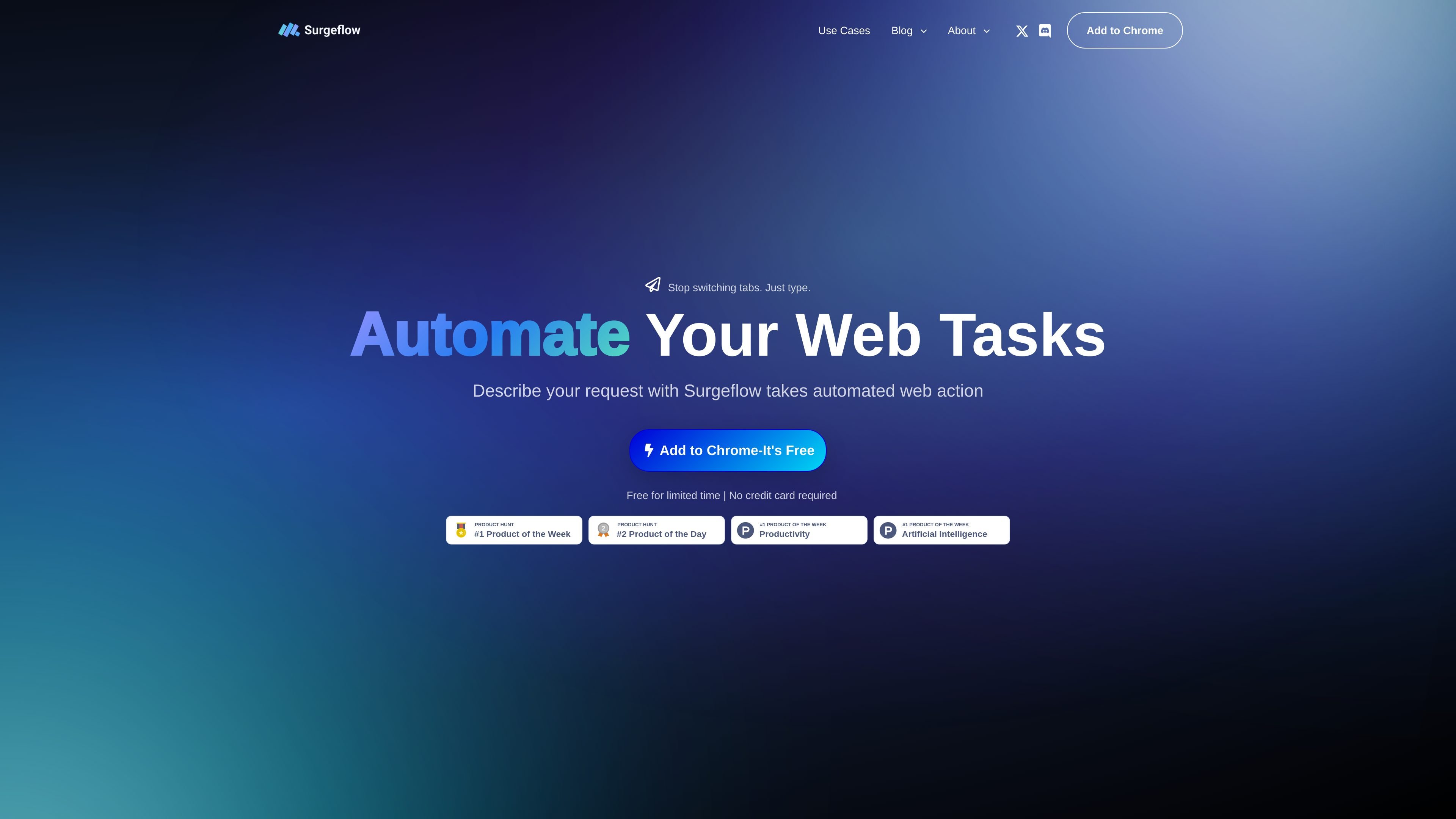
SurgeFlow is a Chrome extension for browser automation that lets users describe a task in natural language and have the extension carry out the web actions. The homepage frames it as a way to automate repetitive browsing work such as copying data, switching tabs, comparing information, and moving results into tools like Google Docs or Sheets.
The product is aimed at people who work across multiple web pages and want to stay inside their current Chrome session. The site emphasizes quick installation, no registration, no credit card requirement, and workflows that start from the browser sidebar rather than a separate app.
Add the extension to Chrome and start automating without registering an account or entering payment details.
Describe tasks in plain language instead of building workflows manually. The site positions the product around natural-language commands.
Use SurgeFlow in an existing browser window rather than moving work into a separate browser environment.
The homepage describes a Planner, Navigator, and Validator sequence that outlines a task, executes it, and checks completion.
Handle work that spans many tabs, such as comparing sources, extracting information, or compiling summaries into documents and spreadsheets.
Refine prompts for more precise results before execution, which the site presents as a way to improve reliability.
Summarize articles or research papers across many open tabs, then organize the findings in Google Docs by theme. The site specifically mentions literature reviews and multi-paper summaries.
Compare prices, features, and reviews across e-commerce or software tabs and compile the results into a spreadsheet. The homepage and use-cases page both show price comparison examples.
Pull names, emails, signup dates, or other fields from a dashboard and send onboarding emails or update a spreadsheet. The site gives a SaaS onboarding example built around dashboard-to-Google-Sheets workflows.
Search job boards, identify suitable roles, fill application forms, and submit applications across multiple sites. The source describes this as one-command job application automation.
Post adapted content to multiple social platforms from one command, with formatting adjusted for each destination. The use-cases page lists multi-platform social posting as a supported scenario.
SurgeFlow installs as a Chrome extension. The homepage says you can add it to Chrome in seconds with no registration, no credit card, and no setup required.
The site describes SurgeFlow as an extension for Chrome that works in your existing browser, so it is meant to automate tasks without switching to a separate browser.
The source shows examples such as summarizing articles across many tabs, comparing products, extracting data into Google Docs or Sheets, automating job applications, and sending onboarding emails. It does not provide a full technical limits list.
The homepage highlights a Planner, Navigator, and Validator flow. It also says you can review and refine prompts before execution, which suggests a planning step before the browser actions run.
The source does not show a pricing page with plans or prices. The homepage does state that it is free for a limited time and that no credit card is required.
Os dados de tráfego são apenas para referência.

surething.io
Agência de IA para lidar com tarefas em várias etapas entre apps conectadas

compuser.ai
Compuser.ai é um operador de computador com IA baseado em navegador que automatiza tarefas repetitivas em um PC na nuvem privado para pessoas e equipes.

tines.com
Tines é uma plataforma inteligente de workflows para equipes de segurança e TI que conecta ferramentas, automatiza tarefas repetitivas e gerencia com segurança workflows conduzidos por pessoas ou assistidos por AI em grande escala.

quizsolverai.com
Extensão de navegador para resolver questionários e tarefas em plataformas de aprendizagem compatíveis

aident.ai
Aident AI transforma linguagem natural ou SOPs em playbooks executáveis, com monitoramento, modelos e reutilização via MCP no Claude e Cursor.