
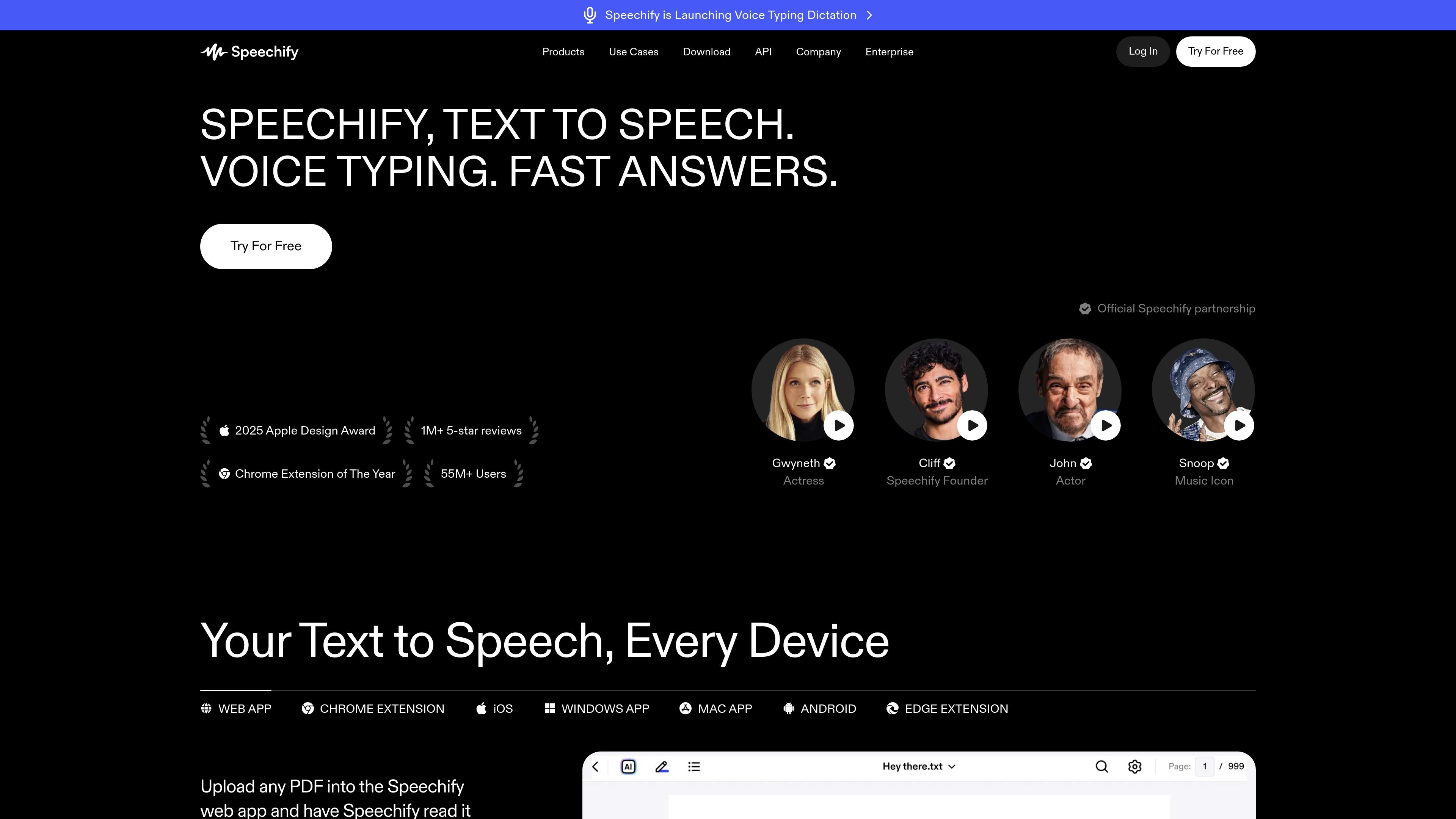
Text-to-speech reading
Read PDFs, documents, books, and web pages aloud using selectable AI voices, with playback speed controls.

Speechify reads documents and web content aloud, with voice typing and AI tools across devices.
Speechify is a voice-based reading and productivity assistant for listening to text, dictating writing, and interacting with documents. It converts PDFs, documents, web pages, and other text into spoken audio, with adjustable playback speed and voice options. Depending on the app or extension, users can also ask questions about content, generate summaries or podcasts, take notes, and dictate text. Speechify is offered across web, browser extensions, and desktop and mobile apps.
Read PDFs, documents, books, and web pages aloud using selectable AI voices, with playback speed controls.
Follow highlighted text while listening, or use the mobile app to capture a photo of printed material and have it read aloud.
Dictate text into apps on Windows and Mac, and use voice typing through the Chrome extension.
Ask questions about reading material and generate summaries to review key information.
Create podcasts from a document or a short description, with controls for style and depth.
Use the meeting assistant to produce summaries and answer questions about a call, or use voice tools to take notes and work across documents.
Listen to PDFs, work documents, or web pages while reading along, and use summaries or questions to revisit important material.
Turn readings into audio, use summaries and quizzes to review, or create voice notes while preparing for exams.
Dictate emails, messages, and other text in desktop apps or through the browser extension instead of typing.
Photograph a page in the mobile app and listen to the captured text when reading from a screen is inconvenient.
Create a podcast from a document or a brief description, then adjust its style and depth.
The site describes listening to books, PDFs, documents, web pages, and text in a browser. The mobile app also supports scanning a photo of a page for read-aloud.
Speechify lists a web app, Chrome and Edge extensions, and apps for iOS, Android, Windows, and Mac.
Yes. Its voice-typing tools dictate speech into text, including across apps on Windows and Mac and through the Chrome extension.
Yes. Speechify describes summarizing reading material and creating podcasts from a document or short description. The site also describes meeting summaries and questions about calls.
Os dados de tráfego são apenas para referência.
| mar. | 7359760 |
|---|---|
| abr. | 6901811 |
| mai. | 6684005 |

filegpt.app
Ask questions across documents, media, YouTube videos, and webpages with GPT-powered answers.

thedrive.ai
AI file management for organizing, searching, and working with documents across team drives.

www.nextdocs.io
NextDocs is an AI workspace for creating presentations, documents, and social posts from prompts. It helps individuals and teams generate structured drafts, refine content and layouts, apply brand settings, and export finished work in common document and presentation formats.