
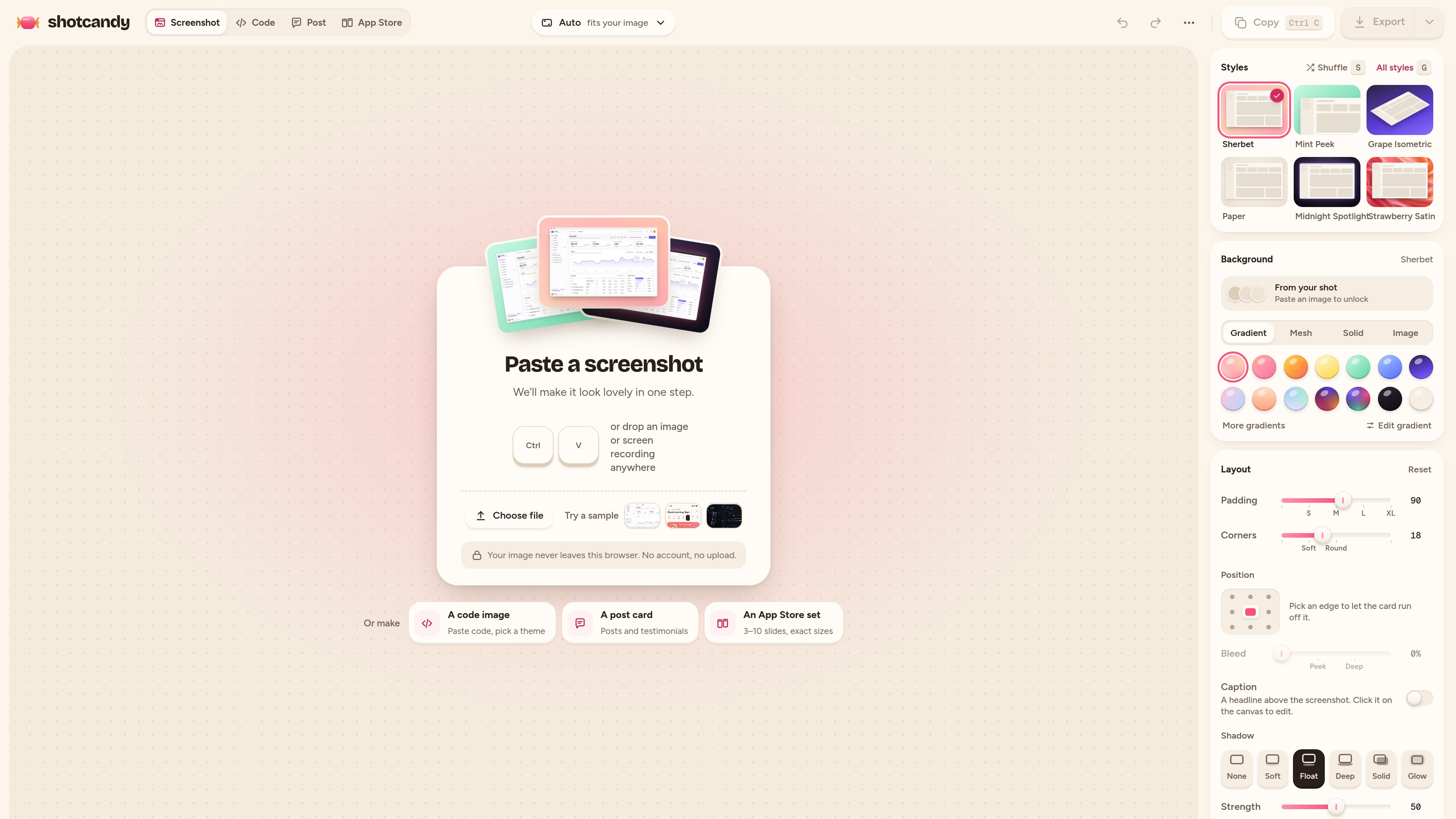
Screenshot styling
Apply gradient or mesh backgrounds, colours drawn from the source image, padding, rounded corners, shadows, and frames to produce a more polished screenshot.

Shotcandy é uma ferramenta gratuita e de código aberto para navegador que transforma capturas de tela, gravações e trechos de código em imagens ou vídeos prontos para compartilhar. Adicione fundos, molduras, ajuste de tamanho e movimento sem enviar arquivos nem criar uma conta.
Shotcandy is a browser-based screenshot and code image editor for preparing visual assets to share online. It can style screenshots and screen recordings with backgrounds, padding, rounded corners, shadows, and optional window or device frames, while dedicated tools create Open Graph images and highlighted code visuals.
The editor accepts pasted or dropped screenshots, files, and—in supported workflows—MP4, MOV, or WebM recordings. Exports include PNG, JPEG, WebP, MP4, and GIF depending on the workflow, with presets for social networks, Open Graph cards, and App Store screenshots. Shotcandy states that processing happens in the browser, with no sign-up, upload, or watermark.
Apply gradient or mesh backgrounds, colours drawn from the source image, padding, rounded corners, shadows, and frames to produce a more polished screenshot.
Export at the screenshot’s own resolution or use sizes for Open Graph, X, LinkedIn, Instagram, and App Store assets. The screenshot beautifier supports 1× to 4× output, and the Open Graph tool provides a 1200 × 630 canvas.
Drop in an MP4, MOV, or WebM recording, trim it, choose whether to retain sound, and export it as MP4, WebM, or GIF in the browser.
Paste code into a styled window with syntax highlighting, automatic language detection or selection from 26 languages, eight themes, optional file names and line numbers, and configurable highlighted lines.
Build a link-preview image from a screenshot on an exact 1200 × 630 canvas, then download a PNG or JPEG at the selected scale.
Paste with a keyboard shortcut, drop a file, or choose a file, then edit and export without an account. The product says screenshots and code stay on the device.
Turn an application screenshot into a framed, styled image for a launch post, documentation page, slide deck, or other shareable material.
Create a 1200 × 630 Open Graph image from a webpage screenshot for use with page metadata and link cards on services such as Facebook, LinkedIn, Slack, and X.
Convert a code snippet into a themed image with syntax highlighting, line numbers, or selected lines emphasized for easier reading in an article or post.
Use the available App Store screenshot sizing options to prepare a set of 3–10 slides from product screenshots.
Import a screen recording, trim it, decide whether to keep its audio, and export a shareable MP4, WebM, or GIF.
No. The product states that editing, highlighting, and rendering happen in the browser and that screenshots and code stay on the device. It also says there is no server and no account requirement.
Depending on the tool, Shotcandy exports PNG, JPEG, and WebP images, plus MP4, WebM, or GIF for supported motion workflows. The Open Graph maker exports PNG or JPEG, and documented screenshot and code workflows support output up to 4×.
Yes. The screenshot beautifier page lists MP4, MOV, and WebM inputs. Recordings can be trimmed, audio can be kept or removed, and the result can be exported as MP4, WebM, or GIF.
Shotcandy lists 26 choices, including TypeScript, TSX, JavaScript, JSX, Python, Rust, Go, Java, Kotlin, Swift, C, C++, C#, PHP, Ruby, HTML, CSS, JSON, YAML, TOML, Markdown, SQL, Shell, Dockerfile, GraphQL, and diffs. Language detection can select one automatically.
The Open Graph tool uses a 1200 × 630 pixel canvas, the 1.91:1 size described for link previews. It also notes that dedicated 1200 × 628 presets are available for X and LinkedIn post images.
Os dados de tráfego são apenas para referência.

www.motionly.site
Motionly é um editor de motion graphics de código aberto e nativo de AI que transforma prompts e recursos em projetos de animação editáveis. Oferece um fluxo de trabalho local com edição em canvas e linha do tempo, arquivos-fonte .motion legíveis e exportação local para MP4.

animaapp.com
Plataforma de IA orientada a design que transforma arquivos Figma, URLs, prompts e clones de sites em apps e código prontos para produção, com integração de API e SDK.

pencil.dev
Pencil é uma ferramenta de design com assistência de IA para criar interfaces dentro do IDE e da base de código. Designers e desenvolvedores podem criar, iterar e gerenciar arquivos de design junto com o código, sem trocar de ferramenta.

gaoding.com
稿定设计 é uma plataforma de design online para criar rapidamente cartazes, PPTs, páginas H5, imagens e vídeos com modelos, recursos e ferramentas de IA.

runable.com
Runable é um agente geral de IA para criar sites, apresentações, vídeos, relatórios, imagens e mais em um único fluxo de trabalho, com planos pagos, uso baseado em créditos e vários modelos de IA.

canva.cn
Canva é uma ferramenta de design visual baseada na web para criar e compartilhar materiais digitais e impressos com edição de arrastar e soltar, modelos e recursos com assistência de IA. Ela oferece suporte a fluxos de trabalho individuais, de equipes e empresariais para apresentações, publicações em redes sociais, logotipos, cartazes e muito mais.