
Project and repository access
Open a folder containing an existing web project or clone a repository from a Git URL. The Explorer, quick-open, and project search tools support navigation across the codebase.

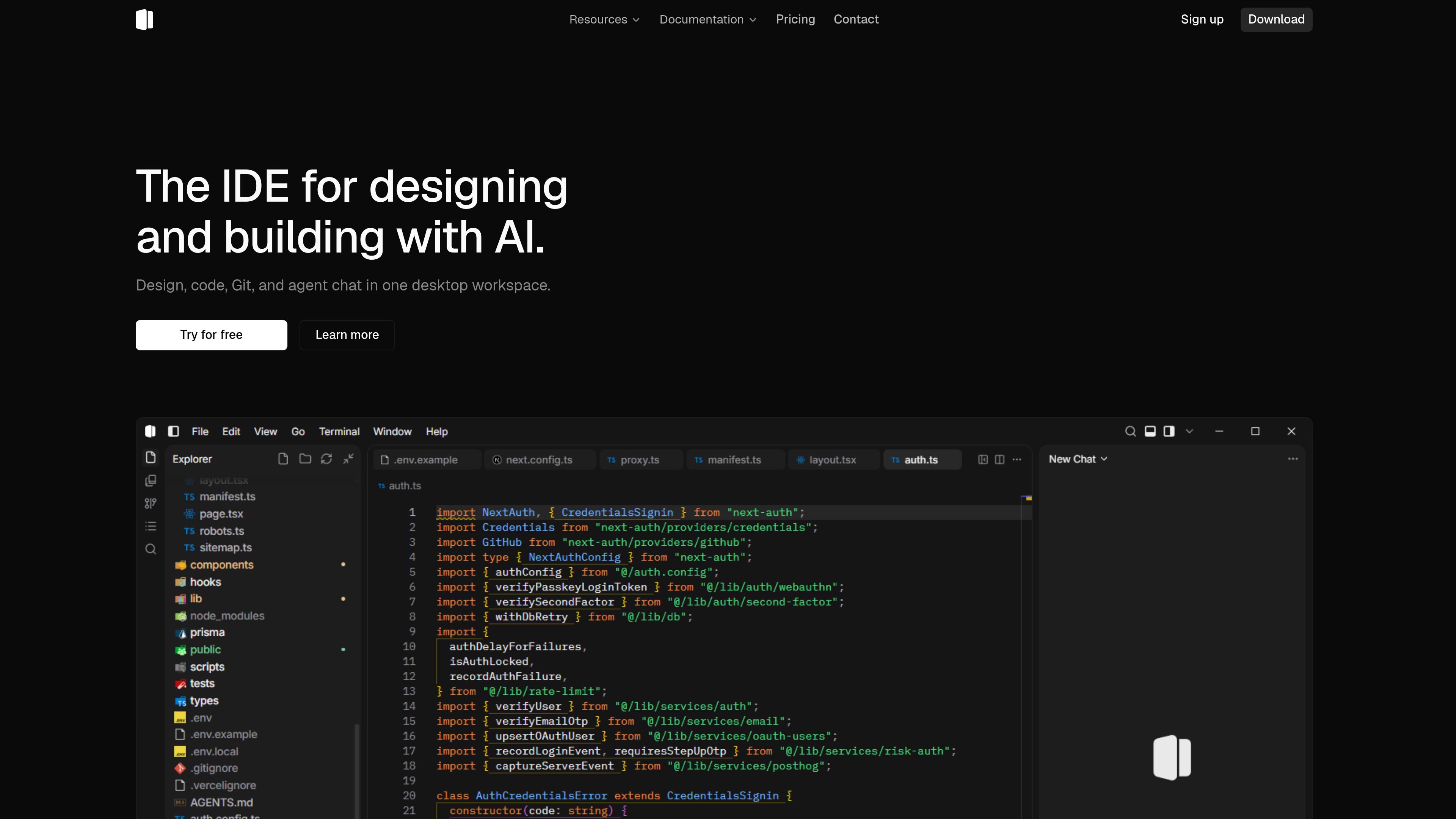
Shape is a desktop IDE that combines code editing, local project workflows, visual design inspection, Git tools, and AI chat for designers and programmers.
Shape is a desktop IDE for working on web projects with code, visual design, local development, Git, and AI assistance in one workbench. Users can open an existing folder or clone a repository, inspect project files, install dependencies, run package scripts, and preview a local application in an integrated Browser tab.
Its core purpose is to let designers and programmers move between source files, a running local page, project diagnostics, version-control changes, and AI-assisted editing without changing development environments. The documented workflow is local-first: projects run through the user's package manager and development server, while the IDE provides the editing, preview, design inspection, and chat surfaces.
Open a folder containing an existing web project or clone a repository from a Git URL. The Explorer, quick-open, and project search tools support navigation across the codebase.
Install dependencies with npm, pnpm, yarn, or bun, then run project scripts from the terminal or the titlebar Scripts menu. A local development server can expose the app for preview.
Open a local URL in the integrated Browser tab and use design mode to inspect the live page. Palette and design controls can be used to apply layout or color changes to source.
Ask mode provides read-only answers about the open project. In Code mode, the agent can search, edit, and run checks; users can attach files, folders, the codebase, or a selection and review edits with Keep or Undo.
Edit and save project files with familiar navigation and search commands, then inspect TypeScript or ESLint reports in the Problems panel. The quick start also documents format-on-save and editor configuration.
Stage individual hunks from a diff tab and use Git Manager for pull requests and checks, keeping common repository tasks alongside editing and preview.
Open a folder or cloned repository, install its dependencies, start the development script, and make a small source change while viewing the result in the Browser tab.
Use Ask mode to ask what an entry file or another part of the project does, receiving an answer without applying changes. This is suited to understanding unfamiliar code before making a change.
Run the project locally, open its local URL in the Browser, and use design mode to inspect the rendered page and apply supported layout or color changes to the underlying source.
Use Code mode to search the project, make edits, and run checks in one conversation, then review proposed changes with Keep or Undo before retaining them.
Use the editor and diagnostics while developing, then stage selected diff hunks and access Git Manager for pull requests and checks.
Shape is a desktop IDE for designers and programmers. It combines code editing, local development, visual design inspection, Git tools, and AI chat.
From the welcome screen, choose Open Project or File → Open Folder and select a folder containing the project. You can also choose Clone Repository, paste a Git URL, and select a parent folder.
Yes. Open the terminal, install dependencies with the package manager expected by the project, and run a script such as npm run dev. Enter the resulting local URL in Shape's Browser tab.
Yes. In Code mode, the agent can search, edit, and run checks in the same thread. Proposed edits can be reviewed with Keep or Undo. Ask mode is read-only and does not apply edits.
The pricing page lists Free, Plus, Pro, and Max plans. Free includes the Auto model, a monthly Auto token pool, and a local-first desktop editor; paid plans list monthly credits, access to all models, and additional plan-specific benefits.
Os dados de tráfego são apenas para referência.
