
Flexible note capture
Create notes by writing in Chrome, recording voice notes, or importing and uploading material, including files such as PDFs.

An AI personal assistant for ADHD-friendly note search, task planning, email, and calendar workflows.
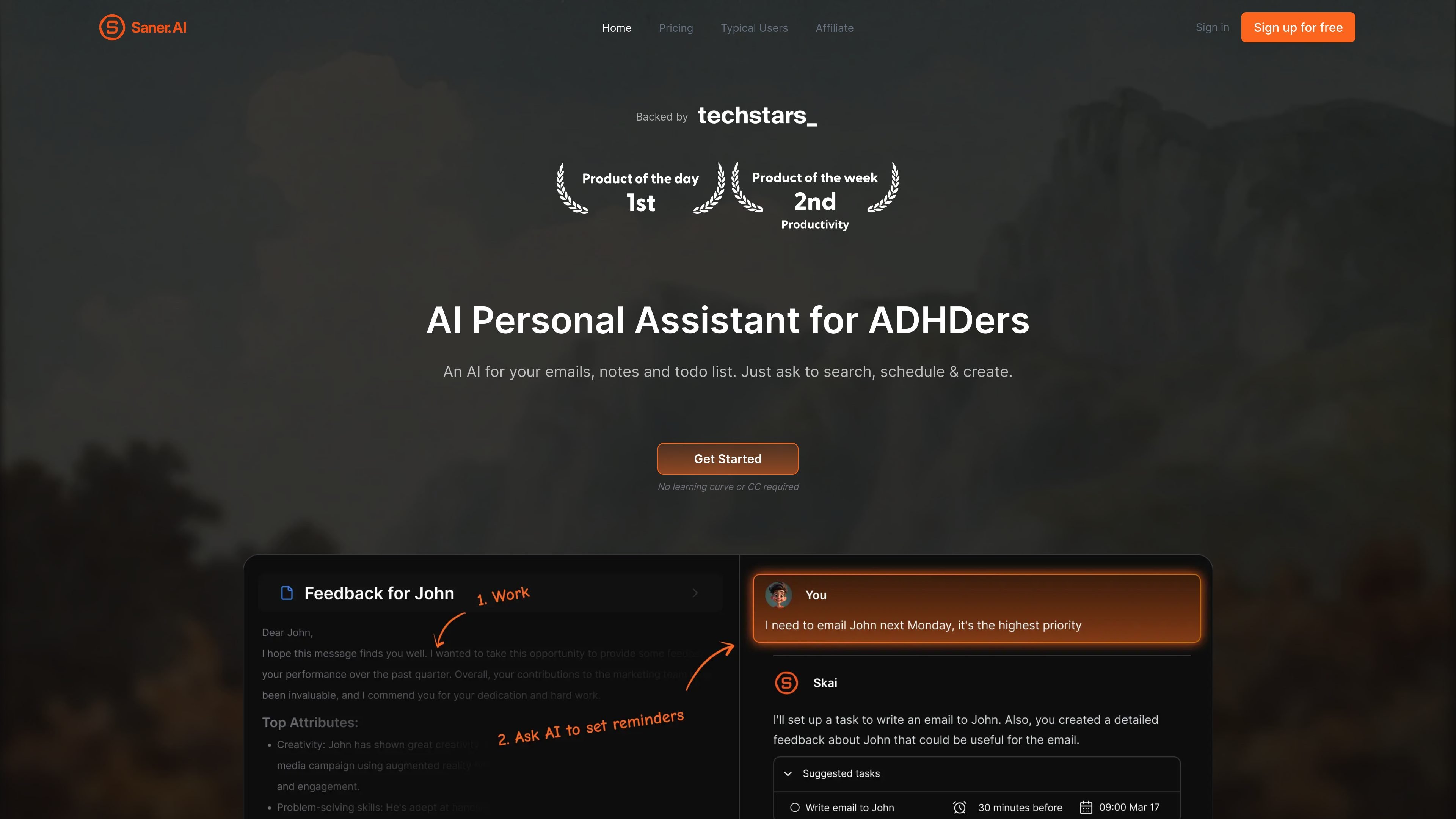
Saner.AI is an AI personal assistant and information workspace designed with ADHD-friendly workflows in mind. It brings notes, files, email, calendars, and tasks into one place, where users can capture information and ask Skai to find, connect, and organize it. Its core purpose is to reduce the effort of keeping track of scattered information and turning it into useful next steps. The company says the product was built by people with ADHD, while also stating that it can be used by people without ADHD.
Create notes by writing in Chrome, recording voice notes, or importing and uploading material, including files such as PDFs.
Ask questions to locate specific notes and information across notes and files, including when you do not remember the exact wording.
Saner.AI can suggest tags and folders based on note content and prior tags, and surface related notes to help connect saved material.
Use chat to turn brain dumps and email-related items into tasks, then prioritize and schedule tasks. A timeline view displays tasks in a calendar-style layout.
The product lists synchronization with Google Drive, email, Slack, and Calendar, allowing information from those sources to be brought into the workspace.
Search the internet alongside personal notes and files, and use AI to help write without switching away from working documents.
Ask for a detail, topic, or connection across accumulated notes and files instead of relying on exact titles or remembering where something was saved.
Bring together follow-ups from email, Slack, or meeting notes, then use Skai to organize, prioritize, and schedule the resulting tasks.
Record a voice note or quickly write a note in Chrome, then use suggested organization to make the information easier to revisit.
Collect documents and ideas, search them alongside online information, and use AI writing support to synthesize or draft from that material.
No. The company describes it as ADHD-friendly and says people without ADHD can also use it.
The pricing page lists Google Drive, email, Slack, and Calendar synchronization.
The product lists access to external models such as GPT, Claude, and Gemini. Their usage is not included in Saner.AI plan message limits; users pay separately or provide their own API key.
Yes. The pricing page lists a free plan, as well as paid Starter and Standard plans. Plan limits and prices depend on the selected billing terms.
Os dados de tráfego são apenas para referência.

beforesunset.ai
AI task planning with calendar context and a workspace for focused work.

grimoai.com
Grimo AI is an iOS productivity assistant that turns plain-language requests into tasks, calendar events, and notes. It also supports chat and voice interactions for organizing plans, reminders, and daily schedules.

worklifepanda.com
Work Life Panda combines tasks, calendars, notes, files, and item-level conversations in one workspace for personal life, families, groups, and small teams. Its on-device AI turns typed or spoken instructions into tasks while connected calendars and email invitations help keep schedules current.