
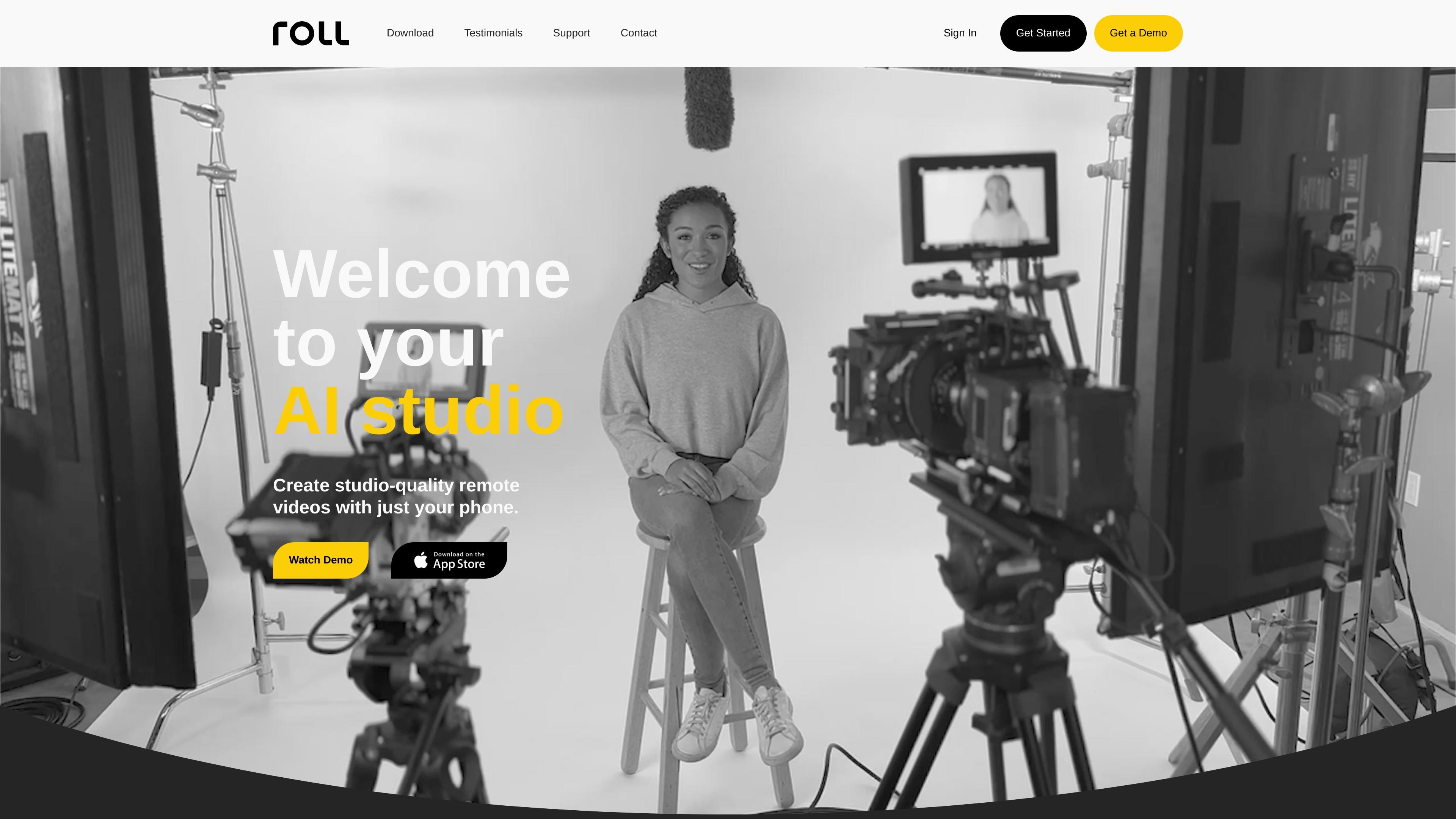
Remote video capture
Capture studio-quality remote video calls from a phone, with the product positioned as a mobile-first alternative to traditional production gear.

Plataforma de produção de vídeo com IA para criar vídeos remotos com qualidade de estúdio pelo celular.
Roll is an AI video production platform for creating studio-quality remote videos from a phone. It combines capture, effects, editing, and publishing in one workflow aimed at creators and teams that want a lighter setup than a traditional studio.
The home page emphasizes remote interviews, fireside chats, customer testimonials, podcasts, webinars, and virtual conferences. The pricing page shows a free trial plus Creator, Pro, and Enterprise plans, with higher tiers adding more recording time, additional editors, and account management features.
Capture studio-quality remote video calls from a phone, with the product positioned as a mobile-first alternative to traditional production gear.
Use automatic lighting detection and body sensing to help frame and light subjects without manual setup.
Create tight and wide camera shots from a single phone and produce cinematic-looking footage with bokeh.
Apply AI-generated edits and export publishable high-resolution cuts with less manual editing work.
Add VFX camera effects, remove the watermark on paid plans, and live stream from the platform.
Manage teams with features such as admin management, centralized billing, and support for additional editors or collaborators on higher tiers.
Record polished remote interviews without shipping camera gear or building a studio setup, using the phone-based capture flow and AI-assisted framing.
Produce founder updates, customer testimonials, and similar short-form business videos where a consistent visual look matters.
Create episodic content such as podcasts, webinars, and virtual conferences with built-in remote capture and post-production tools.
Coordinate multi-person workflows on higher plans with additional editors, centralized billing, admin management, and dedicated support.
Start with the free trial to test the full product before committing to a paid subscription.
The pricing page says the free trial includes two hours of recording time with the full version of Roll, so you can try the platform before choosing a plan.
Recording hours reset every month and unused hours do not roll over. The pricing page also says you can record calls up to your plan limit and use post-production actions on those calls, including source files and AI-processed files such as auto-edits and VFX exports.
Roll appears to be built around remote video capture and post-production. The home page highlights studio-quality remote video calls, AI edits, special effects, and publishing, while the pricing page lists features such as Multicam Capture, Lighting Detection, Cinematic Bokeh, Autoedits, VFX Camera Effects, Remove watermark, and Live Streaming.
The contact page supports direct sales or support inquiries through a form, and it also lists hello@roll.ai as an email contact.
Os dados de tráfego são apenas para referência.

tellers.ai
Plataforma de edição de vídeo e storytelling com IA para transformar roteiros, gravações e podcasts em vídeos

dreamcut.ai
Editor de vídeo e gravador de ecrã com IA para Mac, ideal para criar tutoriais, demonstrações e vídeos partilháveis.

re.video
Framework TypeScript de código aberto para criar e editar vídeos por programação, com renderização headless e suporte a áudio.

clipgoat.com
Editor e publicador de vídeos com IA para criar vídeos curtos a partir de YouTube, Reddit e histórias

podfyai.com
Ferramenta de vídeo com IA no navegador para criar vídeos curtos com texto, áudio e música.

openmotion.design
OpenMotion é uma ferramenta de motion design orientada por prompts para criar cenas editáveis, vídeos de lançamento, vídeos explicativos e clipes para redes sociais. Combina planejamento de cenas com IA, canvas, linha do tempo e controles de som, e permite exportar para vídeo, WebM com transparência e HTML independente.