
Handwriting and markup removal
Remove handwritten text, notes, annotations, pen strokes, underlines, highlights, and scribbles from images, PDFs, and scanned documents while keeping printed content and layout intact where possible.

Ferramenta de IA para remover escrita de imagens, PDFs e digitalizações
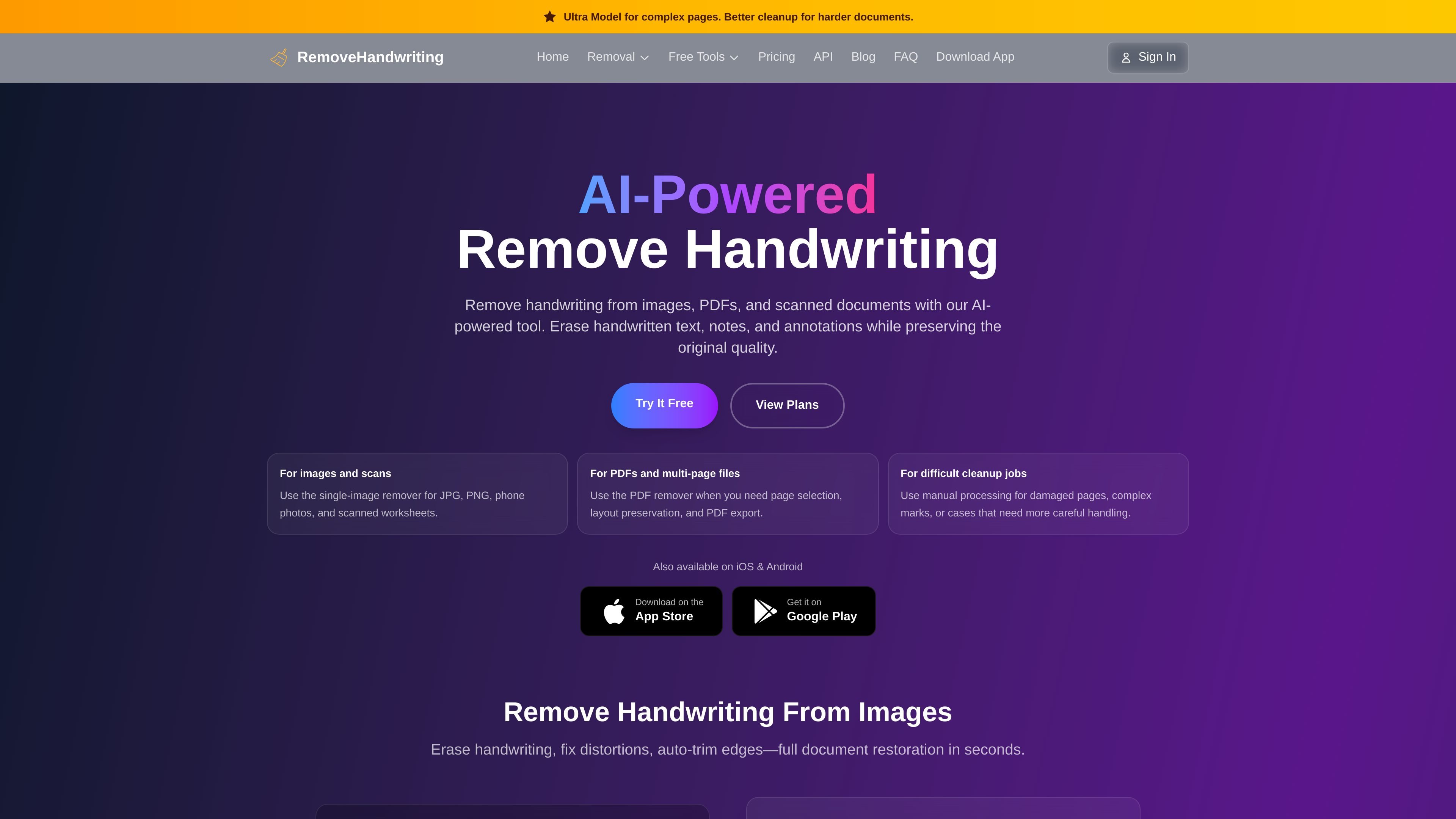
Remove Handwriting is an AI-powered document cleanup tool for removing handwriting from images, PDFs, and scanned files. It is designed to erase handwritten notes, annotations, marks, and scribbles while preserving the printed content, tables, diagrams, and page layout as much as possible.
The product supports image cleanup, PDF page selection, and manual processing for harder files. It works in the browser and on iOS and Android, and the pricing page shows both subscription plans and lifetime credit packs for different usage patterns.
Remove handwritten text, notes, annotations, pen strokes, underlines, highlights, and scribbles from images, PDFs, and scanned documents while keeping printed content and layout intact where possible.
Process a single image, multiple images, or a PDF from the web app, with bulk processing available for multiple image uploads.
Preview PDF pages before processing and choose only the pages that need cleanup instead of running every page through the same workflow.
Use Standard, Color, or Ultra models depending on whether the job needs fast scan-style cleanup, original color preservation, or deeper removal for harder scans.
Access manual processing for damaged pages, complex marks, or files that need more careful handling than automated cleanup alone.
Use the service in a browser or on iOS and Android, with web and app credits shared across the same account.
Clean marked-up worksheets, test papers, and practice sheets so students and teachers can reuse the original printed material without retyping it.
Remove handwritten notes, revision marks, and highlights from lecture slides or study scans to create a fresh copy for repeated review.
Process office PDFs, contracts, and forms that contain handwritten annotations so teams can share a cleaner version for recordkeeping or review.
Restore scanned archives, damaged pages, or folded documents by combining handwriting removal with layout cleanup and the manual-processing fallback when needed.
Select only the pages that need changes in a long PDF packet, which is useful when handwriting appears on only part of the document.
You upload a JPG, JPEG, PNG, or PDF, choose the relevant remover, and the AI processes the file to remove handwriting while preserving the printed document as much as possible. For PDFs, you can preview pages and select which ones to clean before downloading the result.
The site shows image, PDF, and manual-processing workflows. The PDF page supports PDF uploads up to 50 MB and up to 50 pages, with page selection before processing. The home page also says bulk processing is available for multiple images.
The pricing page shows subscription plans and lifetime credit packs. It also says credits can be used across the website and mobile app, with options for Standard, Color, Ultra, and expert manual processing.
The product is available on the web and on iOS and Android. The pricing page also says one account works across web and app, and the home page links to the App Store and Google Play.
The PDF page says it is not OCR, a PDF text editor, an e-signature tool, or a full document editor. It is designed for handwriting removal and document cleanup rather than general PDF editing.
Os dados de tráfego são apenas para referência.
| mar. | 16891 |
|---|---|
| abr. | 26825 |
| mai. | 28691 |

watermarkremover.io
Ferramenta de IA no navegador para remover marcas d’água de imagens, PDFs e vídeos

aiart.chuangkit.com
创客贴 AI é uma plataforma de design com IA para remover fundos e marcas-d’água, melhorar imagens e gerar LOGO, cartazes e imagens.

picwish.com
Editor de fotos com IA para remover fundos, aprimorar imagens e criar designs online.

dzine.ai
Dzine é uma ferramenta web de AI para imagens e design que permite gerar, editar e exportar elementos visuais, além de oferecer fluxos de trabalho de vídeo com AI. Foi criada para quem busca um controle mais direto sobre composição, estilo e edições com prompts do que a geração apenas por texto costuma permitir.

beautyplus.com
Editor de fotos com IA para melhorar imagens, remover fundos, apagar objetos e criar conteúdo visual

snapedit.app
Editor de fotos com IA para remover objetos e fundos, aprimorar imagens e retocar fotos na web e no celular.