
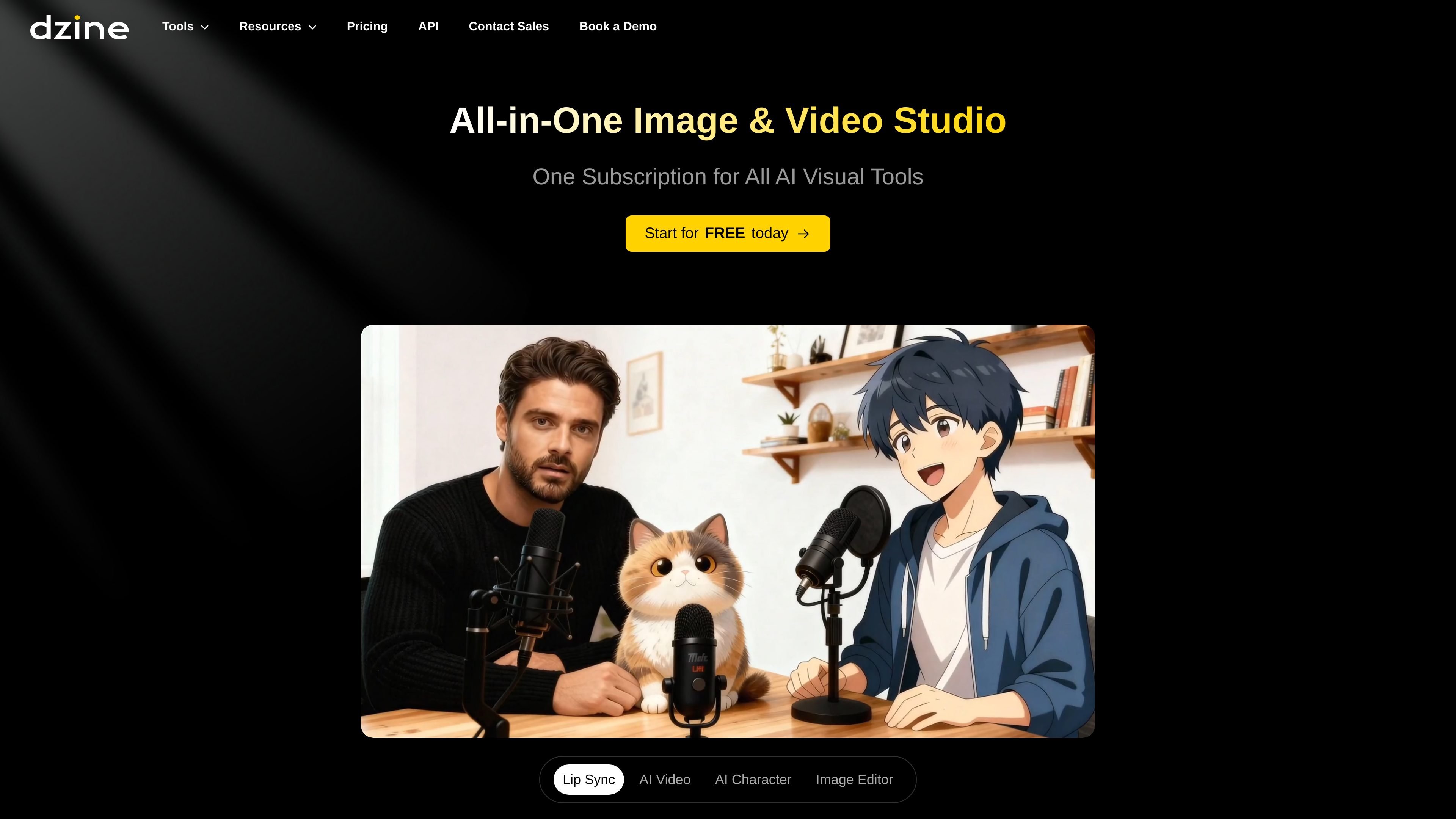
All-in-one image and video workflow
Create and edit AI-generated visuals in one environment rather than switching between separate tools. The site presents Dzine as an all-in-one image and video studio.

Dzine é uma ferramenta web de AI para imagens e design que permite gerar, editar e exportar elementos visuais, além de oferecer fluxos de trabalho de vídeo com AI. Foi criada para quem busca um controle mais direto sobre composição, estilo e edições com prompts do que a geração apenas por texto costuma permitir.
Dzine is an online AI image and design platform that combines image generation, image editing, and video creation in one workspace. The site describes it as a controllable tool for visual creation, with a focus on giving users direct control over composition, style, and edits.
The homepage and tool pages emphasize hands-on workflows: drag-and-drop composition, layer-based editing, prompt-assisted adjustments, auto-selection for cutting objects into layers, and AI enhancement for cleanup. Dzine also includes video features such as text-to-video, image-to-video, and AI talking/avatar-style generators, so it can support both static visuals and short-form motion content.
Create and edit AI-generated visuals in one environment rather than switching between separate tools. The site presents Dzine as an all-in-one image and video studio.
Use layer-based composition, drag-and-drop positioning, and sketching tools to control layout and object placement more directly than prompt-only generation.
Apply predefined styles and generate materials into a new style while preserving composition structure, which reduces the need for complex style prompts.
Use the AI Image Editor and Chat Editor to change colors, swap backgrounds, adjust lighting, reshape poses, remove objects, and edit images by prompt.
Improve output quality with the site’s Enhance tools, which are described as helping fix artifacts and improve clarity, including common face and hand issues.
Export finished work in PNG or JPG at up to 6144 × 6144 pixels, with 2x, 3x, and 4x resolution options mentioned on the homepage.
Use Dzine to build social graphics, promotional visuals, and ad creatives, especially when you want to adjust layout, style, or background without starting from a blank canvas.
Edit product photos by removing backgrounds, refining lighting, and applying prompt-driven changes for ecommerce listings or campaign assets.
Retouch portraits by changing hairstyles, smoothing details, or swapping backgrounds for personal profiles, creator assets, or commercial portrait work.
Create illustrated scenes, posters, or digital art by blending images, adding text, and applying custom styles through the image editor and style tools.
Turn text, images, or storyboards into video content using the AI video generator, talking avatar tools, or image-to-video workflows.
Dzine is an AI image and design tool that supports image generation, image editing, and AI video creation from text or images.
The source shows both a free start flow and paid pricing plans, including Beginner, Creator, Master, and Master Pro tiers.
Dzine’s image editor supports prompt-based edits such as removing objects, changing backgrounds, adjusting lighting, reshaping poses, and applying filters.
The pricing page shows commercial use and private generation on paid plans, while higher tiers add more storage, more concurrent jobs, and larger asset libraries.
Yes. The site lists both image and video tools, including AI image generation, AI image editing, AI video generation, and related editing tools.
Os dados de tráfego são apenas para referência.

app.reve.com
Reve é um produto de geração e edição de imagens que combina edições em linguagem natural com um editor de arrastar e soltar, oferecendo mais controle sobre composição, layout e saída em alta resolução do que ferramentas baseadas apenas em prompts.

diffus.me
Diffus é uma plataforma de geração e edição de imagens com IA no navegador, com controle sobre composição, modelos e fluxos de trabalho.

fluxai.art
Ferramenta web de geração e edição de imagens com IA, texto para imagem, imagem para imagem e edição por prompts.

ai-image-editor.io
Ferramenta de IA no navegador para editar, gerar e criar variações visuais por prompts

aiease.ai
AI Ease é uma plataforma de IA baseada no navegador para criar imagens e vídeos, aprimorar fotos e gerar conteúdos visuais a partir de texto, imagens ou efeitos. Vários recursos são gratuitos, com planos pagos para funcionalidades adicionais.

photoeditorai.io
Editor de fotos com IA no navegador para editar e gerar imagens por prompts, com planos gratuito, de créditos e empresarial.